How to Make Money Restoring Old Photos With Topaz Photo AI
Category: Monetization Guide
Reviewed by the aifreetool Editorial Team — a group of full-time AI-tool researchers and writers who verify every product claim against primary sources and independent testing.
Last updated August 12, 2026.
We keep no affiliate relationship with the products covered here and earn nothing if you click through. Where a claim could not be verified, we say so.
Restoring old photos is one of the few AI side businesses with a buyer who is emotionally committed before you quote, and Topaz Photo AI is the tool that makes the work fast enough to be profitable. Expect $20 to $60 per restored image, $150 to $400 for a family album batch, and $500 to $1,800 a month running it part-time. The software is a $199 one-time purchase, so you make money on roughly the tenth photo and every one after that is margin.
What Topaz Photo AI Does, and What It Does Not
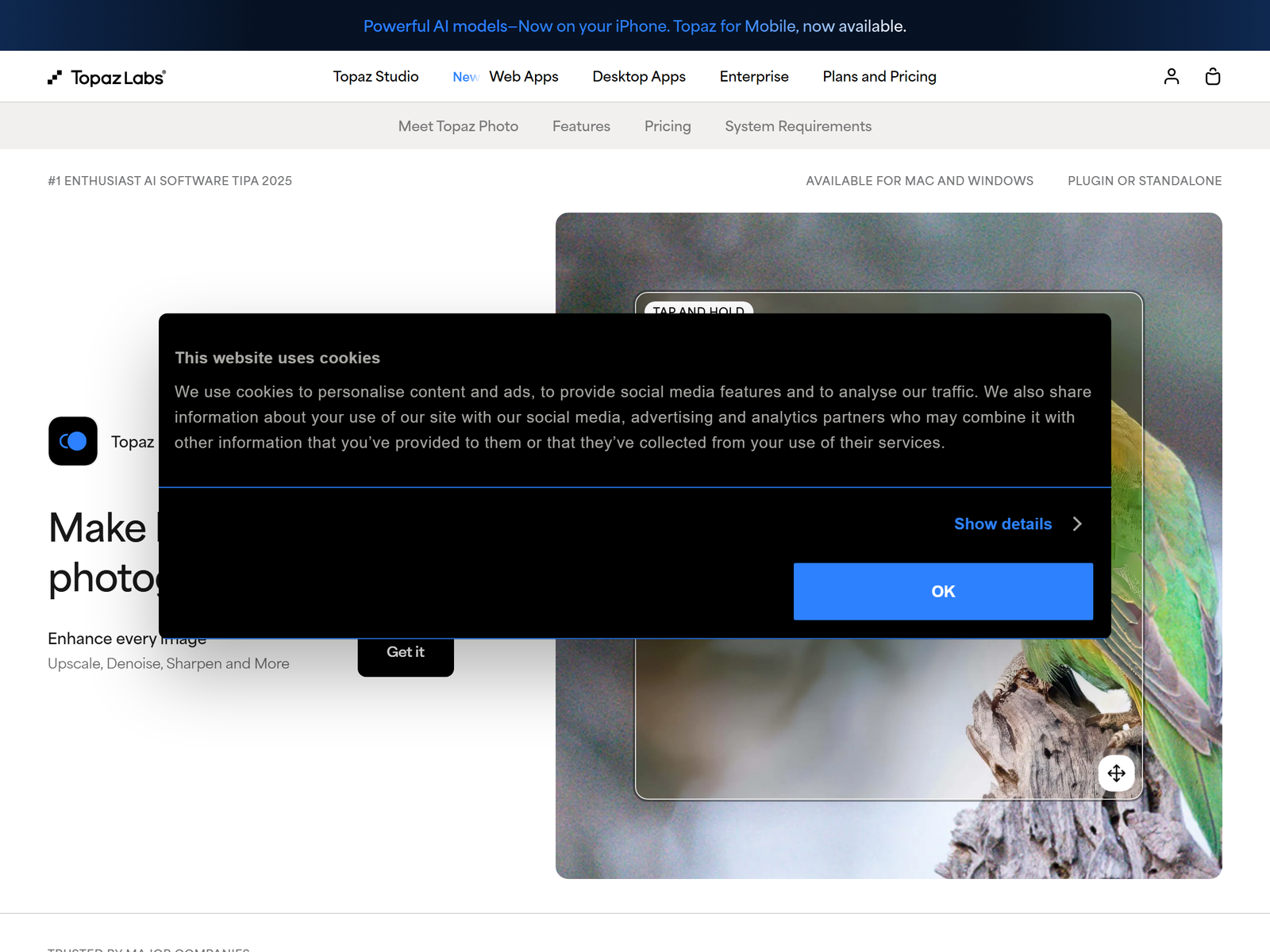
Topaz Photo AI is a desktop application for Windows and macOS that runs three model families in one workflow: denoising, sharpening and upscaling. Autopilot inspects each file, decides which combination it needs, and applies it. Face Recovery rebuilds facial detail in low-resolution or distant subjects, which is the single most valuable model for restoration work — a great-grandfather's face at 400 pixels wide is exactly the problem clients bring you.
Processing happens locally on your GPU. No upload, no per-image cloud fee, no privacy conversation with a client who is handing you their mother's wedding album. Batch mode runs hundreds of files against a saved preset, and plugins hook into Photoshop, Lightroom and Capture One.
Be clear about the limits, because they shape what you can sell. Topaz enhances; it does not generate new content. It will not remove a stain across half a print, rebuild a torn-off corner, or colourise a black-and-white image. Those steps still need Photoshop or a comparable editor. Sell Topaz output as "restored and print-ready", not "repaired".
The Cost Side: One Payment, Then Margin

| Option | Price | What you get | Best for |
|---|---|---|---|
| Free trial | $0 | Full app, watermarked output | Testing before you commit |
| One-time licence | $199 | Perpetual use, 1 year of model updates, 2 computers | Anyone planning to bill clients |
| Update renewal | $99/year | New models after year one, optional | Operators doing steady volume |
| Annual subscription | about $99/year | Always the latest version | Spreading the cost out |
There is a 30-day refund window on standard licences, and Topaz discounts 25 to 40 percent during Black Friday and seasonal sales. If you are starting in October, waiting five weeks saves you $60 to $80.
Compare that to per-image cloud upscalers at $12 to $24 a month for 100 to 300 credits. At 60 restored photos a month, the one-time licence wins inside the first quarter, and it keeps winning because there is no ceiling on volume.
Three Services You Can Sell From the Same Licence
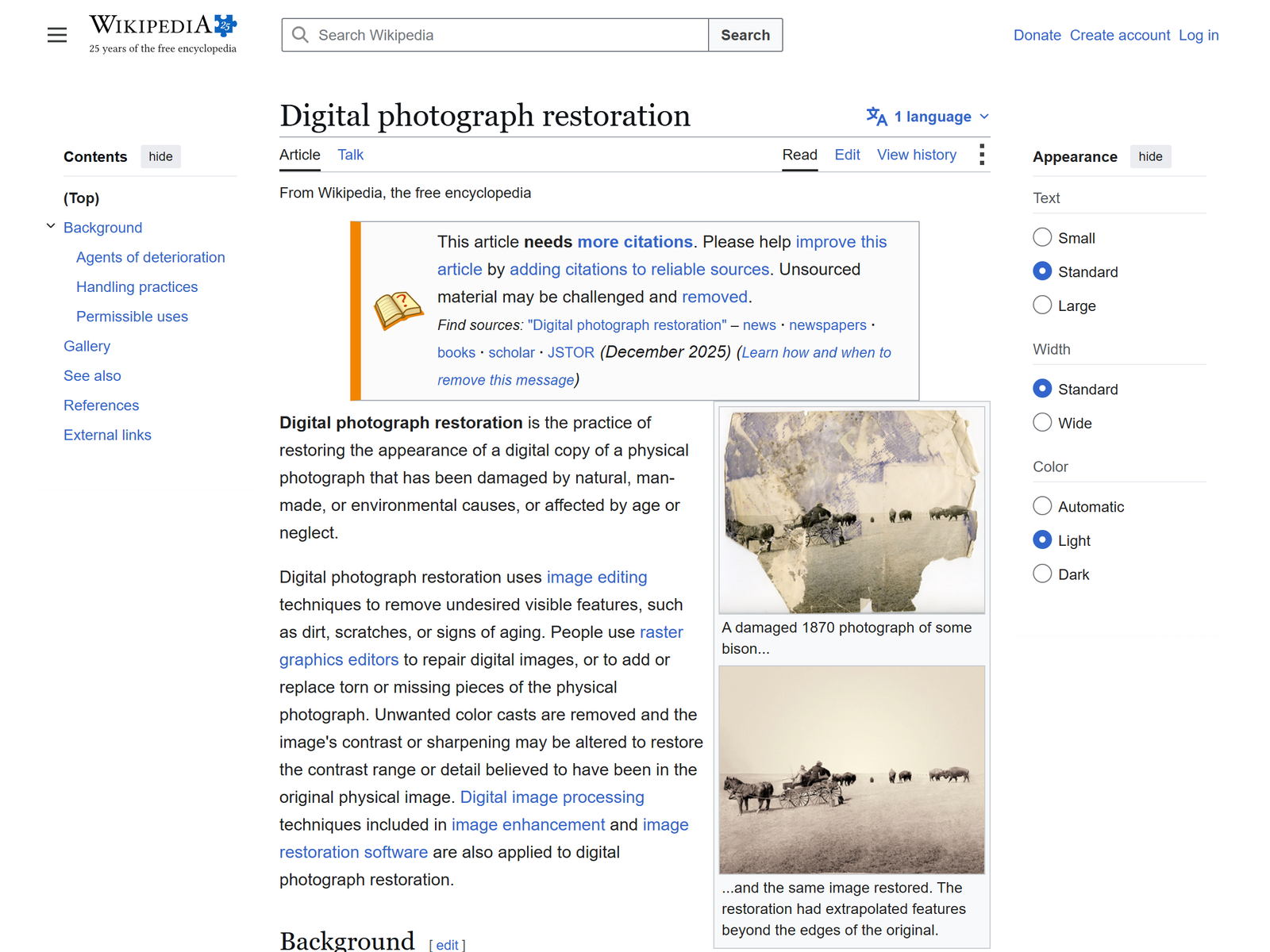
- Family photo restoration. Scanned prints, faded slides, early digital camera files. $20 to $60 per image, $150 to $400 for a 10 to 20 image album package. Peak demand runs from October to December — this is a gift purchase.
- Print-ready enlargement. Photographers and small brands who need a 24x36 inch print from a 12-megapixel file. Upscaling to 6x with real detail is Topaz's strongest card. $15 to $40 per file, or $200 to $500 for a gallery set.
- Batch cleanup for working photographers. Wedding and event shooters hand over 400 high-ISO reception frames. You run a consistent Autopilot preset, spot-check, and return them. $0.35 to $1.00 per image, so a 600-frame job is $210 to $600 for a mostly unattended overnight run.
The third one is the quiet earner. It is unglamorous, it repeats every wedding season, and photographers pay without haggling because their alternative is losing a weekend.
Step-by-Step: From Licence to First Paid Job
- Run the trial on five genuinely bad images. A grainy 1970s print, a blurry phone photo, a scanned slide, a high-ISO indoor shot, a small web JPEG. If the results move you, they will move a client.
- Build a before-and-after set of six pairs. This is your entire portfolio. Use your own family photos so you own the rights outright.
- Pick one channel and go deep. Etsy suits gift-driven restoration listings; Fiverr and Upwork suit the photographer batch work; a local Facebook community group beats both for a first paying customer in week one.
- Price in packages, not per hour. Single photo, 5-photo pack, 20-photo album. Packages raise average order value and cut the back-and-forth.
- Standardise delivery. Return a full-resolution TIFF plus a web-sized JPEG, and state the maximum print size the file supports. That one line prevents most complaints.
- Ask for the review immediately. Restoration customers are emotional at delivery, and that is when a five-star review with a photo attached actually gets written.
Pitfalls That Cost You Money
- Over-processing. Autopilot on full automatic can produce plastic skin. Dial Face Recovery back and check at 100 percent before delivery. A waxy grandmother is a refund.
- Quoting before you see the file. A torn print with missing emulsion needs manual Photoshop work you did not price. Always request the scan first.
- Weak hardware. Topaz is GPU-bound. On an old integrated-graphics laptop a 60-image batch can run for hours, which destroys the economics of per-image pricing.
- Promising colourisation. Topaz does not do it. Say so up front, or subcontract it and mark it up.
- Skipping a source-quality floor. Publish a minimum: no images under roughly 300 pixels on the short edge. Below that, even Face Recovery invents a stranger's face.
Frequently Asked Questions
Is $199 worth it before I have any clients?
Run the free trial first — it processes at full quality and only watermarks the export. Buy the licence when a paying job is booked, not before.
Can I use Topaz output commercially?
Yes. The licence covers commercial work and installs on two machines, so a desktop and a laptop are both covered.
Do I still need Photoshop?
For pure denoise, sharpen and enlargement jobs, no. For tears, stains, missing corners and colourisation, yes — pair Topaz with Photoshop or a free editor for the manual repairs.
How long does one restoration take?
Two to eight minutes of hands-on time per image once you have a preset, plus GPU processing. That is what makes $30 per photo work as a rate.
What about the annual $99 renewal?
Optional. Your version keeps working forever; renewal only buys new models. Skip it in a slow year and renew when the model releases justify it.
My Take: The Bottom Line
Photo restoration is a better first AI business than most because the demand is not a trend. People inherit shoeboxes of prints every year, and the buying decision is emotional rather than price-shopped. Topaz Photo AI is the right engine for it: one payment, local processing, and the strongest denoise and face recovery available in a desktop app.
Who it suits: anyone with a decent GPU, a little patience for detail work, and the willingness to build a before-and-after portfolio before pitching. Who it does not suit: anyone hoping to fully automate it. The output still needs a human eye, and the moment you stop checking at 100 percent the refunds start. For a side-by-side view of the enhancement category, the listing at https://aifreetool.site/tool/topaz-photo/ on aifreetool.site is a reasonable place to start, and the trial is on topazlabs.com.