How to Make Money Optimizing YouTube Thumbnails and Titles With TubeBuddy
Category: Monetization Guide
Reviewed by the aifreetool Editorial Team — a group of full-time AI-tool researchers and writers who verify every product claim against primary sources and independent testing.
Last updated August 12, 2026.
We keep no affiliate relationship with the products covered here and earn nothing if you click through. Where a claim could not be verified, we say so.
You can make money optimizing YouTube thumbnails and titles with TubeBuddy, and two or three retained channels realistically pay $1,000 to $2,600 a month for perhaps twelve hours of work a week. The software costs $15 a month. What you are actually selling is packaging judgement: which of fifteen title variants earns the click, and which thumbnail reads correctly at the size of a postage stamp on a phone.
This is one of the few creator-economy services with a clean measurement story. Click-through rate moves or it does not, and the number sits right there in YouTube Studio. Here is how the offer, the pricing and the licence rules actually work.
What TubeBuddy Does and What It Costs
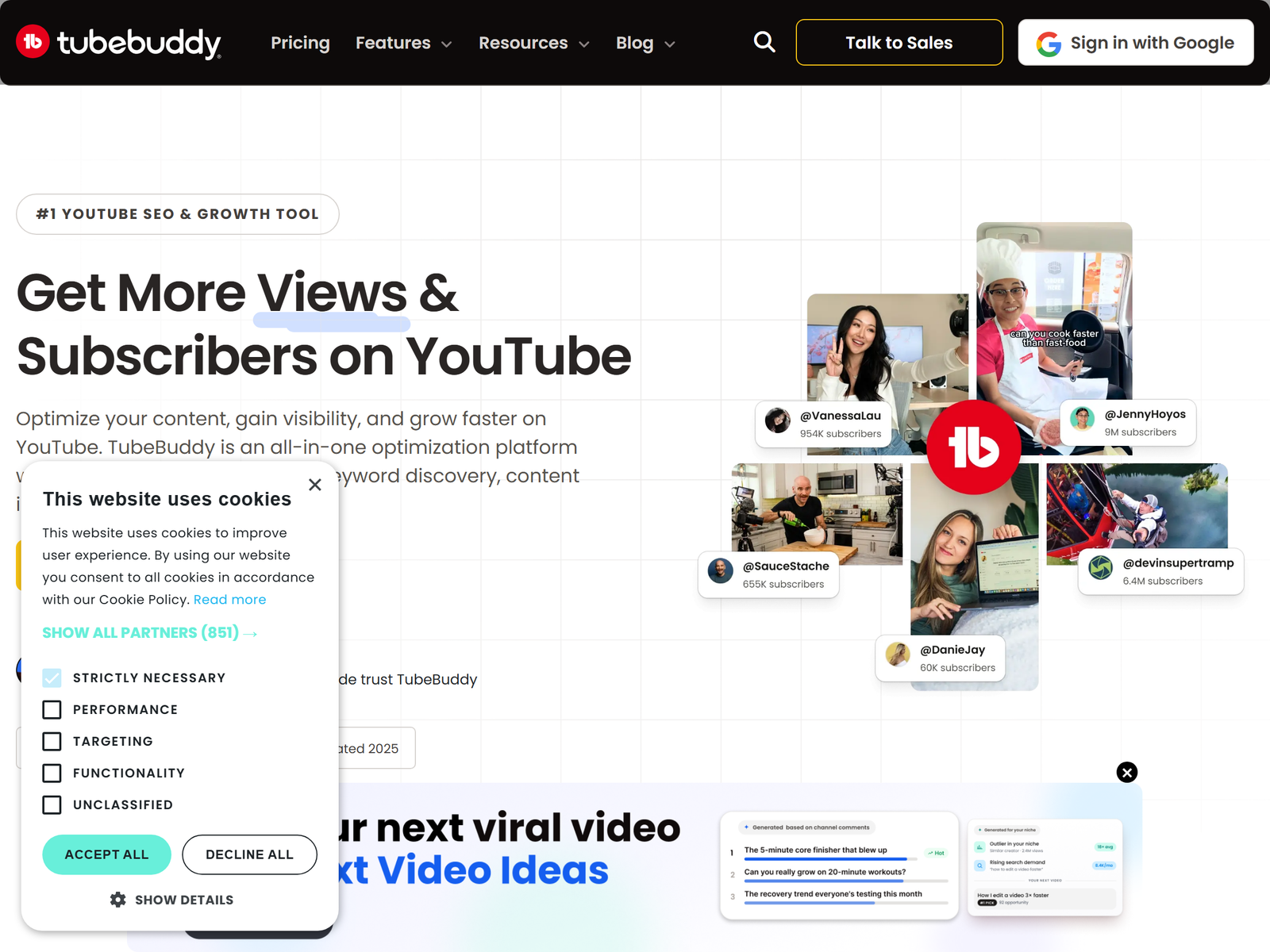
TubeBuddy is a browser extension and mobile app that layers tools directly into YouTube Studio rather than living in a separate dashboard. The parts that matter for paid work are Keyword Explorer with colour-coded competition scoring, SEO Studio for title and tag grading, the Thumbnail Analyzer with its predictive click score, A/B testing of live thumbnails and titles, the Retention Analyzer, Topical Analysis for content planning, and Bulk Processing for updating cards, end screens and descriptions across a back catalogue.
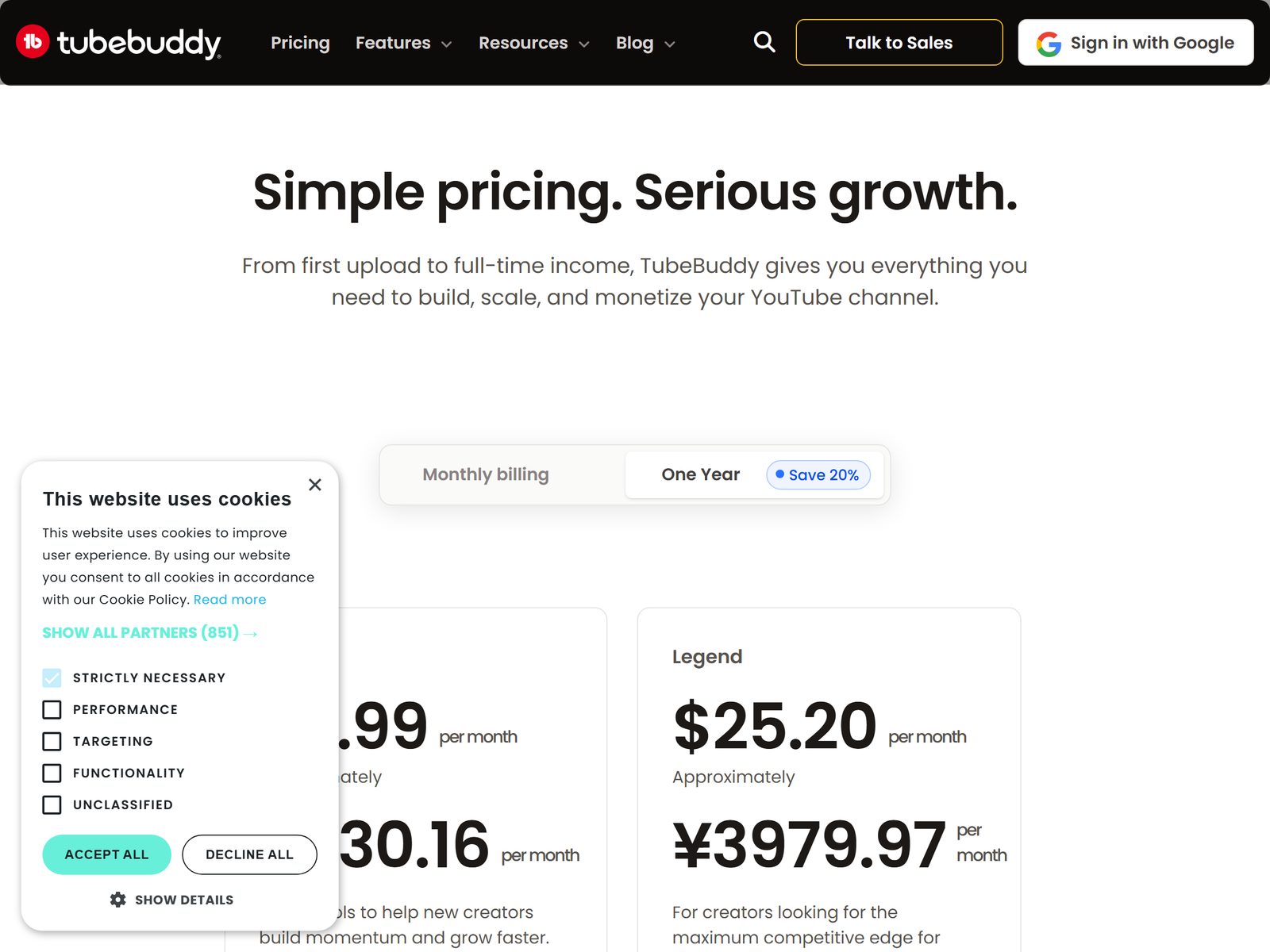
| Plan | Annual price | Monthly billing | Notes |
|---|---|---|---|
| Free | $0 | $0 | Keyword Explorer capped at three results per query |
| Pro | About $3 / month ($32 per year) | Around $5 to $12 | Keyword Explorer, SEO Studio, basic video and thumbnail tools |
| Legend | $15 / month ($144 per year) | About $26 | A/B testing, AI title tools, Retention Analyzer, bulk processing, Topical Analysis |
| Enterprise | Custom | Custom | 3+ channels, unlimited seats, 1:1 training, automated channel reviews |
There is a three-year option at $49 for Pro and $199 for Legend, and channels under 1,000 subscribers can get around 50% off the lower tiers. Now the detail almost every freelancer misses: Pro, Star and Legend are Creator License Packages sold to individual creators only. TubeBuddy explicitly excludes businesses, defined as anyone with multiple channels on TubeBuddy, 50,000 or more subscribers, three or more channel managers, or 50 or more employees. If you manage several client channels you are a business by that definition, so either each client holds their own Legend licence with you added as a channel manager, or you quote Enterprise. Sort this out before you invoice, not after.
The Service You Sell and What It Pays
Sell a packaging audit, not "YouTube SEO". Packaging means the title, the thumbnail, the first 125 characters of the description, chapters and tags, applied to the back catalogue first and then to every new upload. Back catalogue work is the easy win, because a two-year-old video with a bad title is still collecting impressions and costs the creator nothing to fix.
- Back-catalogue audit (20 videos): $400 to $900, delivered in seven to ten days.
- Per-upload packaging: $60 to $150 per video.
- Monthly retainer (eight uploads): $500 to $1,200.
- A/B test management add-on: $200 to $400 a month.
- Thumbnail production: $25 to $60 each, yourself or through a designer you subcontract.
The channels that buy are usually between 10,000 and 200,000 subscribers, publishing weekly, with a creator who is tired of guessing. Faceless channels run by small media operators buy in bulk. So do B2B companies whose marketing team posted 40 webinars and never wrote a decent title for any of them.
Step-by-Step: From Extension Install to First Paid Channel
- Install the extension on your own channel first, even a twenty-video test channel. You need real screenshots for the pitch and real practice with the scoring.
- Learn three screens properly: Keyword Explorer scores, the Thumbnail Analyzer click prediction, and the Retention Analyzer. Ignore the rest until a client asks.
- Build a free five-video teardown for one target channel. Annotate the specific problem in each: text too small, no face, title buried in branding, keyword missing from the first line.
- Send it as a short Loom plus a one-page PDF, then ask for a paid twenty-video audit at $500.
- Run the audit. Titles under 60 characters, keyword inside the first 125 characters of the description, chapters added, thumbnails rebuilt for phone-sized viewing.
- Settle the licence question. Get added as a channel manager on the client's Brand Account under their own Legend plan, or price Enterprise into the quote.
- Launch one A/B test per week and report the click-through delta after 14 days, with a screenshot.
- Convert to a retainer once you have a single credible before-and-after chart. That chart closes the next three deals.
Reporting, Expectations and the Pitfalls
Promise click-through rate and impression movement on the videos you packaged. Do not promise subscribers, watch hours or revenue, because those depend on the content itself and you did not make the content. Setting that boundary in writing is what separates a repeatable service from a refund argument in month two.
A/B tests need volume. Below a few thousand impressions the result is noise dressed as data, so give each test seven to fourteen days and say so up front. Leave high-performing videos alone as well; rewriting the title on a video that already ranks can cost the client an impression stream they were quietly living on. Keyword volume figures from any YouTube tool are estimates, so treat them as a ranking of options rather than a measurement.
Two operational warnings. The extension can slow YouTube Studio on older machines, which matters when you are screen-sharing with a client. And creators regularly report billing friction: annual plans are prepaid, cancelling stops the renewal rather than refunding the remainder, and there is no reliable pre-renewal reminder. Put the date in your calendar the day you subscribe. Never ask for a client's password either. Channel manager permissions through their Brand Account exist for exactly this reason.
FAQ
Do I need the Legend plan to sell this service?
Yes, in practice. A/B testing, the AI title tools and the Retention Analyzer all sit on Legend at $15 a month annually. Pro at roughly $3 a month is fine for learning but too thin to run a paid audit on.
Can I use one licence across several client channels?
No. The Creator License Packages exclude businesses, and managing multiple channels or holding three or more channel manager roles puts you in that bucket. Client-held licences or Enterprise are the compliant routes.
What results should I actually promise?
Click-through rate delta on the specific videos you repackaged, measured over 14 to 30 days. Anything about subscribers or income is a promise you cannot keep.
How is this different from hiring a thumbnail designer?
A designer gives you one image. You give the creator a tested decision, backed by a split test and a retention read, plus the title and description that go with it.
Do I need a big channel of my own?
No, but a small test channel with documented before-and-after numbers shortens the sales conversation dramatically. Borrowed credibility beats a portfolio of pretty pictures.
My Take: The Bottom Line
The software is cheap and everybody can install it, so the tool is not your advantage. The advantage is being able to look at a frame and say what it communicates in under a second, then write fifteen title variants without getting precious about any of them. That skill takes a few hundred reps and no money at all to acquire.
My honest view: this is a strong first service for anyone who already watches a lot of YouTube and has opinions about why they clicked. It is a poor fit for someone who does not use the platform, because the judgement cannot be faked and creators spot it in one call. The tool profile lives at https://aifreetool.site/tool/tubebuddy-next-video-ideas-ai-youtube-topic-generator/ and current plans are on tubebuddy.com. Start with the free tier, build a teardown this week, and charge for the second one.