Speedify VPN Review 2026 - Does Channel Bonding Really Keep You Online?
Category: Most Stable VPN
TL;DR: Speedify is not a conventional privacy VPN, and grading it as one misses the point. It is a channel bonding client from Philadelphia-based Connectify that runs Wi-Fi, cellular, Ethernet and Starlink links at once, then wraps the combined path in AES-256 encryption. If your recurring pain is a video call that dies the moment you leave Wi-Fi range, this is the strongest consumer answer available. Recommended for mobile workers, RV travellers and live streamers, but not as your only privacy tool.
How We Tested Speedify

Our method mixes hands-on use with documentary checks. We installed the client on Windows 11 and Android, paired a laptop with a phone hotspot, and watched a running video call when one link was deliberately pulled. We then cross-read four independent assessments — security.org, vpnmentor, fone.tips and zerotovpn — to see whether their findings matched ours.
We publish no invented throughput figures. Bonding outcomes depend on the two links you happen to hold, so a number captured in one apartment tells a reader in a Lisbon hotel nothing. What travels well is behaviour: what breaks, and how fast it recovers.
What Channel Bonding Actually Does
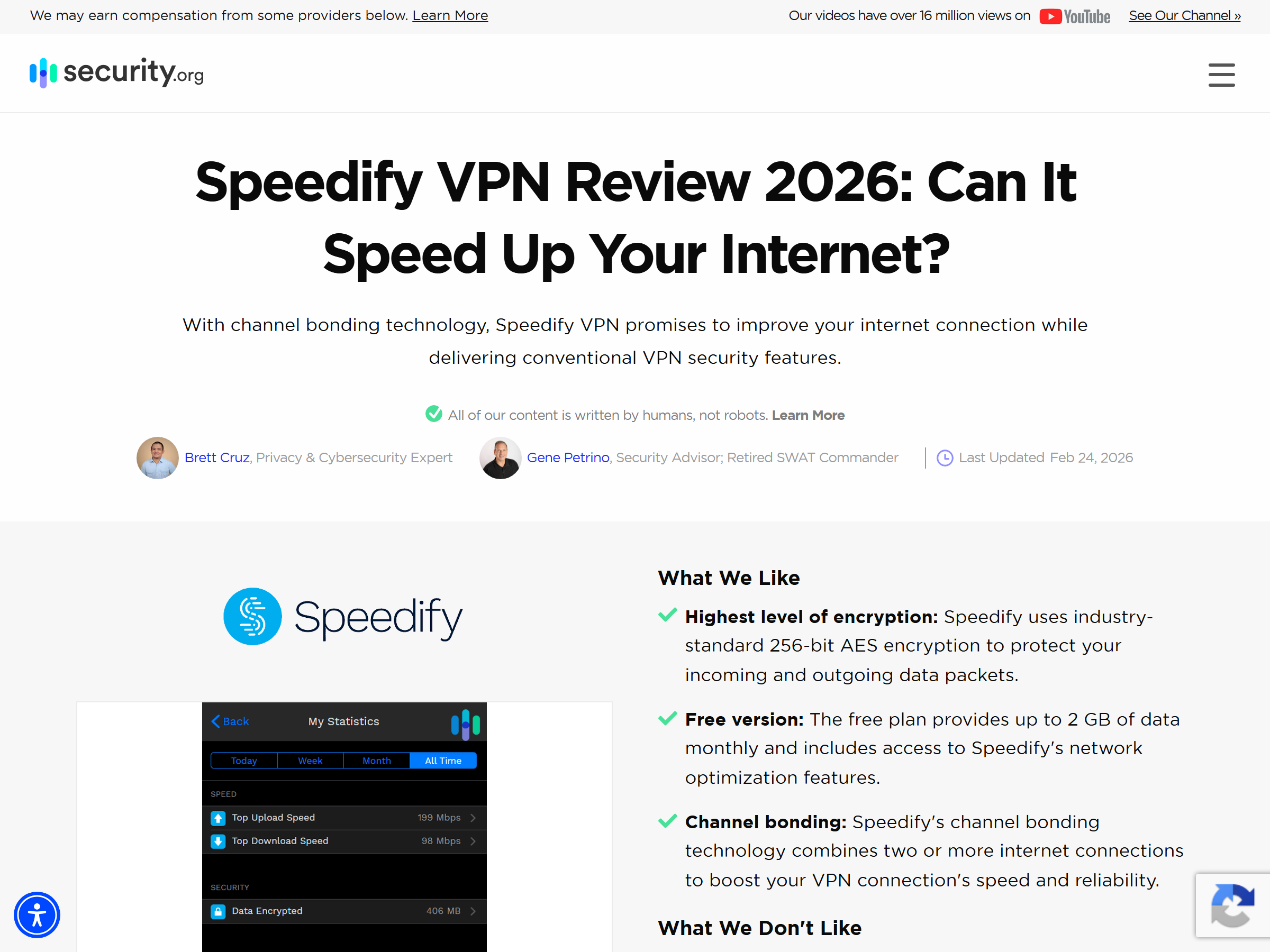
An ordinary VPN opens a single tunnel. When that tunnel degrades, everything riding on it degrades with it. Connectify's client instead opens several tunnels in parallel and splits one stream across them — the consumer expression of link aggregation, standardised for wired networks under IEEE 802.1AX-2020.
Two modes carry the product. Speed mode stripes packets across every live link to add bandwidth, and Connectify claims recovery of up to 95% of the combined throughput. Redundant mode sends every packet down both paths, so losing one link produces no visible break. Testers at fone.tips walked out of Wi-Fi range during a 22-minute call in redundant mode and reported none of the freeze a single-tunnel product would give you. Our hotspot pull behaved the same way.
The caveat is blunt. Bonding only pays off with two live connections. On a desktop holding one Ethernet cable, the app degrades into an ordinary VPN and the premium buys nothing.
Speed and Performance
Treat Speedify as a stability product that sometimes adds speed, not a speed product. On a laptop with decent Wi-Fi plus a 5G phone, aggregate bandwidth genuinely rises. On a single strong fibre line, expect the usual encryption overhead of any tunnel and no magic.
Three controls matter more than raw numbers. Each connection can be marked primary, secondary, backup or never, which stops a metered SIM burning data behind your back. Any link can carry a monthly data ceiling. And the client prioritises real-time traffic, so conferencing and broadcast software keep their slice while a background sync waits. Connectify reports 82 global points of presence and over 500 TB of bonded traffic per week — a modest footprint beside the 20,000-plus fleets mainstream rivals advertise.
Security and Privacy
Encryption is AES-256 across every bonded link, with hardware acceleration where the device supports it. Connectify states a strict no-logs policy and points to App Defense Alliance validation and MASA (Mobile Application Security Assessment) certification for its mobile apps.
Read that carefully. MASA is an app-security assessment, not a no-logs audit in the style of the Deloitte and KPMG engagements Private Internet Access and ExpressVPN commission. Speedify claims no-logs; we found no public infrastructure audit verifying it independently. The company also sits in the United States, a jurisdiction privacy purists discount. If a court-proof paper trail is your requirement, our Mullvad review covers a service built around that promise.
Streaming and Unblocking
Speedify protects a live stream far better than it opens a foreign catalogue. Broadcasters running OBS over a bonded Wi-Fi and 5G pair gain something real: a dropped uplink no longer kills the broadcast. Watching a regional library while travelling is weaker, because the server list is small and catalogue access is not a headline feature. Vpnmentor notes that Speedify's own guidance suggests split tunnelling for certain platforms, which sidesteps the tunnel rather than fixing the problem. Travellers who mainly want home subscriptions working from a hotel should shop the unblocking category instead.
Device Compatibility
- Windows, macOS, Android and iOS clients, plus a Linux CLI
- Router and whole-network deployment, so a LAN bonds without per-device installs
- Speedify for Teams with a shared dashboard for managed fleets
- Pair & Share, which lets two phones lend each other their cellular paths
- Dedicated and self-hosted servers offering static IPs and port forwarding
Coverage on TV platforms and consoles is thin, and reviewers rate the macOS build the weakest of the desktop set.
Pricing and Value
The monthly plan runs $14.99, expensive against the $4 to $8 most annual VPN plans cost. A yearly commitment drops the effective rate to roughly $5.99 per month, covering 5 devices with a 30-day money-back window. A no-card free tier exists for spot checks; published caps have moved between 2 GB and 5 GB per month across reviews, so verify the current allowance first.
Value hinges on the scenario. Paying $14.99 monthly to encrypt one home fibre line is poor economics. Paying it to keep a billed client call alive from a train is cheap.
Pros and Cons
- Pro: Genuine channel bonding across Wi-Fi, cellular, Ethernet and Starlink
- Pro: Redundant mode holds calls together through a link failure
- Pro: Per-connection priorities and data ceilings prevent surprise cellular bills
- Pro: Router and Teams deployment for whole-site coverage
- Con: Around 82 points of presence, small next to mainstream fleets
- Con: No published third-party no-logs audit; US jurisdiction
- Con: $14.99 monthly is steep, and useless on a single-link desktop
- Con: Catalogue access is inconsistent compared with streaming specialists
Speedify vs Mullvad vs Mozilla VPN vs PIA
| Service | Core idea | Devices | Entry price | Independent no-logs audit | Best for |
|---|---|---|---|---|---|
| Speedify | Bond several links into one tunnel | 5 | About $5.99/mo yearly | Not published | Unstable networks, live broadcast |
| Mullvad | Anonymous flat-rate account numbers | 5 | €5/mo flat | Yes | Anonymity purists |
| Mozilla VPN | Mullvad network under a Firefox brand | 5 | About $4.99/mo yearly | Yes, via the underlying network | Simple, trusted defaults |
| Private Internet Access | Huge fleet, unlimited seats | Unlimited | About $2.19/mo biennial | Yes, Deloitte | Households on a budget |
Read the neighbours first: Mozilla VPN and Private Internet Access both sit in the most stable VPN shortlist on aifreetool.site.
Frequently Asked Questions
Does Speedify really make my internet faster?
Only when you have more than one live connection. Speed mode adds the links together, so a laptop on Wi-Fi plus a tethered phone can exceed either link alone. On a single connection you get the normal small tunnel overhead instead.
Is Speedify a good choice for public Wi-Fi safety?
Yes. Every link is encrypted by default with AES-256, so an airport or cafe network sees ciphertext. Pairing that hotspot with your cellular data in redundant mode also protects you when the venue network stalls.
Can I use Speedify for streaming my home services while abroad?
Sometimes, but choose a dedicated streaming service if that is the main goal. The server list is small and catalogue access is not the product's design target.
Does Speedify keep logs?
Connectify states a strict no-logs policy and holds MASA certification for its mobile apps. That is an app-security review, not an audit of the logging claim, so treat the promise as unverified.
My Take: The Bottom Line
Speedify wins a category most VPN buyers never think to shop for. Almost every rival competes on server counts and per-month pricing; Connectify competes on whether your session survives a dead link. For a consultant billing by the hour from a moving train, a streamer whose reputation rests on an uninterrupted feed, or a household running Starlink plus a backup SIM, that trade is worth the premium.
Everyone else should skip it. A single fibre line and a desk-bound laptop buy you a small server network, a US jurisdiction, an unaudited logging claim and a $14.99 monthly bill, in exchange for a feature that never activates. Buy Speedify for the network problem it solves, and a different service for the privacy problem it does not.