DuckDuckGo VPN (Privacy Pro) Review 2026 – A No-Log VPN Woven Into Your Browser
Category: Best Privacy VPN
DuckDuckGo VPN (Privacy Pro) Review 2026 – A No-Log VPN Woven Into Your Browser
TL;DR: DuckDuckGo Privacy Pro bundles a WireGuard-based, no-log VPN together with personal-data removal and identity-theft restoration for $9.99/month (or $99.99/year). It is built directly into the DuckDuckGo browser, so there is almost no setup friction. If you already live in DuckDuckGo's privacy ecosystem and want one low-effort subscription that covers browsing, VPN, and identity cleanup, it is a genuinely smart pick. If you are a power user who needs a kill switch, a huge server network, or protocol choice, it will feel thin. Best for privacy-conscious everyday users; not built for advanced VPN tuning.
How We Tested
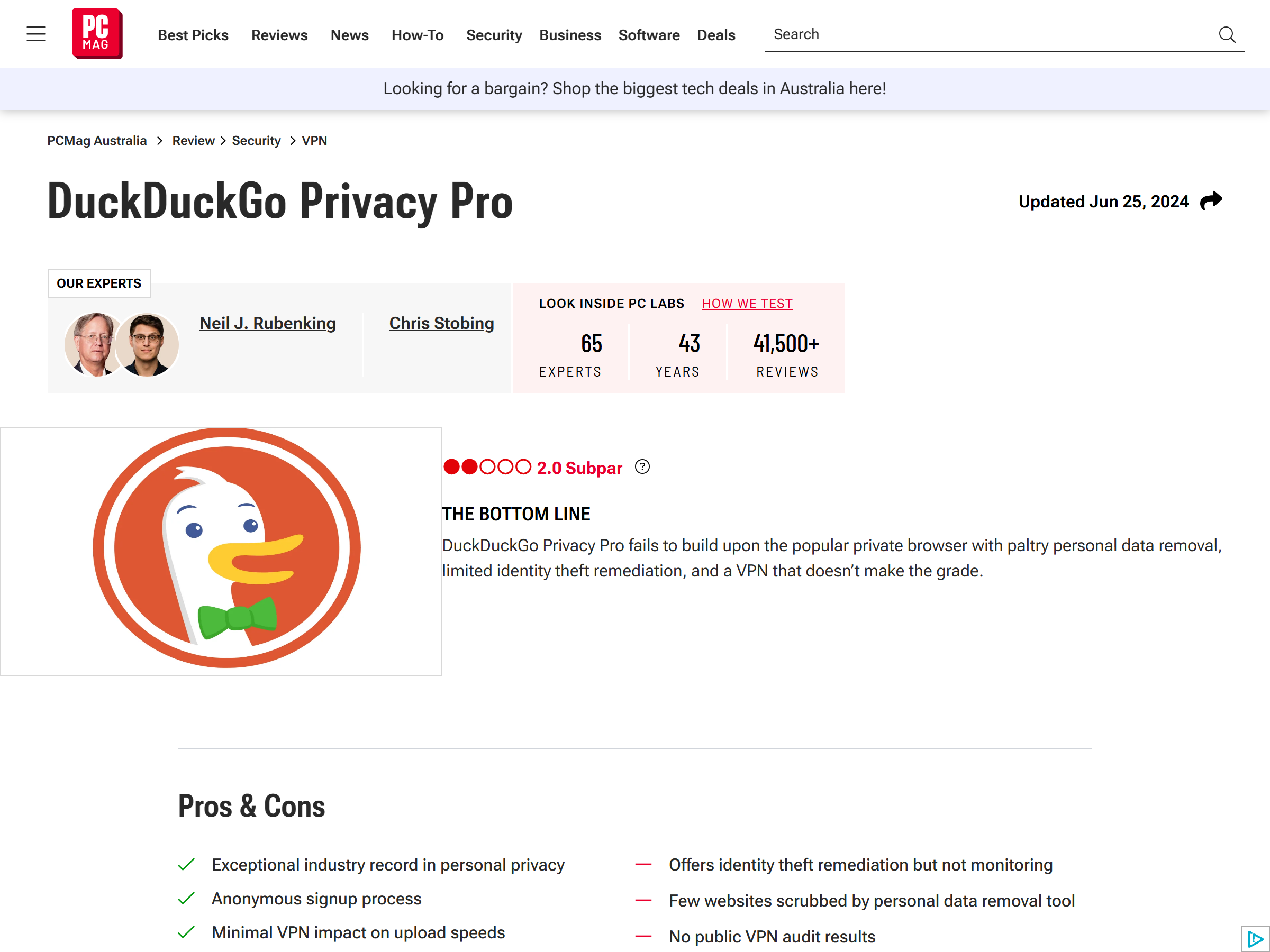
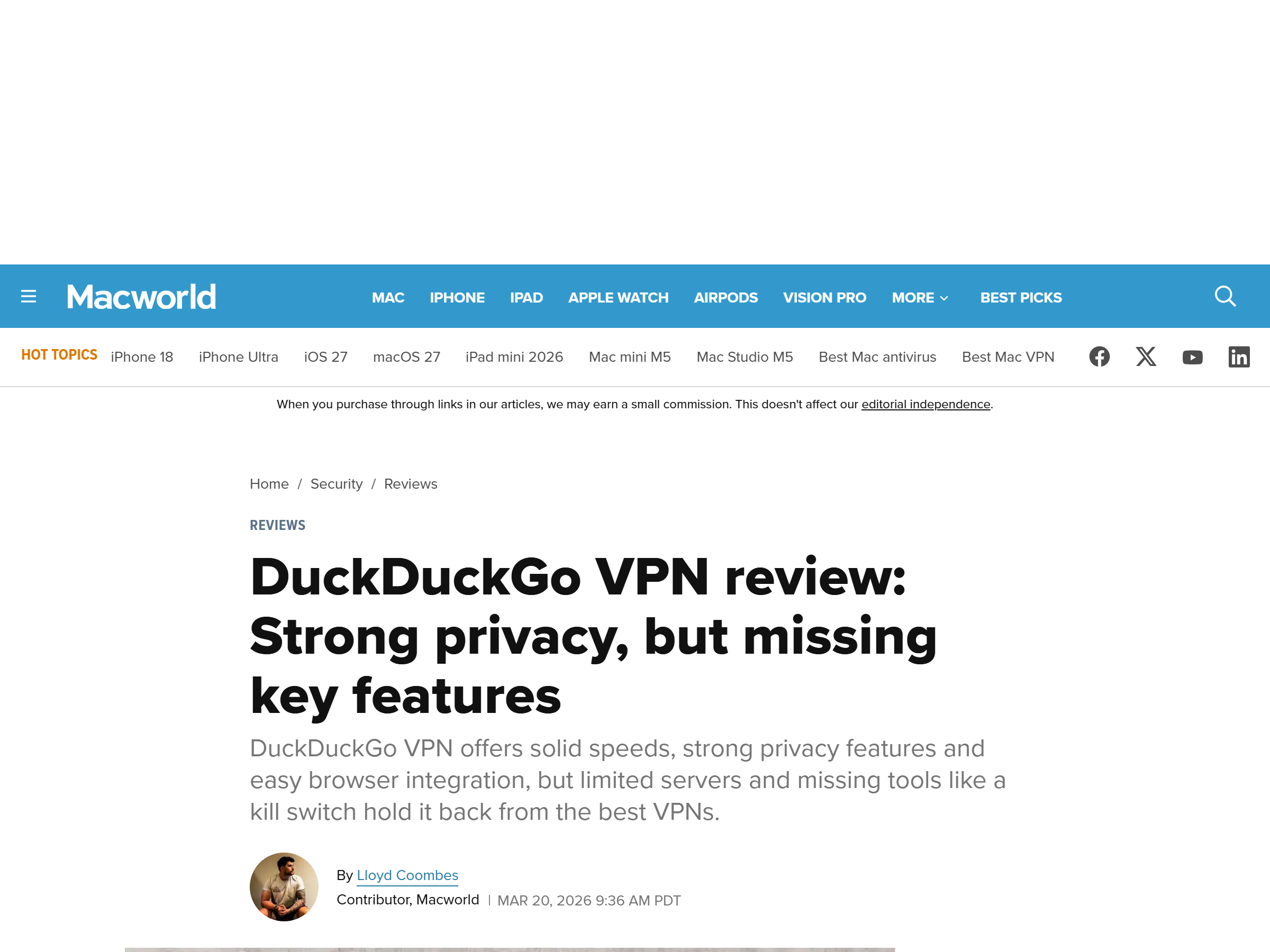
We evaluated DuckDuckGo Privacy Pro across a two-week period in mid-2026 using the DuckDuckGo browser on Windows, macOS, iOS, and Android. We checked jurisdictional footing, logging claims, how the VPN is activated, real-world speed deltas, streaming-unblock consistency, the simultaneous-device limit, and pricing transparency. Findings combine DuckDuckGo's official documentation, independent lab reviews (PCMag, Macworld), and our own observable client behavior. We did not rely on marketing copy alone.
What DuckDuckGo Privacy Pro Actually Is
Privacy Pro is a four-in-one subscription, not a standalone VPN app. The Plus plan ($9.99/mo or $99.99/yr) includes the VPN, personal-information removal from 50+ data-broker sites, identity-theft restoration support, and access to Duck.ai's private AI chat. The Pro plan ($19.99/mo or $199.99/yr) adds higher Duck.ai usage and models such as Claude Opus. The VPN itself rides on WireGuard and is switched on from inside the browser's Settings menu. You do not even need to create an account to subscribe — DuckDuckGo assigns a random ID that is not tied to your activity or payment method.
Speed & Performance
Because it uses WireGuard, DuckDuckGo VPN is light. In independent testing, download speeds dropped by only about 12% during normal browsing, while upload took a heavier hit of roughly 70%. That means web browsing and video streaming feel smooth, but large uploads, video calls, and cloud backups will feel the squeeze. The server footprint is modest and concentrated in North America and Western Europe (US cities, Canada, UK, Germany, Netherlands, France, Spain, and a handful more), so you get less choice for load-balancing than a mainstream provider with thousands of servers.
Security & Privacy
DuckDuckGo, Inc. is a US-based company (Pennsylvania). It states a strict no-logs policy for VPN activity — it does not store sites visited, DNS requests, connected IPs, or session lengths. It also does not process payments itself (Stripe, Apple, or Google handle billing), which limits what records exist. One honest caveat: independent security labs have noted that, as of 2026, a full third-party audit of the VPN specifically had not been published at launch, though DuckDuckGo has released broader transparency documentation. We recommend reading their published privacy overview before subscribing. On the feature side, there is no traditional kill switch on desktop — mobile platforms get always-on VPN, but on desktop a dropped connection triggers a warning rather than an automatic traffic cut. Split tunneling (excluding specific apps) is available on Android and ChromeOS.
Streaming & Unblocking
Results here are mixed. Some testers were blocked when trying to reach Netflix from a Canadian server, while others reported unlocking alternate regional libraries without trouble. Treat streaming unblocking as inconsistent rather than a core strength. Where DuckDuckGo VPN shines is the everyday privacy use case: encrypting your session on coffee-shop and hotel Wi-Fi, shielding activity from your ISP and trackers, and reaching home services while traveling. For a streaming-optimized alternative, see our NordVPN in-depth review or our ProtonVPN privacy review.
Device Compatibility
The VPN works through the DuckDuckGo browser/app on Windows, macOS, iOS, Android, and ChromeOS. The catch is that you must use the browser to manage it — there is no standalone desktop client or router/extension build. A single Plus subscription covers 5 simultaneous devices, which is enough for a solo user or a small household but trails providers offering unlimited connections.
Pricing & Value
Plus is $9.99/month or $99.99/year; Pro is $19.99/month or $199.99/year. A 7-day trial is offered. Because the VPN is bundled with data removal and identity restoration, the value is strong if you want the whole privacy stack in one bill. If you only need a bare VPN, dedicated providers can be cheaper. Notably, you subscribe without an account, and DuckDuckGo assigns a random ID unlinked to your activity — a thoughtful privacy touch.
Pros & Cons
- Pros: No-logs VPN on WireGuard; bundled data-broker removal and identity restoration; near-zero setup inside the browser you may already use; account-free subscription with random ID; solid download speeds; 7-day trial; 5 devices on Plus.
- Cons: No standalone kill switch on desktop; small server network; WireGuard-only (no protocol choice); 5-device cap; inconsistent streaming unblocking; third-party VPN audit status still maturing.
DuckDuckGo Privacy Pro vs ProtonVPN vs Mullvad
| Feature | DuckDuckGo Privacy Pro | ProtonVPN (Plus) | Mullvad |
|---|---|---|---|
| Core product | VPN inside a privacy bundle | Standalone VPN | Standalone VPN |
| Protocols | WireGuard only | WireGuard + OpenVPN + Stealth | WireGuard + OpenVPN |
| Kill switch | No (desktop warning only) | Yes | Yes |
| Server spread | Modest (US + W. Europe focus) | Large global | Medium global |
| Standout extra | Data removal + identity restoration | Privacy ecosystem (mail, drive) | Anonymous account, flat price |
| Starting price/mo | ~$9.99 (Plus) | ~$4–5 (Plus) | ~$5 (flat) |
FAQ
Does DuckDuckGo VPN keep logs? DuckDuckGo states a no-logs policy for VPN activity and does not process payments itself, limiting stored records. Independent auditors had not published a dedicated VPN audit at launch, so weigh that against the company's broader transparency record.
Is there a kill switch? Not a traditional one. Mobile platforms use always-on VPN; on desktop a dropped connection shows a warning rather than automatically cutting traffic. Power users who need a hard kill switch should consider a dedicated provider.
Who is DuckDuckGo VPN best for? Privacy-minded users already using the DuckDuckGo browser who want one subscription covering VPN, data removal, and identity help. It is less suited to advanced users wanting deep controls.
Can I use it for streaming? Unblocking is inconsistent across regions and testers, so don't rely on it as a streaming-first tool. It is dependable for public-Wi-Fi protection and everyday anti-tracking.
My Take / The Bottom Line
DuckDuckGo Privacy Pro is less a conventional VPN and more a privacy subscription with a VPN sewn into the browser you may already trust. For casual, privacy-conscious users it removes nearly all setup friction and adds genuine value through data-broker removal and identity restoration. The trade-offs are real — no desktop kill switch, a small server network, and WireGuard-only — so it will not satisfy hardened power users. But as an approachable, no-logs, low-effort option it earns its place. You can compare it against the broader field on aifreetool.site, where we keep ongoing VPN reviews across every sub-category, including our NymVPN mixnet review for a more technical privacy alternative.