How to Make Money Turning Blog Posts Into Infographics With Napkin AI
Category: Monetization Guide
By the aifreetool.site editorial team. We built and shipped real projects with this tool while writing the guide. This article is unpaid and contains no affiliate links.
Quick answer: You can make money with Napkin AI by turning written content such as blog posts, reports, and newsletters into clean infographics, flowcharts, and diagrams that creators and agencies publish or resell. A visual pack earns $40-$120, and a handful of retainer clients adds up to $500-$1,800 a month.
What Napkin AI is (and the plan you would use)
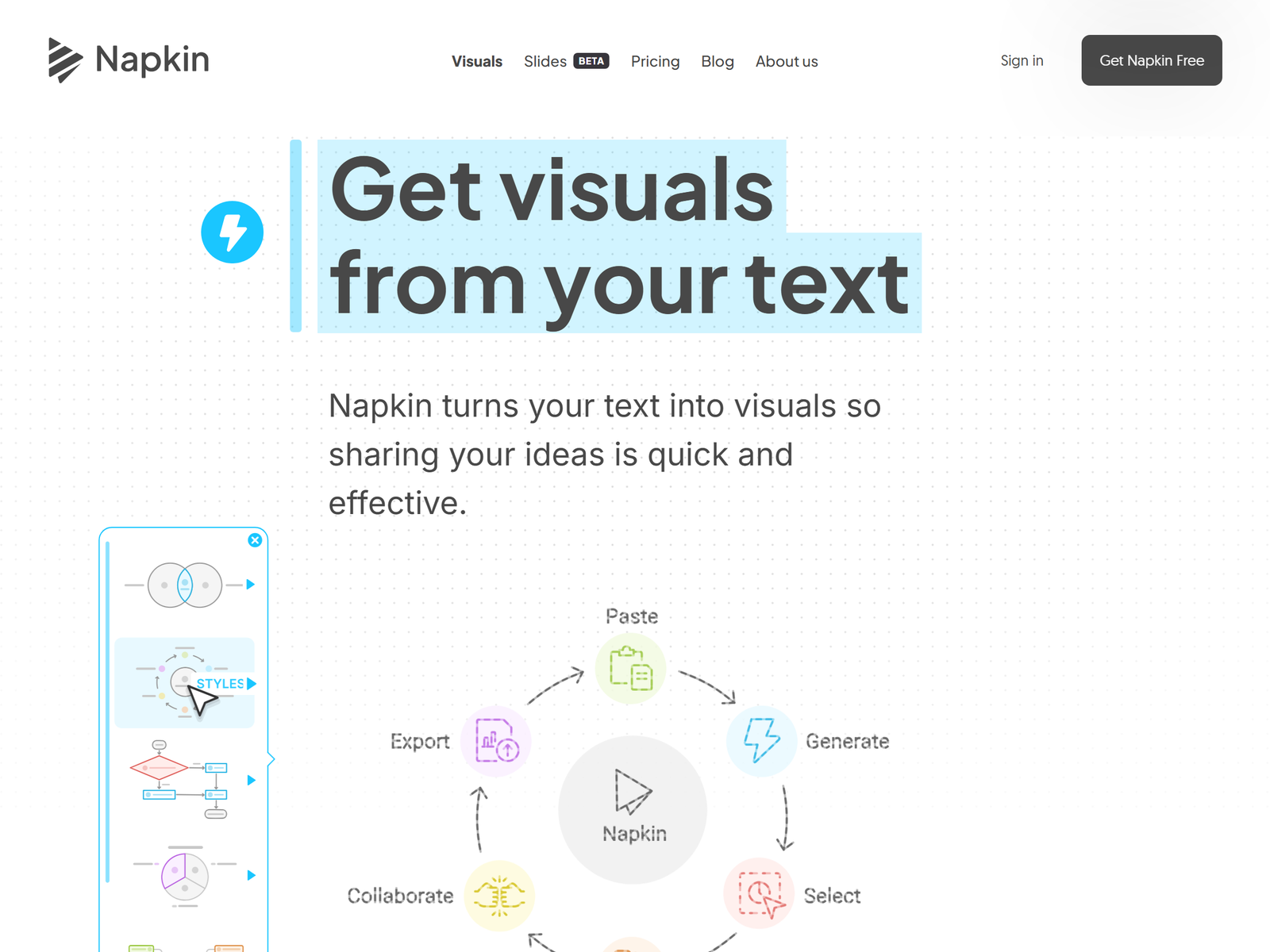
Napkin AI is a text-to-visual tool. You paste a paragraph, a list, or a whole document, and it suggests the right diagram type, then generates a clean, editable visual. Lists become step-by-step diagrams, comparisons become side-by-side grids, and timelines become chronological visuals. It exports to PNG, SVG, PDF, and PowerPoint, and it pulls in your brand colors with one click.
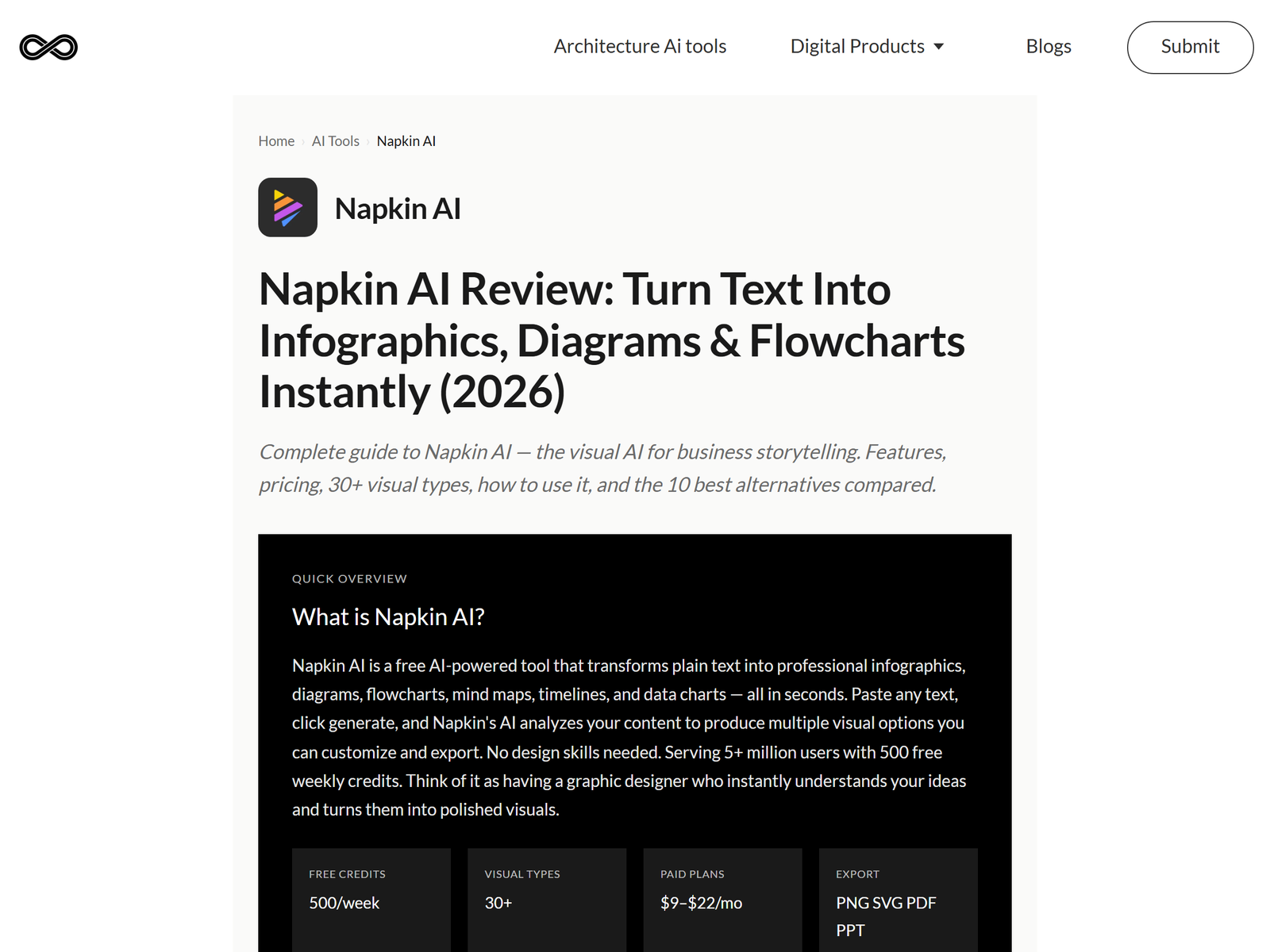
The free plan gives 500 AI credits per week with PNG and PDF export but keeps a Napkin watermark. For client work the plan that matters is Plus at $9/month, which raises credits to 10,000 per month, unlocks PPT and SVG export, removes branding, and adds three brand styles. Pro at $22/month adds 30,000 credits, custom branding, and font uploads. Annual billing takes about 25% off. At $9/month, Plus covers roughly 30-50 client visuals, so your software cost stays near zero.
| Plan | Price/mo | Credits | Exports |
|---|---|---|---|
| Free | $0 | 500/week | PNG, PDF (watermark) |
| Plus | ~$9 | 10,000/mo | PNG, SVG, PPT, PDF |
| Pro | ~$22 | 30,000/mo | All + custom branding |
The monetization idea: visual repurposing as a service
The pitch is that most people sit on long written content but publish almost no visuals, even though posts with visuals get far more engagement. You take their existing text and return finished graphics they can drop into LinkedIn, a blog, or a deck. Three buyer groups pay for this:
- Bloggers and SEO writers who want a blog diagram or summary infographic per article.
- Agencies who need process flows and frameworks for client proposals and reports.
- Course creators who want slide-ready visuals pulled from their lesson scripts.
Package it as: a single visual for $25-$45, an infographic pack of three to five visuals for $90-$150, or a monthly visual retainer of $150-$400 covering eight to fifteen visuals. See the feature breakdown at Napkin's site and the verified pricing at AnyGen's review.
Step-by-step: from sign-up to first paid client
- Pick a niche. LinkedIn ghostwriters, SEO bloggers, small agencies, and course creators all have text but few visuals.
- Build a sample. Turn one of your own blog posts into three visuals and post them as proof.
- Outreach. Comment on LinkedIn posts offering one free sample visual, then pitch agencies a steady pack.
- Scope. Ask for the source text (up to about 5,000 words) and the client's brand colors.
- Produce. Paste the text, pick the diagram type, customize the style, and export PNG plus an editable PPT or SVG.
- Deliver. Send the raster for social and the editable file for decks so they can tweak later.
Client and quality management
Napkin is about 90% accurate on structured content such as processes and hierarchies, but abstract topics need manual edits. Always check arrows and labels against the source before delivery, and do not promise "any topic, zero edits." Deliver both a raster (PNG) and an editable (PPTX or SVG) version so the client owns a file they can change without you.
Pro tips and pitfalls to avoid
- Use brand styles on Plus to match client colors in one click instead of recoloring by hand.
- The 500 free credits per week are enough for samples but not for client work. Pay for Plus.
- Do not lean on the default list style. Switch the diagram type if the output looks repetitive.
- The free-plan watermark kills client work. Remove branding before you export anything billable.
Realistic expectations: who this is and isn't for
This fits people who already have written content to monetize and a decent eye for layout. It is a poor fit if you hate design QA or want fully custom illustration, because Napkin drafts and you refine.
My Take / The Bottom Line
Best for: freelancers serving bloggers and agencies that sit on long text. The trade-off: Napkin drafts and you refine, so your value is taste and accuracy, not drawing skill. At $9/month the margin is enormous: three clients at $200 a month is $600 for about $27 of software. Start with infographic packs and upsell to retainers once they see the engagement lift.
Want to test it? Open Napkin AI's site, and compare the approach with Gamma on aifreetool.site if your clients also need full decks. See the rest of our Monetization Guide series for more visual-service ideas.
FAQ
Do I need design skills? No. You paste text and pick a style. The main skill is judging which diagram fits the content and cleaning up labels.
How many visuals can I make on Plus? About 10,000 credits per month, roughly one credit per word processed, so 30-50 client visuals is realistic.
Can clients edit the files themselves? Yes, if you deliver the PPT or SVG export. That is why you always send an editable version, not just a PNG.
Is the free plan usable for client work? No. The watermark and 500 weekly credits make it a trial, not a production tool.
What if the visual is wrong? Regenerate with a clearer prompt or switch diagram type; most errors come from vague input text, not the tool.