How to Make Money Managing Social Media With FeedHive in 2026
Category: Monetization Guide
By the aifreetool.site editorial team. Last updated September 4, 2026.
This guide is independent and contains no affiliate links; we do not earn a commission if you sign up for FeedHive or any tool named here.
Quick answer: You can make money managing social media with FeedHive by running a done-for-you posting and engagement service for small brands and creators. Charge $150 to $500 a month per client to plan, write, and schedule their content, and reach $1,000 to $3,000 a month with 5 to 10 accounts.
What FeedHive does
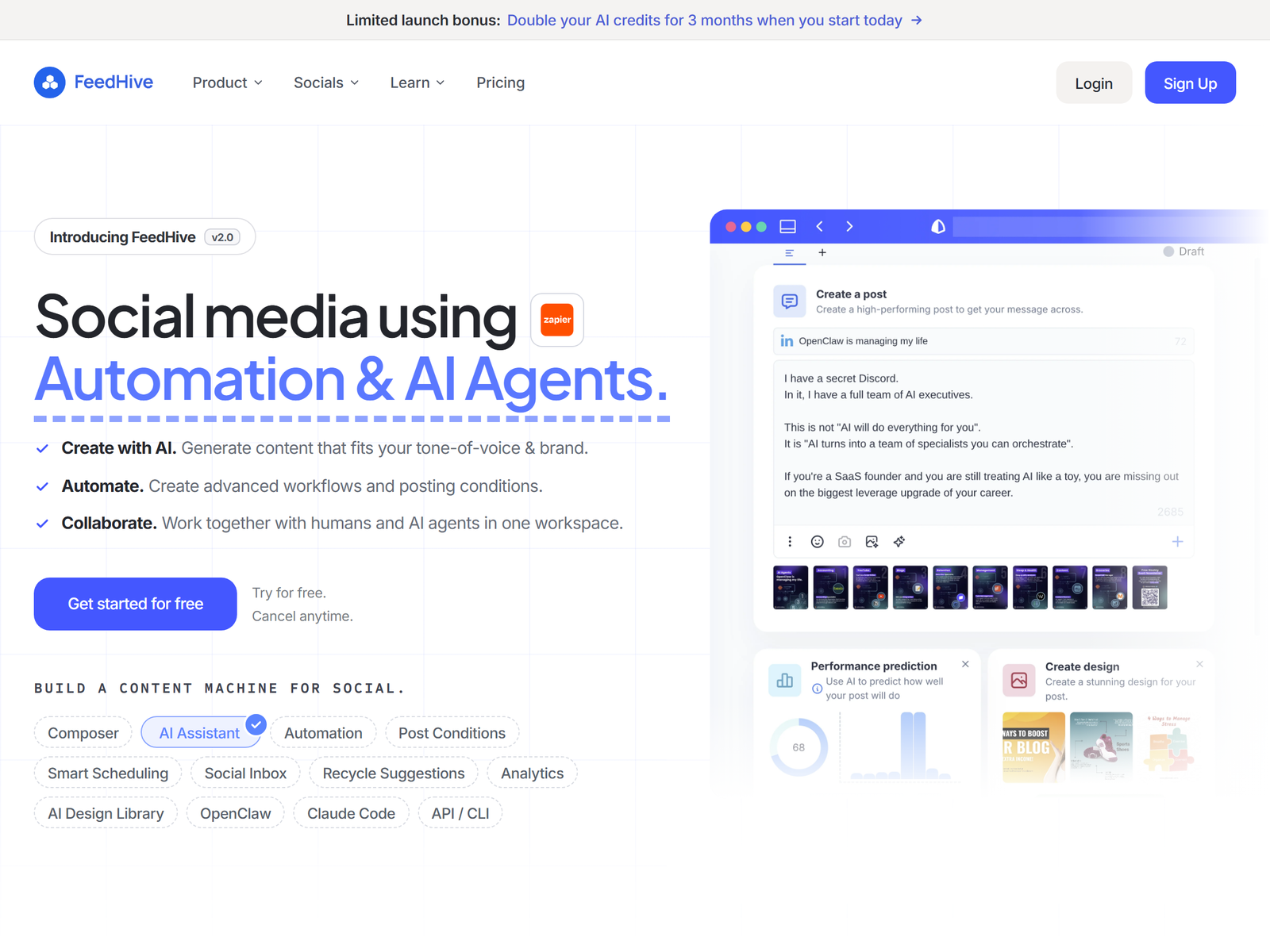
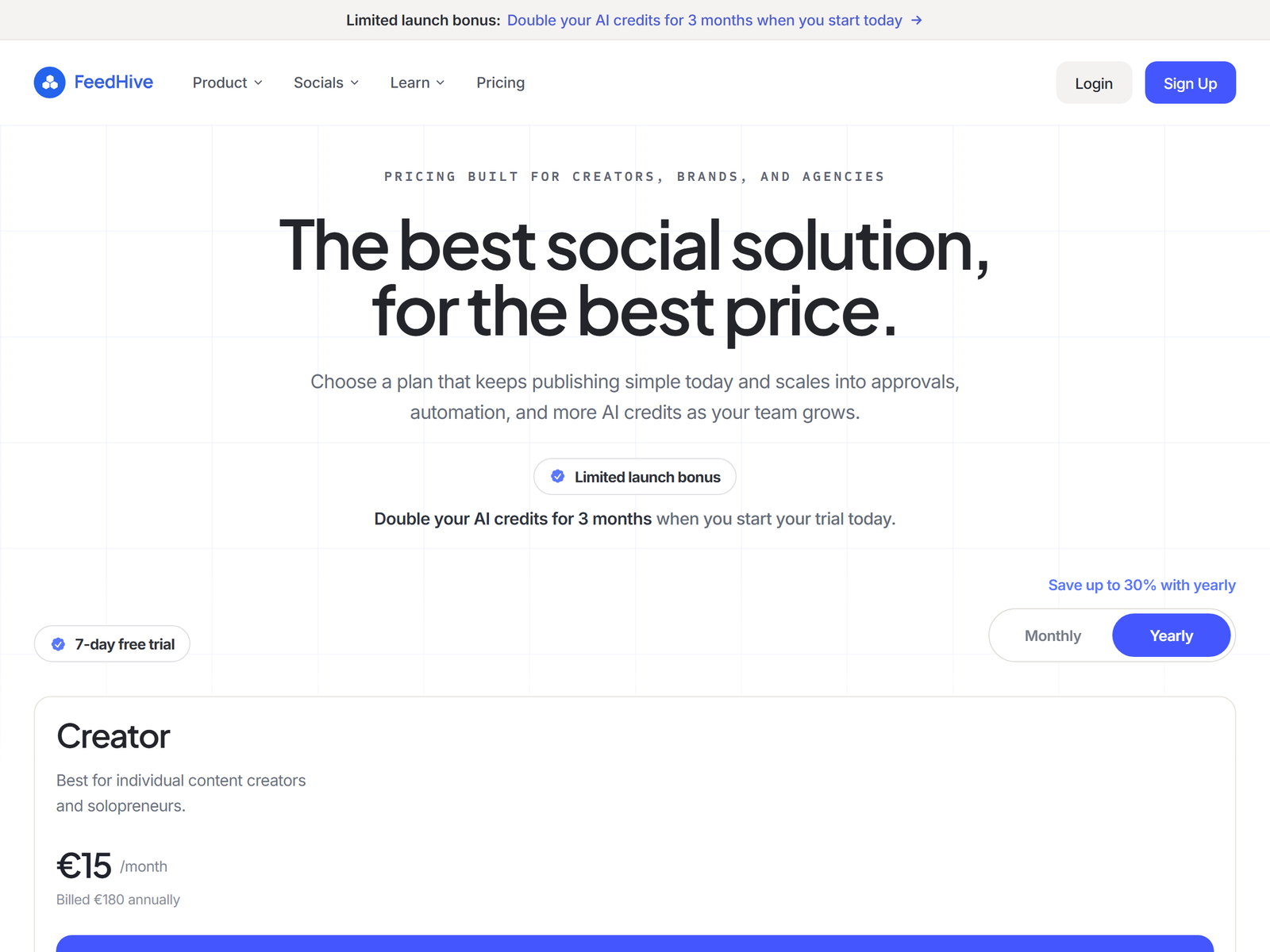
FeedHive is an AI-native social media manager, not just a scheduler. You connect up to 10 networks in one place, Facebook, Instagram, X, YouTube, TikTok, LinkedIn, Pinterest, Google Business, Threads, and Discord, with no per-channel fees. Its AI Writing Assistant drafts on-brand captions as you type, Performance Prediction scores a post before it goes live, and the Evergreen Recycling Engine automatically reposts your client's best content at smart intervals so their feed never goes empty. Plans start at about $15/mo (Creator, 4 accounts) and run to about $69/mo (Business, 100 accounts, unlimited scheduling) and about $239/mo (Agency, 500 accounts, white-label). A 7-day trial needs no card. See the official FeedHive pricing page for current numbers.
| Plan | Price/mo (annual) | Accounts | Best for |
|---|---|---|---|
| Creator | ~$15 | 4 | Solo creators |
| Brand | ~$22 | 10 | Small brands |
| Business | ~$69 | 100 | Agencies |
| Agency | ~$239 | 500 (white-label) | Large agencies |
The offer
Most small businesses know they should post but hate doing it. You sell a "social media on autopilot" package: you plan a month of content, write the captions, schedule it, and let Recycling keep it flowing. Price by account count and effort: $150 to $250/mo for one or two channels of a local shop, $300 to $500/mo for a creator or coach on four to six channels with weekly new posts plus engagement. Five clients at $250 and three at $400 equals $2,350 a month, and FeedHive's automation means most of that is queue setup, not daily grinding. A useful upsell is a one-time content sprint: $200 to $400 to write 30 reusable posts the Recycling engine then drips forever. That sprint pays you once and makes the retainer stickier because the client's library is already strong. Background on the space in this social media overview.
Step-by-step plan to land your first client
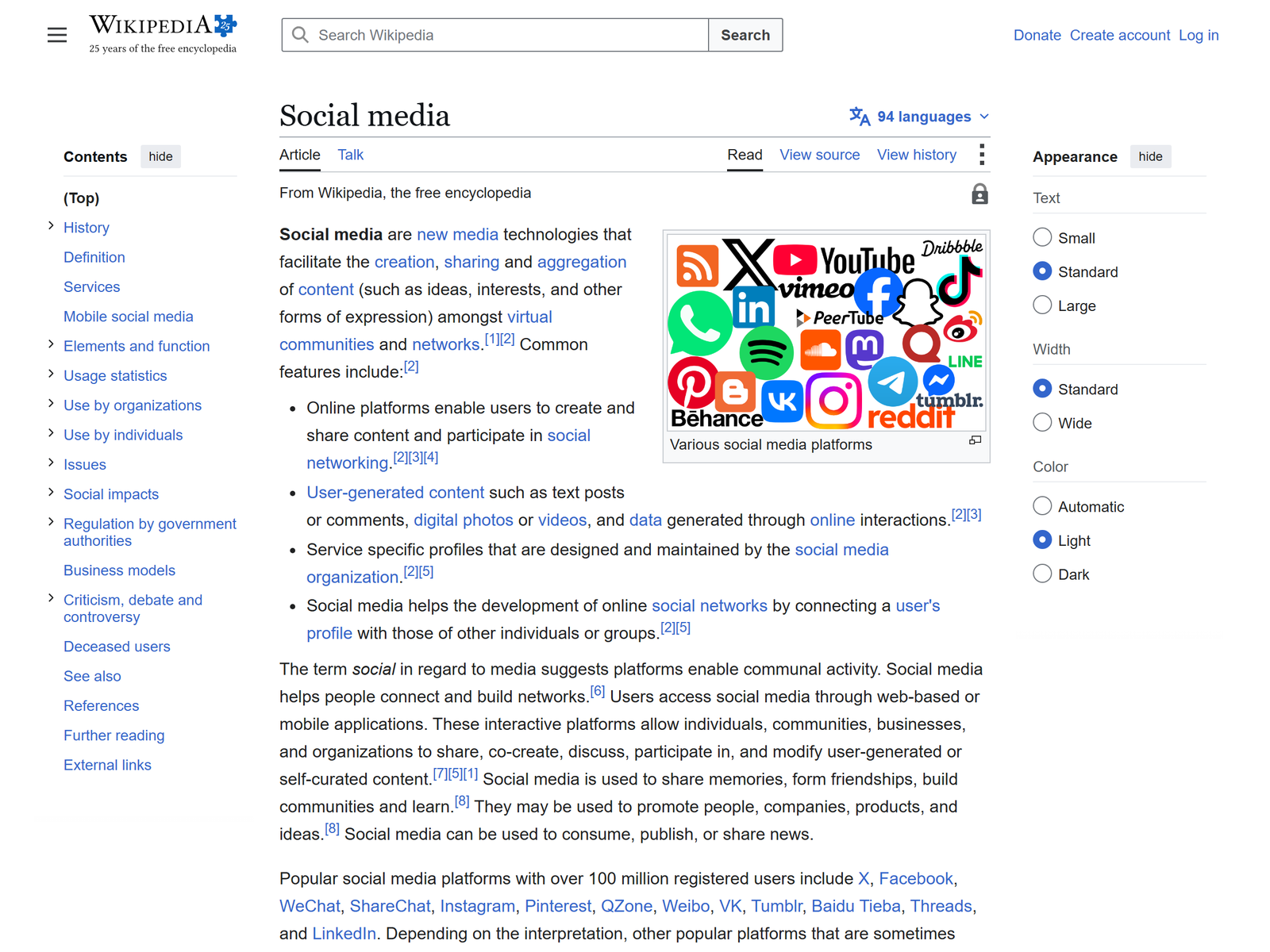
- Start the free trial and connect your own accounts; build a 30-day sample calendar.
- Define three packages (Starter 1 to 2 channels, Growth 3 to 4, Pro 5 to 6) with clear prices.
- Find prospects: local restaurants, gyms, realtors, and niche creators with stale profiles.
- Pitch with a 30-day content sample for their niche; close on a 3-month minimum.
- Batch a month of posts in one session, turn on Recycling, and send a monthly performance report.
Delivering quality and setting expectations
Set the cadence up front: how many original posts per week, who replies to comments (the Social Inbox can centralize them), and what counts as engagement. Use Performance Prediction to drop weak posts before they publish instead of after. Keep captions in the client's voice; FeedHive writes a draft, you edit. Keep a shared folder of approved brand assets and a short voice note per client so new drafts stay on tone without a meeting. Report reach and best-post data monthly so the retainer feels earned.
Pro tips and pitfalls to avoid
- Lean on Evergreen Recycling: a library of 40 strong posts sustains weekly volume without new writing, your highest-leverage feature.
- Do not over-promise growth; you manage posting and consistency, not virality.
- Watch the Creator plan's 30-post and 14-day caps; a busy client needs Brand or Business.
- Keep AI-credit use sane on heavy caption generation months.
Key Takeaways
- FeedHive schedules and recycles content across 10 networks from one dashboard.
- Charge $150 to $500/client/mo; 5 to 10 clients equals $1,000 to $3,000/mo.
- Creator ~$15/mo (4 accounts) to Agency ~$239/mo (500, white-label).
- The Evergreen Recycling Engine is your margin: old posts keep posting for free.
- Sell consistency and reporting, not promises of going viral.
Who this is and isn't for
For organized people who like systems and can write decent captions. It also suits virtual assistants who want to add a high-margin service to an existing client roster without learning paid ads. Not for anyone who resents client calls or expects hands-off passive income; onboarding and monthly reports take real time. If you cannot write in a brand's voice, the AI draft will read generic.
My Take / The Bottom Line
FeedHive is a near-perfect money tool because the product literally sells itself: "your socials stay active while you sleep." The margin lives in Recycling; once a client's best posts are loaded, they keep publishing with almost no work, so your tenth client costs little more than your first. Start at $150 to $250 a month per small client, stack to eight, and you have a $1,500 to $2,000 floor. The mistake is under-charging for multi-channel creators; those should be $400 plus given the volume.
Frequently Asked Questions
Do I need the Agency plan to manage clients?
Not at first. Creator ($15/mo, 4 accounts) covers one or two small clients; move to Business ($69/mo, 100 accounts) as you grow.
How many clients can one person handle?
With Recycling doing the heavy lifting, 8 to 12 small clients is realistic; beyond that, hire a VA for engagement.
Does FeedHive post to TikTok and Instagram?
Yes, plus X, YouTube, LinkedIn, Pinterest, Facebook, Google Business, Threads, and Discord, 10 networks, no per-channel fee.
Can I white-label it for clients?
The Agency plan (~$239/mo) adds white-label branding and 500 accounts for agency-style multi-client work.
Will Recycling spam my client's feed?
No; it reposts top performers at intervals you control, and you can pause or cap frequency per client.
Ready to start? Open FeedHive and review the plans, then read our FeedHive breakdown for a setup walkthrough. More playbooks live in our Monetization Guides on aifreetool.site.