How to Make Money Editing Product Photos With Photoroom in 2026
Category: Monetization Guide
You can make money editing product photos for online sellers with Photoroom, and a part-time operator earns $500 to $1,800 a month after software. The service is simple to describe: a Shopify, Amazon or Etsy seller sends you raw phone photos, and you return clean, on-brand listings with the background removed and a scene that sells. Your tool bill is about $13 a month, and the seller would otherwise pay a photographer $200 a session. Last updated August 11, 2026 by the aifreetool editorial team. We verified every price on the vendor's pricing page in August 2026; this is an editorial guide and carries no affiliate links.
Quick answer: you are selling consistent, platform-ready product imagery at volume, not a single pretty picture. The sellers who pay are the ones with fifty SKUs and no studio.
Photoroom is listed on the Photoroom profile on aifreetool.site, and it is built for exactly this workflow. The full feature set is on the official Photoroom site. Here is the plan, the pricing, and the parts that go wrong.
What Photoroom Does and What It Costs
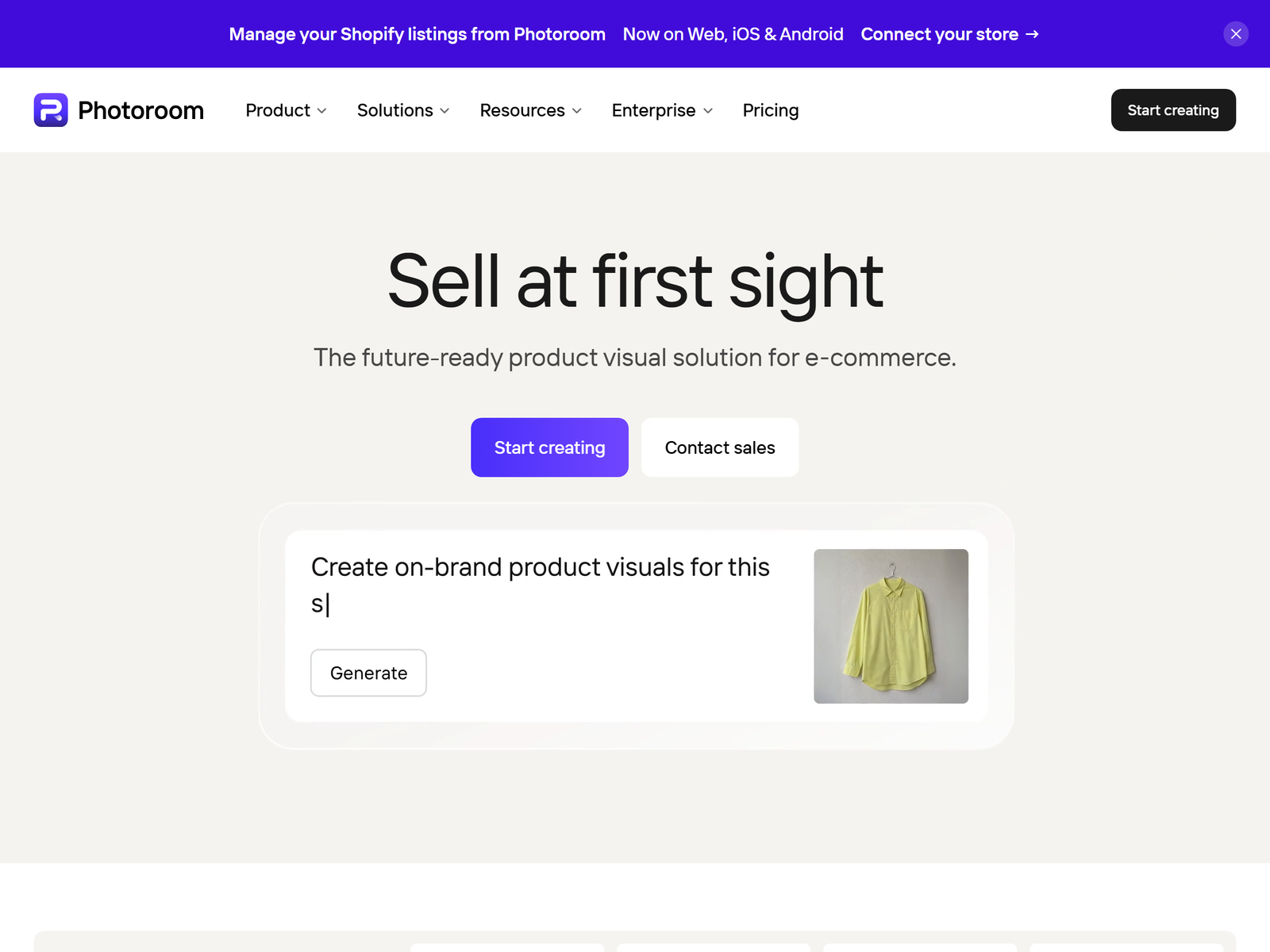
Photoroom removes backgrounds with one click, generates scenes from a text prompt, batch-edits whole catalogs, retouches dust and reflections, adds realistic shadows, and exports at the exact size each marketplace wants. Brand kits save a seller's colors, logo and background template so every listing matches. The API lets high-volume sellers automate the whole pipeline, and the mobile app means you can shoot and edit on a phone.
| Plan | Monthly price | Annual price | What you get |
|---|---|---|---|
| Free | $0 | $0 | Background removal with watermark, basic templates |
| Pro | $12.99 / month | $7.50 / month | No watermark, unlimited removals, batch, AI scenes, brand kit |
| Max | $34.99 / month | $20.99 / month | Higher volume, team features, advanced retouch |
| Ultra | $99 / month | $82.50 / month | Top volume and priority generation |
The Pro plan at $12.99 monthly is the one to run. It drops the watermark, unlocks batch editing, and gives you unlimited background removals plus AI-generated scenes. Annual billing cuts that to $7.50 a month, so pay yearly the moment you have a second client. The free tier is fine only for samples, because every export carries a visible watermark you cannot remove without upgrading.
The Service You Sell and What It Pays
Sell a per-image or per-batch listing package, not "photo editing". Sellers think in SKUs, so price by the photo.
- Single hero shot: $5 to $15 per image, background removed and shadow added.
- Batch of 25 listings: $120 to $300, same template applied across the catalog.
- Lifestyle scene pack: $10 to $25 per image, AI background plus retouch.
- Monthly store retainer: $300 to $700, new arrivals prepped every week.
- Amazon or Etsy spec pass: $80 to $200, resize and fix every live listing.
A shop with a hundred SKUs and a $300 monthly retainer plus one-off batches lands you between $500 and $1,800 in revenue against a $13 tool bill. That is a wide margin before your own time. Realistically a part-timer handles three to five active sellers, because each new collection is a batch job, not a custom illustration.
The buyers who say yes fastest are Etsy and Shopify sellers doing their own photography, Amazon FBA operators with seasonal catalogs, and print-on-demand merchants who never touch the physical product.
Step-by-Step: From Free Tier to First Paid Seller
- Open the free tier and practice on five of your own objects against a white wall.
- Learn the batch flow and one scene style that looks like a real studio, not a render.
- Build a three-image before-and-after for one target shop: raw phone photo, removed background, finished scene.
- Send it as a Loom plus a one-page price sheet, then ask for a paid batch of ten at $60.
- Edit in batch: remove all backgrounds, apply one brand scene, add shadows, export at marketplace size.
- Deliver in a shared Drive folder named by SKU so the seller can drag files into their listings.
- Offer a weekly retainer the moment they mention a new arrival drop.
- Upgrade to Pro at $12.99 the day money changes hands, because the watermark kills commercial work.
Quality Control and the Pitfalls
Photoroom's scene generation is good, but it smooths texture. Woven fabric, intricate jewelry and frosted glass lose their tactile detail, and premium products show it. For those, keep the real background and only remove distractions, or hand-retouch the product layer yourself. The lighting in a generated scene also rarely matches the product's own light, so a watch shot under warm studio light dropped onto a cool blue scene looks fake on close inspection.
The second trap is the same-background problem. Because the scene library is finite, every seller who uses the default marble ends up looking identical. Build two or three custom brand scenes per client and save them to the brand kit so their catalog reads as one store, not a Photoroom demo. Finally, set a revision round cap in writing. Unlimited "just one more background" requests will eat the margin on a $120 batch, so quote three revisions and bill the rest.
FAQ
Is Photoroom Pro worth $13 if I have a phone and Canva?
For one listing, no. For more than about thirty product shots a month, yes, because batch removal and brand kits save hours and the watermark disappears. If you have a paying seller, the $13 is nothing next to the invoice.
Can I use Photoroom output commercially for client stores?
Yes. You own what you generate on a paid plan. The seller still needs rights to the product photos themselves, so only edit images they actually took or licensed.
How many sellers before I need Max?
One or two on Pro is plenty. Move to Max at $35 monthly only when you are batching several thousand images a month or need the team features.
Should I shoot the products for the client?
Only if you price it in. Most sellers shoot on their phone and hand you the files; your job is the edit, not the photography. Adding pickup and staging turns a tidy remote service into a logistics job.
How long does a 25-image batch take?
Roughly one to two hours including batch removal, one scene application and export, against a full day per image in Photoshop. That speed is the entire offer.
My Take: The Bottom Line
The tool is cheap and every seller can install it, so the software is not your edge. The edge is turning a messy phone gallery into a catalog that looks like one brand, on the size each marketplace wants, every single week. Photoroom does the cutout; you do the taste, the consistency and the deadline.
My honest read: this is the easiest cold-start service in this whole category, because the buyer is a busy shop owner with a pile of photos and no time. It is a poor fit for anyone who dislikes repetitive batch work, and it is not passive income. The tool profile is at the Photoroom page on aifreetool.site, current plans are on photoroom.com/pricing, and more playbooks sit in our Monetization Guides. Start on the free tier tonight, edit five objects, and charge for the sixth.