How to Make Money Designing UI Mockups With Galileo AI in 2026
Category: Monetization Guide
By the aifreetool.site editorial team. Last updated September 7, 2026.
This guide is independent and contains no affiliate links; we do not earn a commission if you sign up for Galileo AI or any tool named here.
Quick answer: You can make money designing UI mockups with Galileo AI by offering app and website screen designs and clickable prototypes to founders, product managers, and small agencies. Charge $150 to $500 per screen set or $300 to $1,500 per project, and reach $800 to $2,500 a month part time using the $19 Standard plan.
What Galileo AI does
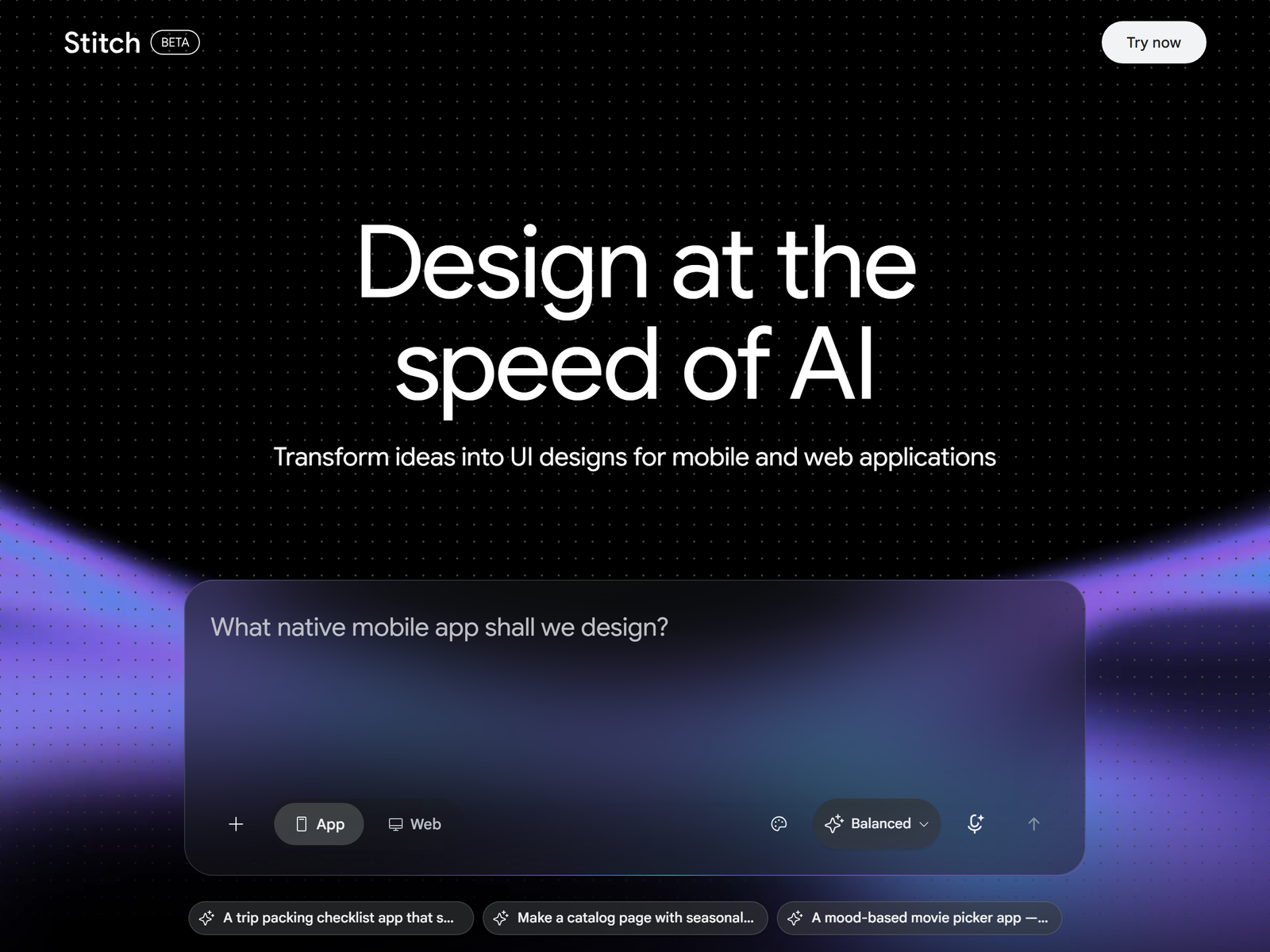
Galileo AI is a text-to-UI generator: you describe a screen in plain language, like "an onboarding flow for a fitness app," and it returns a high-fidelity, editable interface with proper component hierarchy, spacing, and modern styling. You can also paste a screenshot, wireframe, or moodboard and it produces a similar interface (image-to-UI), then refine with follow-up prompts. Outputs export as editable Figma frames or as React and Tailwind code, so a designer or engineer can take the 80-percent-done work and finish it. It generates multi-screen flows (catalog to checkout to confirmation) in one pass. Pricing is credit-based: Standard is $19 a month for 1,200 credits (about 120 generations), Pro is $39 a month for 3,000 credits (about 300 generations) with private mode and priority rendering, and Enterprise is custom for teams. See the official Galileo AI pricing page for current numbers.
| Plan | Price/mo | Credits | ~Generations | Best for |
|---|---|---|---|---|
| Standard | $19 | 1,200 | 120 | Freelancers |
| Pro | $39 | 3,000 | 300 | Active designers |
| Enterprise | Custom | Unlimited | Unlimited | Teams |
The service you can sell
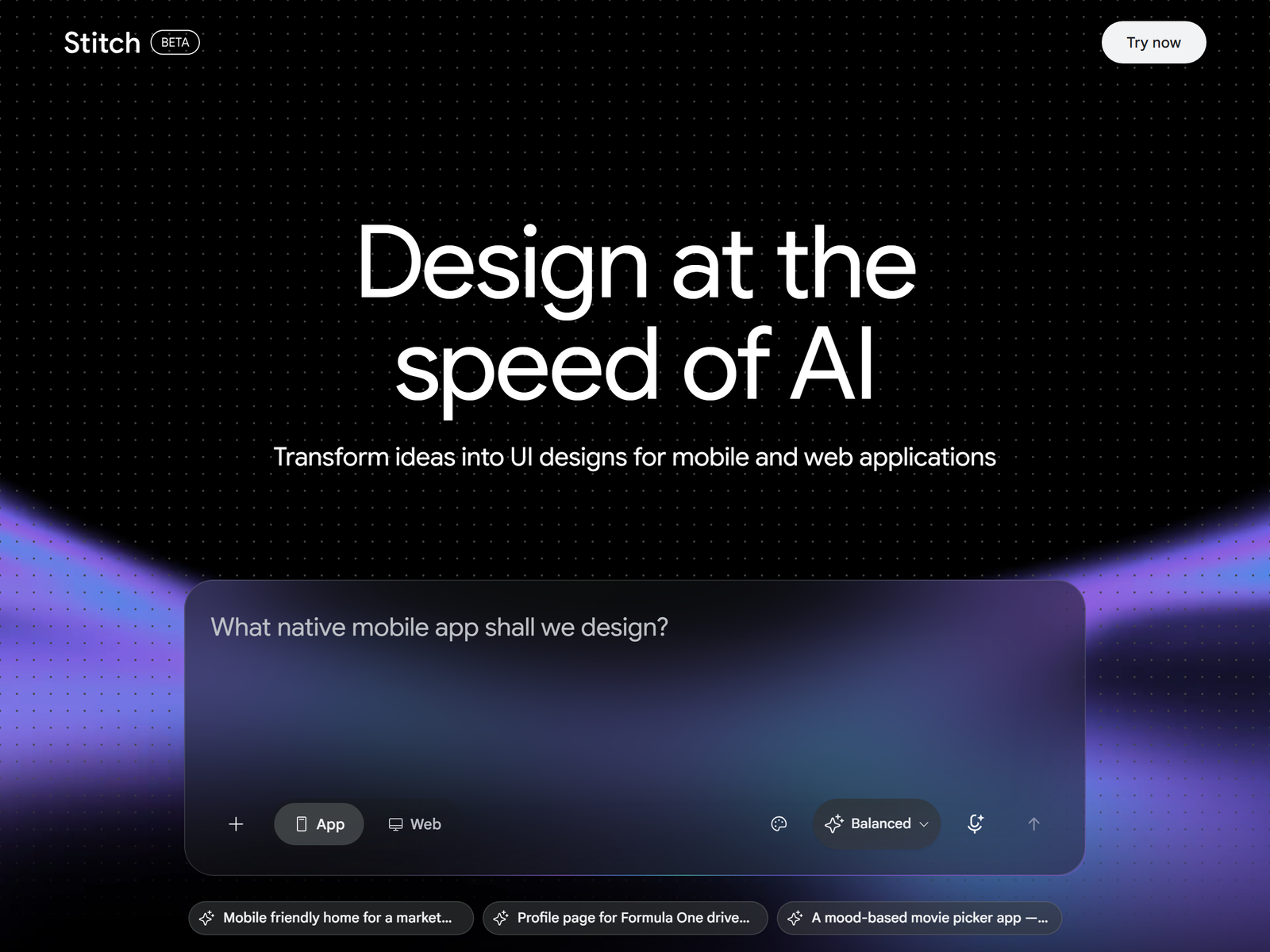
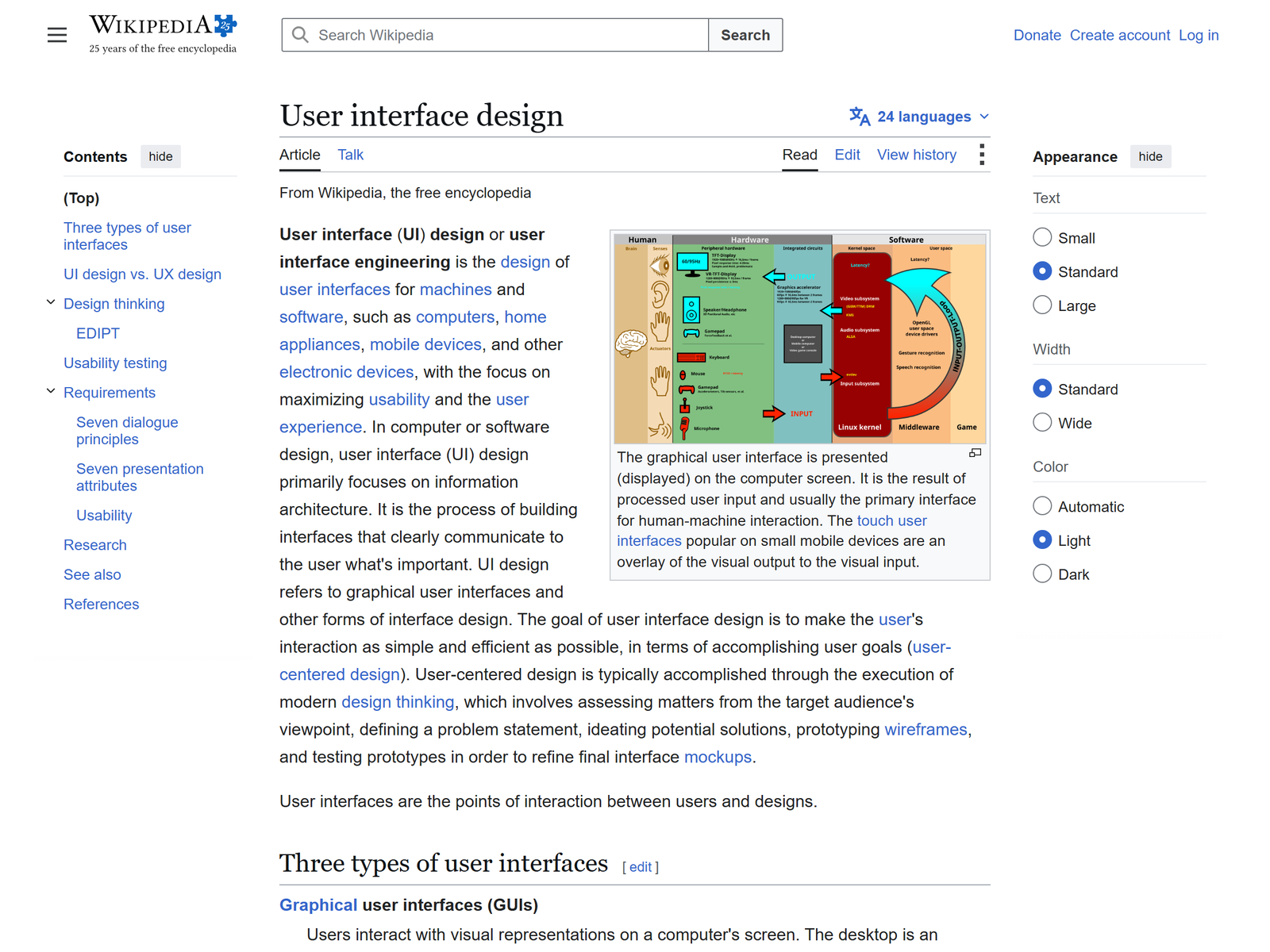
Founders and product managers need screens fast but rarely can draw them. You sell a "UI concept pack": for a brief, you generate 8 to 15 screens across the key flows, export them to Figma, and deliver a clickable prototype they can show investors or hand to a developer. Price per screen set at $150 to $500, or per project at $300 to $1,500 for a multi-flow app or marketing site. Three projects at $600 and two at $1,200 equals $4,200 on paper, but a realistic part-time ramp is $800 to $2,500 a month once you hold two or three steady founders. A strong upsell is a design-system pass: you set global styles (radius, fonts, accent color) so the client's screens stay consistent, then charge a monthly retainer to extend the app as features ship. More on the discipline in this user interface design overview.
Step-by-step plan to land your first paid client
- Open Standard and generate three concept packs (a fitness app, a SaaS dashboard, a landing page) as your portfolio.
- Define two packages: per-screen set ($150 to $500) and per-project ($300 to $1,500).
- Find prospects: solo founders, indie hackers, and small agencies with no designer on staff.
- Pitch with a 10-screen mock of their idea; close on a 3-flow starter project.
- Export to Figma, add one round of polish, and deliver a clickable prototype plus the source.
Delivering quality and setting expectations
Set the handoff rule up front: you deliver editable Figma frames and code, not flat images, so the client's designer or dev can finish. Be clear that Galileo defaults to "standard" professional UI; unusual or highly custom layouts need manual refinement, and complex business logic (multi-step forms, edge cases) you flag rather than fake. Keep a shared style note per client so new screens match. Report screen count and flow coverage, not just pretty pictures, so the project feels scoped.
Pro tips and pitfalls to avoid
- Generate 10 directions, keep the best 3; failing fast on layout beats polishing one weak idea.
- Use image-to-UI on a client's screenshot to match their existing look before generating new screens.
- Watch credit math: Standard's 120 generations covers a few small projects a month; price Pro in when volume rises.
- Do not promise production-ready code; it is a strong starting point, the dev still wires real data and states.
Key Takeaways
- Galileo AI turns text or screenshots into high-fidelity, editable UI screens and flows.
- Charge $150 to $500 per screen set or $300 to $1,500 per project; target $800 to $2,500/mo.
- Standard $19/mo (1,200 credits) to Pro $39/mo (3,000 credits); exports to Figma and code.
- Your edge is speed and direction, not pixel-perfect finishing; hand off editable files.
- Sell concept packs and a design-system retainer, not one-off screens.
Who this is and isn't for
This is for people with basic design taste who like visual work and want a low-overhead service with no inventory. It suits freelancers and agencies that need cheap concepting. It is not for anyone who refuses to learn Figma or basic layout rules; you are a starting point, not a replacement for a senior designer. If you cannot judge good hierarchy, clients will feel it.
My Take / The Bottom Line
Galileo AI is a strong 2026 money tool because the buyer is everywhere (every founder with an idea) and the barrier is low. You are selling direction and speed, not finished production art, and the export-to-Figma step means your work slots into real pipelines instead of dying as a pretty picture. The trap is quoting one-off screens at $50; the real income is the $300 to $1,500 project plus a monthly design-system retainer that grows as the app ships. Hold three project clients and you have a $900 to $4,500 floor. The mistake is treating it as art generation when it is really a fast, editable starting point.
Frequently Asked Questions
Do I need the Pro plan to serve clients?
Standard at $19/mo (1,200 credits, ~120 generations) covers a few small projects a month. Move to Pro at $39/mo once volume or privacy needs (private mode) rise.
How much should I charge per screen?
A single screen set runs $150 to $300; a multi-flow project runs $300 to $1,500 depending on flow count and polish.
Can clients edit what I deliver?
Yes. Outputs export as editable Figma frames and as React/Tailwind code, so their team finishes the last 20 percent.
Does it replace a real designer?
No. It excels at standard, modern UI but struggles with unusual layouts and complex logic; you deliver a strong start, not production art.
Can it build a full app flow?
Yes, multi-screen flows (catalog to checkout to confirmation) generate in one pass and stay visually consistent.
Ready to start? Open Galileo AI and review the plans, then read our Galileo AI breakdown for a setup walkthrough. More playbooks live in our Monetization Guides on aifreetool.site.