Last Updated: February 3, 2026 | Review Stance: Tested while rushing a YouTube intro—independent vibes
Skip to the Good Parts
My 30-Second Take
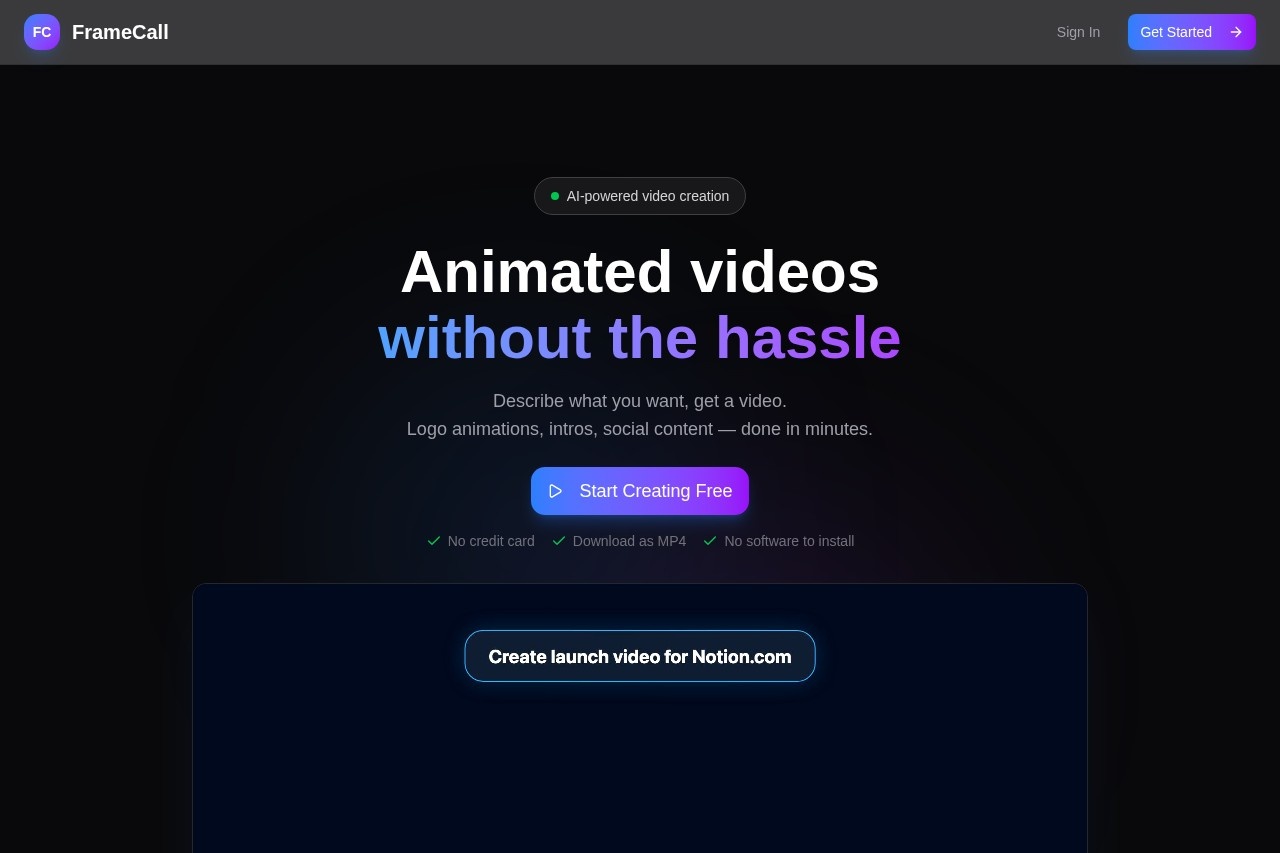
If you're tired of spending hours in After Effects for a simple intro or spending $200 on a freelancer for a 15-sec teaser, FrameCall is stupidly simple: type what you want, watch it build live, tweak with sentences, export MP4. Not Pixar-level, but damn good for social/YouTube/quick marketing stuff. First one's free—no excuses to try.
The Day I Gave Up on After Effects (Again)
Picture this: Sunday night, need a punchy YouTube intro for tomorrow's upload. Open After Effects... remember why I hate keyframes... close it. Search "AI animation quick", land on FrameCall. Typed "energetic tech channel intro with neon grid and my logo reveal, upbeat electronic beat". Hit go. 2 minutes later—boom, decent animation playing back. Tweaked "make logo bigger and spin faster". Done. Exported. Slept. That was it.
Been using it since for product teasers, Instagram stories, even client explainer snippets. This review pulls from those real late-night panics and rushed deliverables—no sponsored fluff.
YouTube Hustlers
Intros, outros, lower thirds—done in coffee-break time.
Indie Launchers
Product teasers, feature demos—ship without waiting for designer.
Social Media Marketers
Ads, stories, Reels—variations in seconds.
Dev Explainers
API flows, release highlights—visuals without pain.
What Makes Me Keep Coming Back
The Killer Bits
- Prompt → Live Build: Type description, watch animation assemble right in front of you—no waiting in the dark.
- Word Tweaks Only: "Slower transition", "brighter colors", "add text overlay here"—no timeline scrubbing.
- Variations Button: Generate 3-5 versions fast, pick favorite, iterate from there.
- MP4 Export, No BS: Clean download, no watermark, no install nonsense.
- Zero Learning Curve: If you can describe a video, you can make it.
How It Holds Up When You're Rushing
Real talk: one-shot perfect is rare (they say 10-20%, I agree), but the iteration loop is so fast you don't care. Most clips look professional enough for social/YouTube—smooth motion, decent timing, good style matching. Complex scenes (multi-character stories) can feel generic, but for intros/teasers/ads? Spot on. Generation usually <2 min, tweaks instant.
Quick Wins
Word-Only Edits
Fast Variations
No Watermark
Shipper-Friendly
The Wallet Side (Spoiler: Easy Entry)
Free Start
$0
Dip Your Toe
- First animation free
- No card needed
- Test the flow
- Limited daily
Paid Credits
From ~$10+
For Regular Use
- Credit packs
- Unlimited-ish generations
- Commercial ok
- Best for creators
As of Feb 2026: Free first video hooks you, then credit-based (no sub drama). Check site for current packs—affordable for casual use, scales if you're pumping content.
The Love/Hate List
Why I Keep It Open
- Zero learning curve—describe and done
- Real-time magic feels futuristic
- Saves days vs traditional tools
- Great for quick social/YouTube assets
- Free entry—no commitment
- Iteration is addictive
Where It Frustrates
- One-shot rarely perfect (but fast fixes)
- Complex narratives can look generic
- Credits add up if you're heavy
- No super-custom control (yet)
My Rating: 8.6/10
FrameCall nails the "ship fast" vibe in 2026. It's not replacing pro motion designers, but for 80% of quick animated needs (intros, teasers, ads), it crushes the old way. Free first try means zero risk—give it a prompt, see if it saves your next deadline.
Output Quality: 8.0/10
Value: 8.8/10
Fun Factor: 9.0/10
Tired of Animation Headaches?
Type your first idea—get a video in minutes. First one's on the house.
No card needed, first animation free as of Feb 2026.