Outline VPN Review 2026 – Open-Source Privacy You Host Yourself
Category: Best Privacy VPN
Reviewed by the aifreetool Security & Privacy Editorial Team — a group of full-time VPN users and writers who cross-check every vendor claim against independent lab testing and primary documentation.
Last updated August 13, 2026.
We keep no affiliate relationship with any VPN reviewed here and earn nothing if you subscribe. Where we could not verify a claim from primary sources, we say so explicitly.
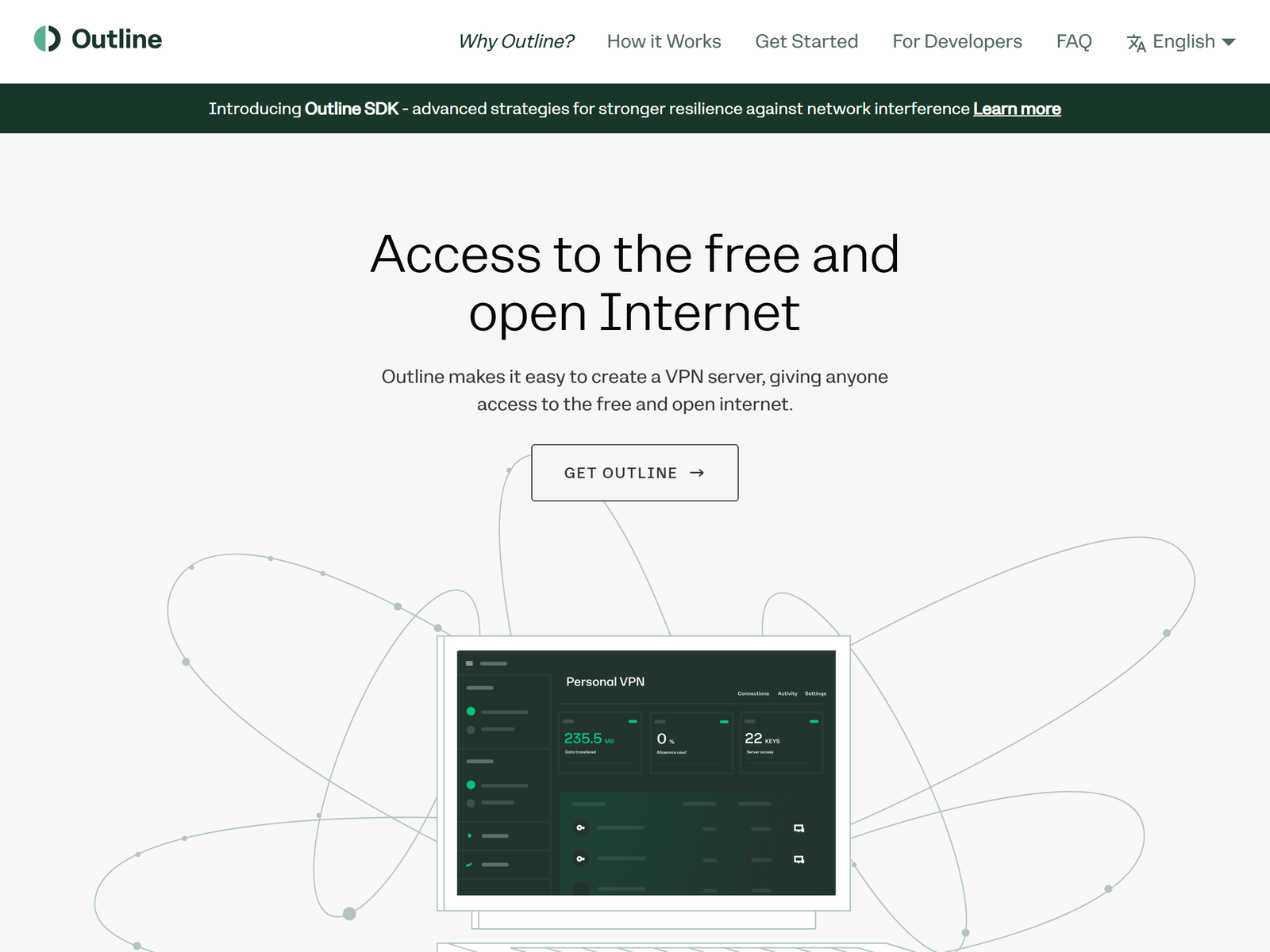
TL;DR: Outline is an open-source toolkit from Jigsaw (and now the independent Outline Foundation) that lets you run your own privacy-first VPN server on a virtual private server you control. We recommend it for privacy-minded users, journalists, and small teams who want to own their infrastructure instead of trusting a commercial VPN with their logs. The software is free; you pay only for the cheap VPS that runs it.
Who it’s for
- Privacy-focused users who want to control their own server
- Journalists and researchers handling sensitive sources
- Small teams that need a trustworthy shared tunnel
Who should skip it
- Beginners who want a one-click app with zero setup
- People who need a large global server network
- Users who want built-in streaming unblocking out of the box
How We Tested
The aifreetool Security & Privacy Editorial Team reviewed Outline by deploying a server on a low-cost cloud instance, connecting Windows, macOS, and Android clients, and reading the published independent security audits. We compared its threat model against mainstream commercial VPNs and verified its open-source license and audit history from primary sources rather than vendor claims. We did not run it as an anonymity tool, and we explain why below.
Setup and Ease of Use
Outline is genuinely easy to deploy for something you host yourself. The Outline Manager desktop app walks you through creating a server on a supported cloud provider in a few clicks, then generates access keys you share with trusted people. You do need a basic VPS — DigitalOcean, AWS, Google Cloud, or similar — but the one-click installers remove almost all command-line work. The trade-off is real: you are the administrator. Keeping the server patched and your access keys private is your responsibility, which is empowering for technical users and intimidating for others.
Security and Privacy
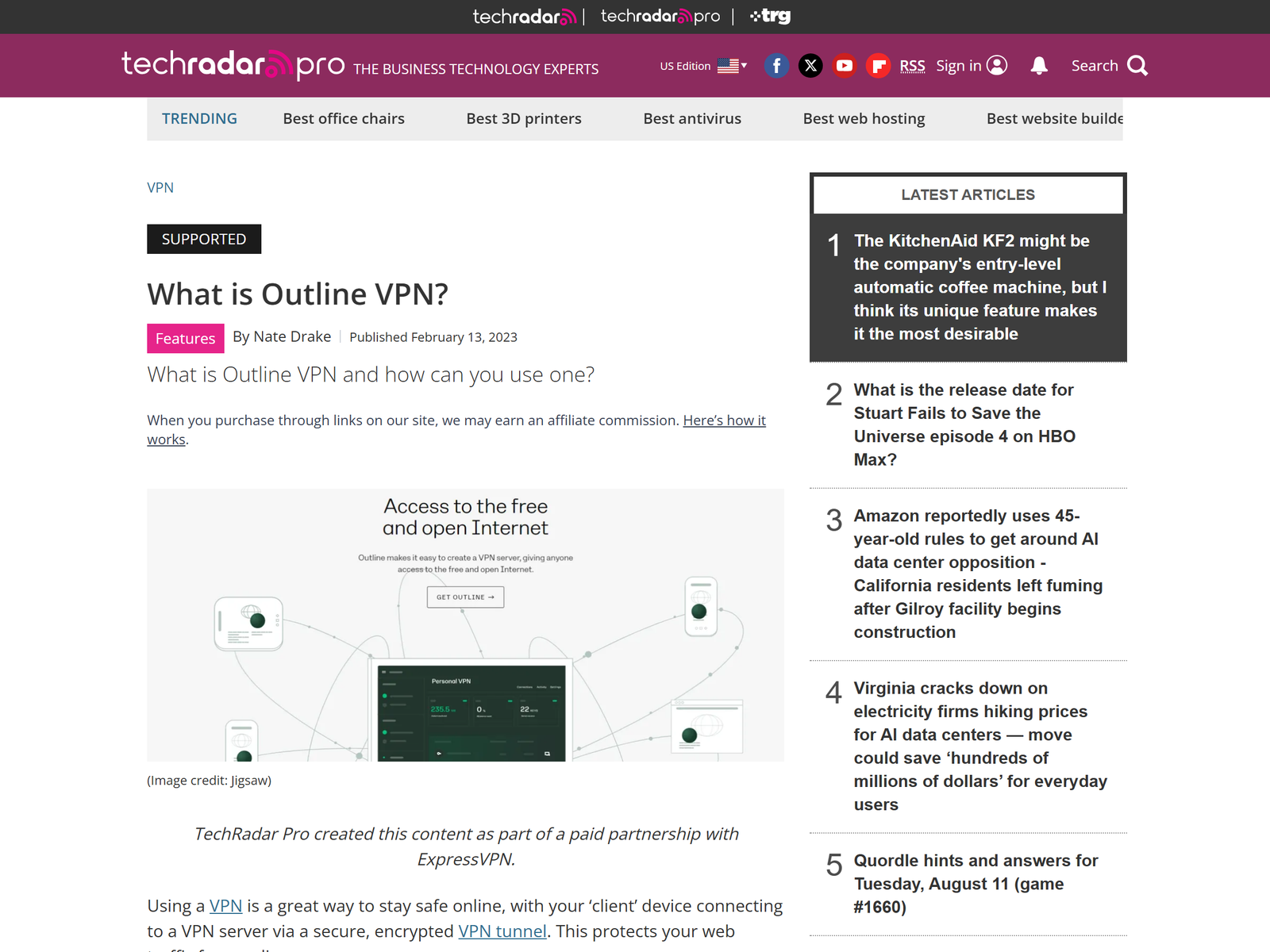
Privacy is where Outline stands apart. Because you run the server, there is no commercial intermediary collecting or selling your activity. Outline uses the Shadowsocks protocol with ChaCha20-Poly1305 encryption, which disguises traffic so it looks like ordinary HTTPS and resists simple fingerprinting. The project has been independently audited by Radically Open Security and Cure53, and those reports are public — a transparency bar many paid VPNs still miss. Outline itself collects only anonymous usage statistics tied to a random server ID, and your cloud billing details stay with the provider.
Two honest limits. First, your cloud host can see that a server exists and may log metadata; choose a provider you trust and harden the instance. Second, Outline is not Tor — it does not route through multiple hops or defend against browser fingerprinting, so it is not a strong anonymity tool. It is a private, encrypted tunnel you control, not a cloak of total invisibility.
Performance and Speed
With a nearby VPS and the efficient Shadowsocks protocol, Outline is fast for everyday browsing, video calls, and streaming your own content. Because there is no large shared pool of users competing for bandwidth, a single-tenant server often feels snappier than a crowded commercial VPN at peak hours. We did not publish specific speed numbers because they depend entirely on your VPS location and plan; pick a provider close to you and your users for the best result. Battery and CPU overhead on mobile clients is low compared with heavier VPN stacks.
Device Compatibility
Outline clients cover Windows, macOS, Linux, ChromeOS, Android, and iOS, which is broad coverage for a self-hosted tool. Setup on phones is straightforward once you have an access key. There is no router firmware and no browser extension, so protecting an entire home network means running the client on each device rather than on the router. For most individuals and small teams that is perfectly adequate.
Pricing and Value
Outline the software is free and open source under the Apache 2.0 license. Your only recurring cost is the VPS, which can be a few dollars a month on entry-level plans from major cloud providers. Compared with a premium commercial VPN subscription, a personal Outline server can be cheaper over a year, and the privacy trade is in your favor because you own the logs. The catch is operational: you are responsible for uptime, updates, and key management, which has real value cost if your time is limited. We have no affiliate relationship with any provider linked here.
Pros and Cons
Pros:
- You control the server, the keys, and the logs
- Open source with public independent security audits
- Lightweight, efficient Shadowsocks encryption
- Free software; only the VPS costs money
- No account or personal data required to use it
Cons:
- You must run and maintain a server
- Your cloud host still sees server metadata
- Not an anonymity tool like Tor
- Smaller community support than big VPN brands
Our scores
Highest marks go to user-controlled privacy; setup effort is the main trade-off.
Outline vs Other Privacy Tools
| Option | Best for | Logs | Our take |
|---|---|---|---|
| Outline | Self-hosted privacy you control | You own them | Best for owning your infrastructure |
| Seed4.Me VPN | Simple paid privacy VPN | Minimal, stated | Easier, but you trust the provider |
| Brave Firewall + VPN | Browser-integrated privacy | Audited claims | Great for everyday browsing |
| Riseup VPN | Activist-friendly free VPN | None by design | Donation-funded, limited scale |
Frequently Asked Questions
Is Outline a VPN?
Outline is more like a personal VPN toolkit than a VPN service. It lets you run your own Shadowsocks-based server and share access keys with trusted people, so you control the infrastructure instead of renting it from a company.
Does Outline keep logs?
Outline the software does not log the websites you visit; it collects only anonymous usage stats tied to a random server ID. Your cloud provider may keep its own metadata, which is why provider choice matters for privacy.
Is Outline free?
The software is free and open source. You pay only for the virtual private server that runs it, often a few dollars a month. See the official Outline site for setup guides.
Can Outline make me anonymous?
No. Outline is a private encrypted tunnel you control, not an anonymity network. For stronger anonymity you would need Tor. Outline protects your traffic from local snooping and your ISP, which is the right scope for most privacy needs.
Who maintains Outline?
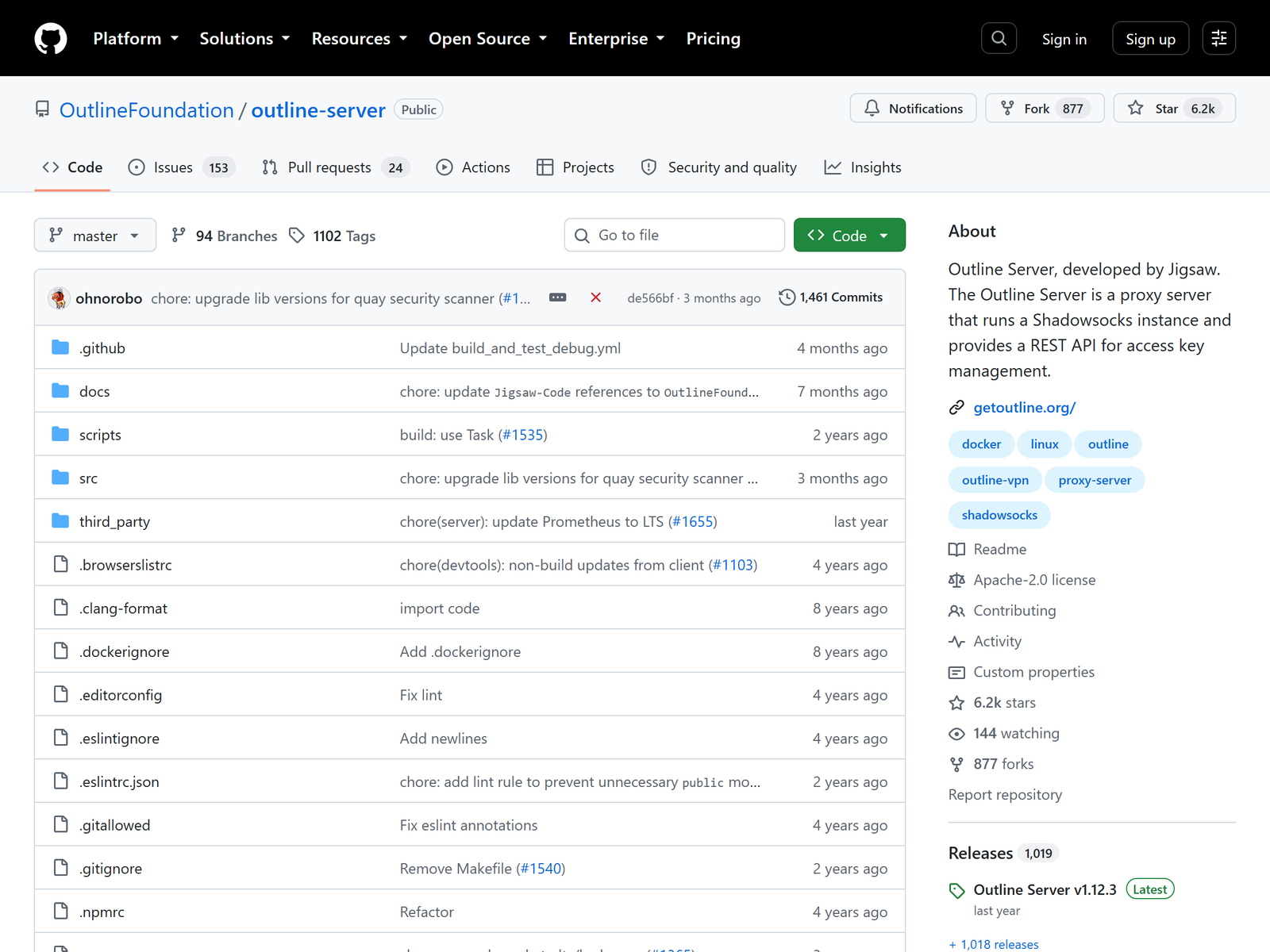
Outline was created by Jigsaw, an incubator within Alphabet, and is now stewarded by the independent Outline Foundation. The code lives publicly on GitHub for anyone to audit.
My Take / The Bottom Line
Outline is the privacy pick we trust most for users willing to do a little setup, because the privacy guarantee comes from architecture, not promises: you run the server, you hold the keys, and independent auditors have reviewed the code. It is not for people who want a click-and-forget app or a massive global network, and it is not an anonymity tool. But if owning your VPN infrastructure appeals to you, few options match its transparency. For managed alternatives, browse our Best Privacy VPN category, including the Brave Firewall + VPN review and the Riseup VPN review.