Last Updated: January 29, 2026 | Review Stance: Real daily driver testing, includes affiliate links
Skip to What Matters
Quick Scoop from Someone Who Uses It Daily
Imagine walking and suddenly a killer idea hits—you mumble into your phone, and boom: clean notes, to-dos extracted, even follow-ups suggested. Mumble Note in 2026 nails that "capture mind in motion" vibe with solid transcription, 40+ languages, and zero friction. Free 60 min/mo to start; paid jumps to serious volume. If your brain moves faster than your fingers, this one's a lifesaver.
The Day It Stopped Me From Losing Another Idea
Picture this: I'm rushing between meetings in Singapore heat, a brilliant fix for a client bug pops up. Normally I'd scramble for Notes app, type half, lose the thread. With Mumble Note? Hit record, rant for 30 seconds—AI cleans it, pulls action items, adds to my collection. No typing, no forgetting. That's when I knew this wasn't just another voice recorder.
Been living with it for months now—meetings, walks, late-night brain dumps. Tested across accents, noisy streets, long rambles. This review is pure real-life use in 2026—no hype, just what sticks.
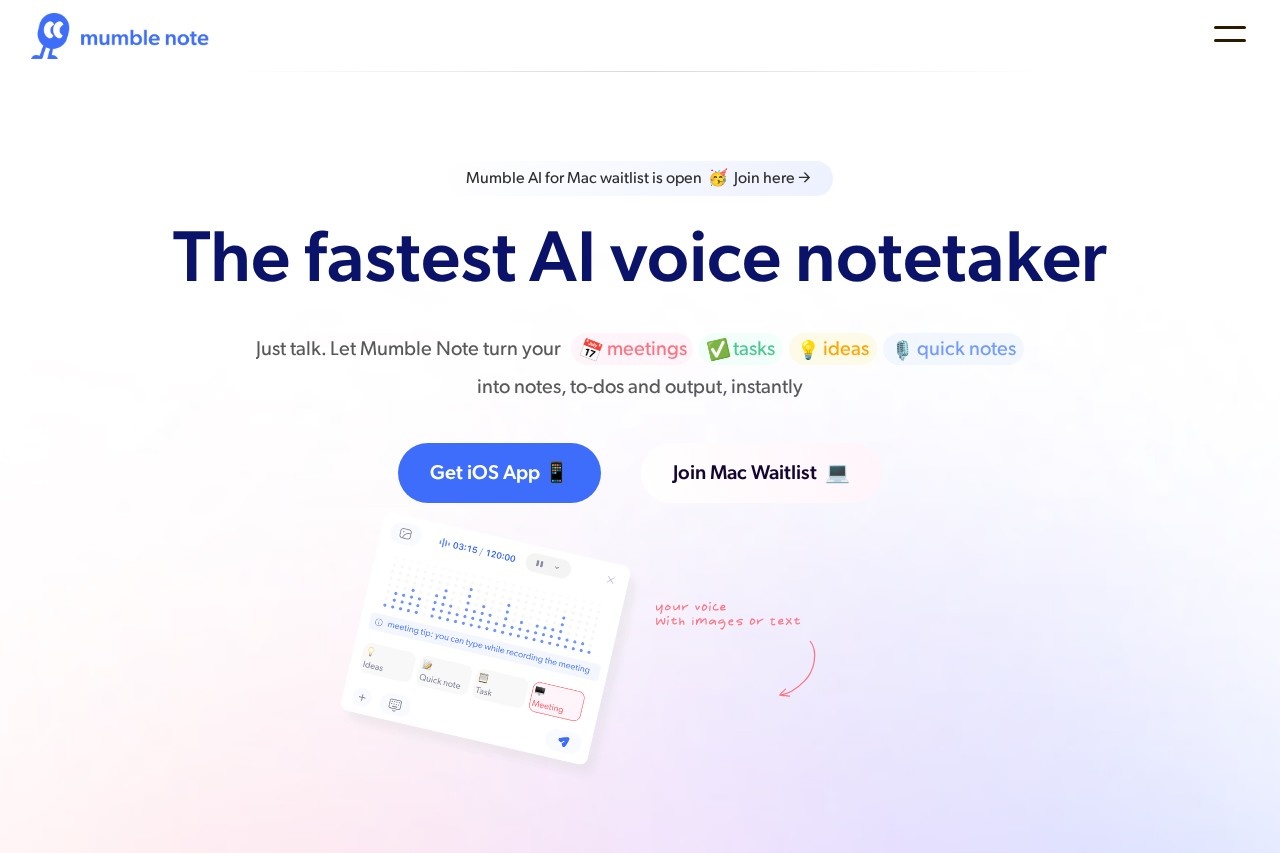
Walking Brain Dumps
Ideas hit on commute—mumble, done.
Back-to-Back Meetings
Capture everything, get summaries + to-dos auto.
Creative Bursts
Brainstorm, AI organizes into collections.
Quick Follow-Ups
Add voice threads, query later like your own brain search.
The Bits That Keep Me Hooked
Everyday Heroes
- Voice → Magic: Speak freely—AI transcribes, cleans, summarizes, pulls to-dos.
- Auto To-Dos: Spots tasks, adds to inbox—syncs with Reminders/Calendar/Things.
- Collections & Chat: Group notes smartly; ask "what were my priorities?"—gets answers from your stuff + web.
- 40+ Languages: Transcribe/translate globally—huge for mixed teams.
- Apple Watch + Widgets: Wrist-tap start, one-tap home screen.
- Image/Text Mix: Extract text from pics, add during voice—perfect for screenshots.
Surviving Real Messy Days
Transcription nails accents and noise better than most—2-hour deep dives? No sweat. Summaries feel human, not robotic; to-do extraction catches 80-90% right. Chat-with-notes is addictive—ask for weekly recap, it pulls everything. Privacy encryption gives peace of mind. Only hiccup: very fast speech or heavy slang needs personal vocab training.
What Feels Premium
Smart To-Dos
Multi-Language Win
Privacy Lockdown
Watch Magic
Does It Pay for Itself?
Free
$0
Dip Your Toe
- Unlimited text notes
- 60 min voice/mo
- Up to 2 min/note
- Basic AI
Starter
$3/mo
Sweet Spot
- 3000 min voice/mo
- Up to 2h/note
- 30 AI tools/mo
- Advanced models
Pro
$10/mo
Power User
- Unlimited voice
- Unlimited AI tools
- Auto Collection Mode
- Chat with Mumble AI + betas
As of January 2026—annual saves big (e.g. Starter ~$1.5/mo equiv). Free tier generous for light use; Pro unlocks full power. Check site for latest.
What Rocks & What Could Improve
Loves
- Zero friction—speak and forget
- To-dos & summaries spot-on most times
- Watch + widgets = godsend
- Multi-lang + image text extraction
- Feels private & secure
- Chat feature turns notes into searchable brain
Room for Polish
- Free voice limit hits quick if heavy
- Very slangy/fast speech needs vocab tweaks
- Mac version still waitlist
- No Android yet (fingers crossed)
My Take: 9.2/10
Mumble Note nails the "just talk" promise in 2026—fast, smart, and actually useful daily. If ideas escape you because typing's too slow, this app catches them beautifully. Free to try; paid feels like investing in clearer thinking.
Smarts: 9.1/10
Value: 9.0/10
Daily Stickiness: 9.4/10
Tired of Losing Thoughts Mid-Walk?
Grab Mumble Note, mumble your next big idea—see how it organizes the chaos for you.
Free tier + iOS ready as of January 2026.