Introduction
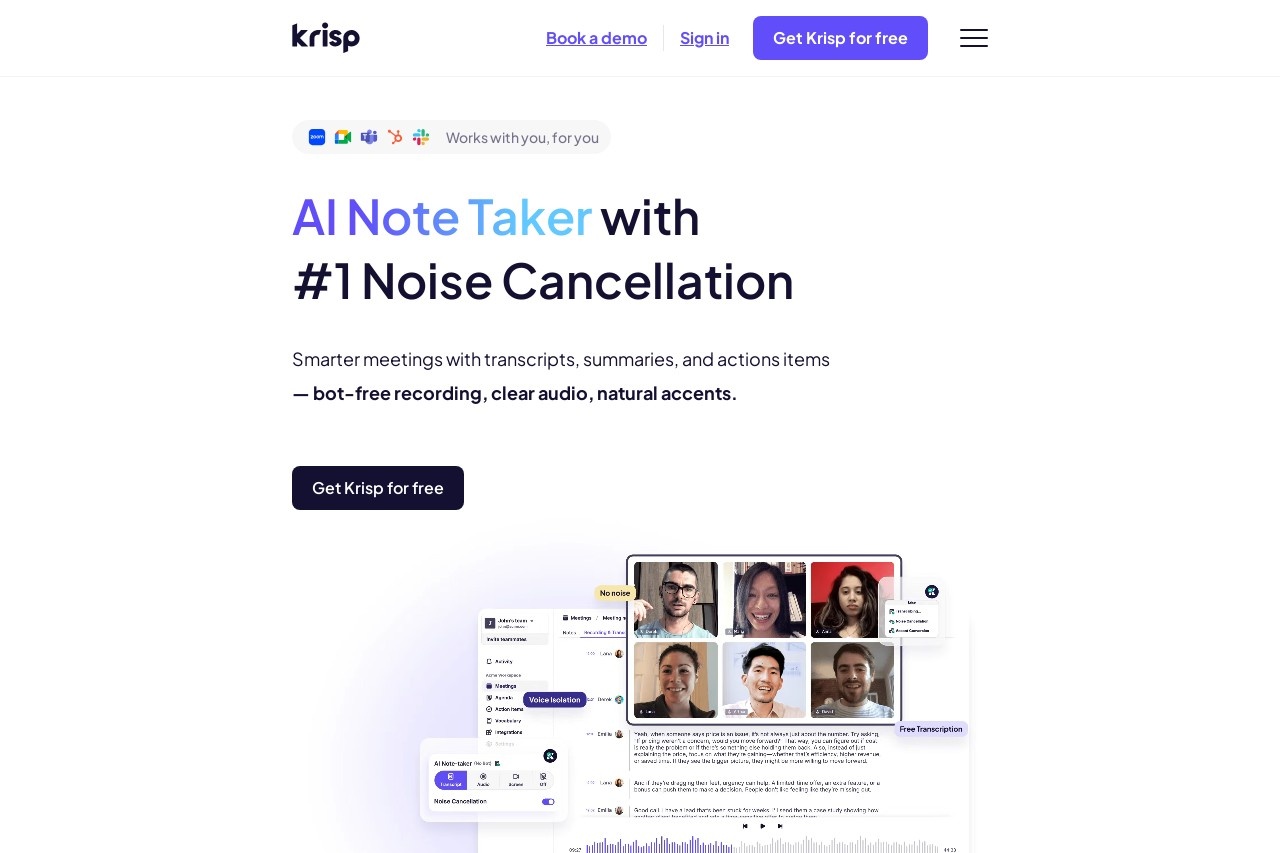
Krisp is an AI-powered noise reduction app designed to enhance remote meetings and communication experiences. Whether it's noisy background sounds or unexpected distractions, Krisp eliminates noise in real-time through advanced AI algorithms, ensuring clarity in calls and recordings. Additionally, it offers meeting transcription and content summarization features to help users manage their communication content efficiently.
Key features:
- AI Noise Reduction: Eliminate background noise in real-time, ensuring clear calls.
- Meeting Recording: Supports high-quality recordings for easy follow-up review.
- Voice Transcription: Automatically converts meeting content into text for easy review.
- Content Summarization: Generate meeting summaries with AI, distilling key information.
- Multi-platform support: Compatible with Windows, macOS, and mainstream meeting software (such as Zoom, Teams, etc.).
Characteristic advantages
- Efficient Noise Reduction: AI technology accurately identifies and filters non-human noise, improving communication quality.
- Intelligent Analytics: Automatic transcription and summarization features save users time and improve productivity.
- Privacy Protection: All audio processing is done locally, ensuring data security.
- Simple and easy to use: One-click on, no need for complex settings, strong compatibility.
Applicable people
Krisp is ideal for people who:
- Remote working professionals, especially those who frequently participate in online meetings.
- Freelancers or creators who need to record clear audio in noisy environments.
- Educators and students, for online classes or group discussions.
- Customer service and sales teams to ensure hassle-free communication with customers.
FAQs
- Is Krisp free? A free trial is available, and premium features require a subscription to a paid plan.
- What conferencing software is supported? Compatible with major platforms such as Zoom, Microsoft Teams, Google Meet, etc.
- Do I need to install plugins? You need to download and install the Krisp client, which supports multi-device use.
- What languages does the transcription feature support? Currently, it supports multiple mainstream languages, including Chinese, English, etc.