Last Updated: January 06, 2026 | Review Stance: Independent testing, includes affiliate links
Quick Navigation
TL;DR - Pika.art 2026 Review
Pika.art excels as an intuitive AI video generator in 2026, offering text-to-video, image animation, lip sync, and fun effects like Pikaffects. With fast web-based creation and advanced models (Pika 2.2+), it's great for quick content—free tier for trials, paid plans for heavy use.
Pika.art Review Overview and Methodology
Pika.art is a user-friendly AI platform specializing in generating short videos from text prompts, static images, or existing clips. Evolving rapidly with models up to Pika 2.2+ in 2026, it emphasizes creative effects, realism, and accessibility via web.
This review evaluates the web platform for generation quality, speed, ease of use, effects accuracy, and credit efficiency in real scenarios like social media clips and marketing videos.
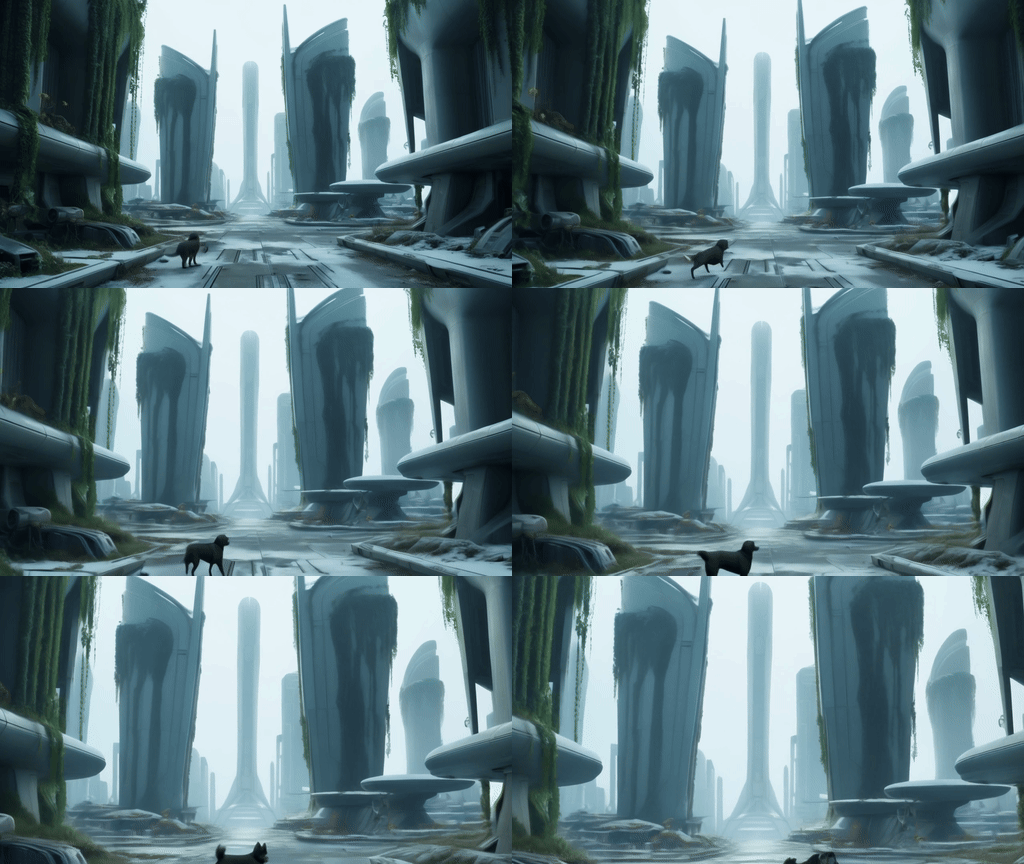
Cinematic AI video clip generated with Pika.art
Dynamic image-to-video transformation showcase
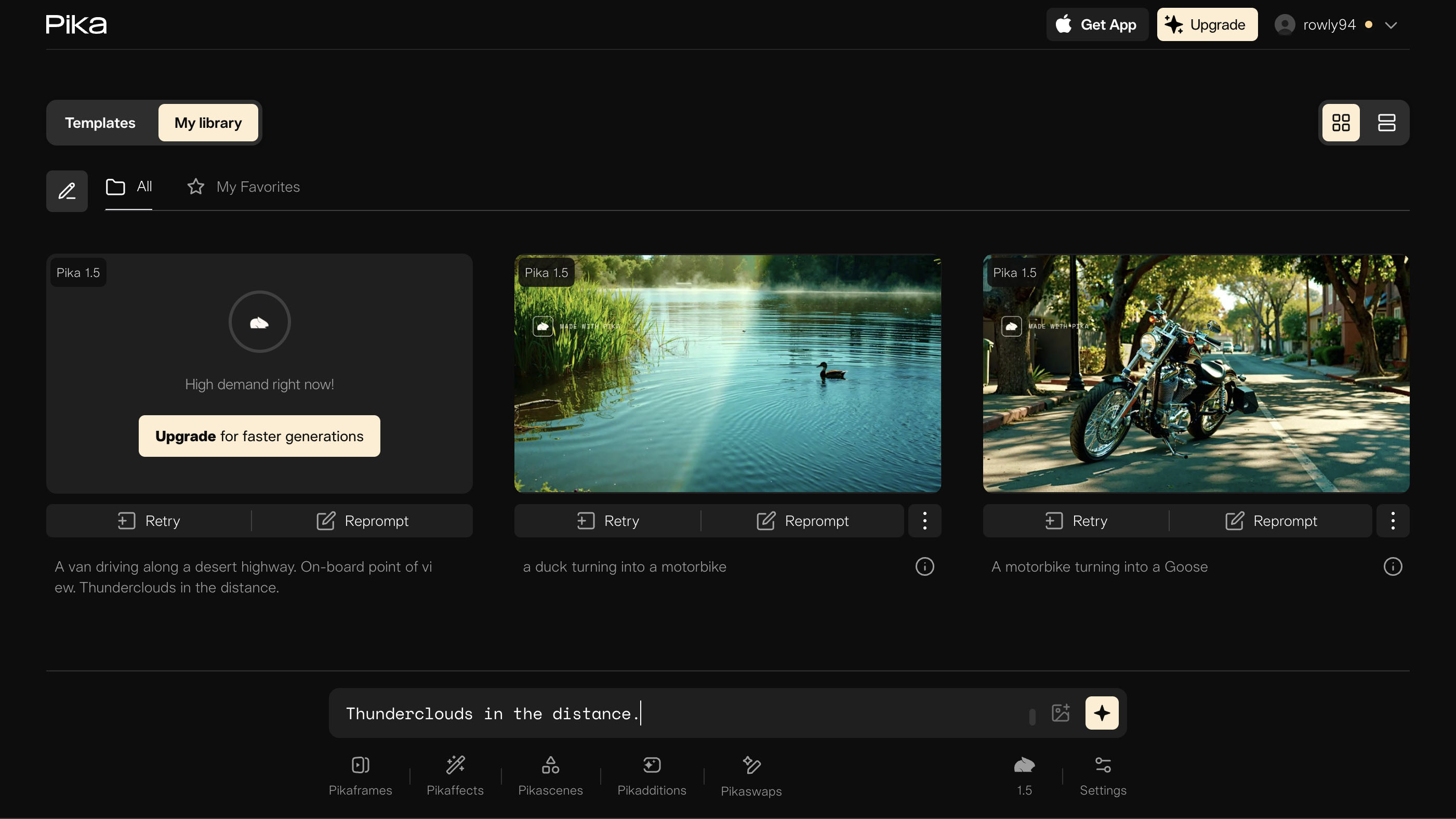
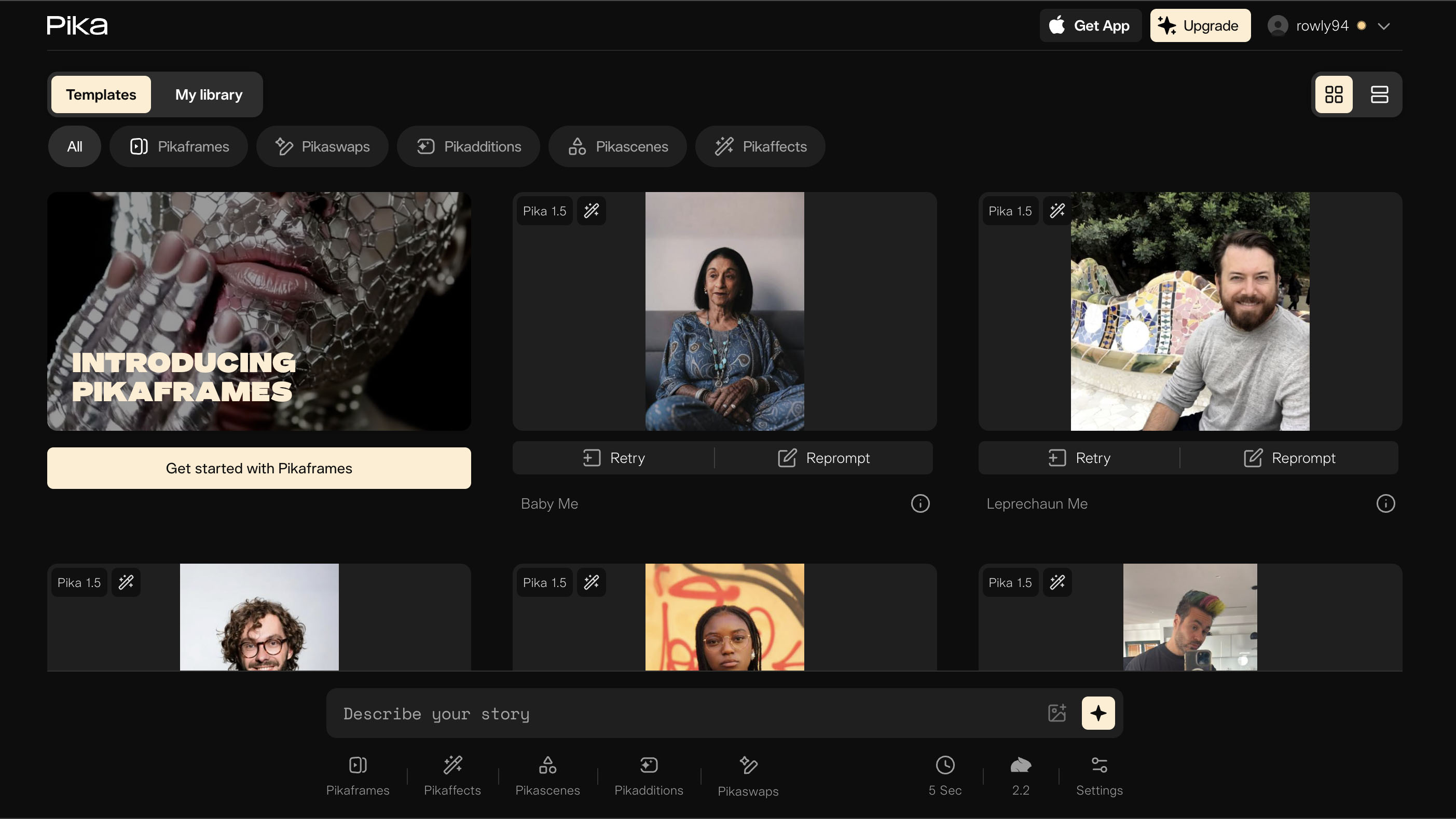
Pika.art intuitive web interface (2026)
Social Media
Short clips, memes, effects for TikTok/Reels.
Content Creation
Animating images, lip sync for characters.
Marketing
Product demos, ads, visual storytelling.
Personal Fun
Custom animations, selfies to videos.
Core Features of Pika.art
Key Tools & Capabilities
- Text-to-Video: Generate clips from descriptive prompts with camera controls.
- Image-to-Video: Animate static images with realistic motion.
- Lip Sync & Expressions: Sync audio to characters for speaking/singing.
- Pikaffects: Fun effects like explode, melt, crush, cake-ify.
- Pikaswaps & Pikadditions: Swap objects/characters, add elements.
- Extend & Frames: Lengthen videos up to 10s with smooth transitions.
- Turbo Mode: Faster generations on higher plans.
User Experience Highlights
- Simple web interface, no editing skills needed
- Near real-time previews and generations
- Easy effect selection without complex prompting
- High-res output up to 1080p
- Mobile-friendly access
Pika.art Functionality & Performance
In 2026, Pika.art's Pika 2.2+ models provide strong motion realism, character consistency, and creative effects, with quick processing on web—excelling in short, engaging clips.
Key Advantages in Performance
Fast Generation
Lip Sync Accuracy
Image Animation
Ease of Use
Pika.art Use Cases
Ideal Scenarios
- Social media creators for viral shorts and effects
- Marketers building quick ads and demos
- Artists animating concepts or characters
- Hobbyists creating fun personalized videos
- Educators for illustrative animations
Access Options
Web Platform
Mobile-Friendly
Effects Library
Turbo Mode
Pika.art Pricing & Plans
Basic/Free
$0/month
Trial access
- Limited monthly credits (~80-100)
- Basic models & effects
- Lower resolution
- Watermarked outputs
Standard
$10/month
For regular creators
- 700+ credits/month
- Full models access
- Faster Turbo generations
- Credit rollovers
Pro/Fancy
$60-$95/month
For professionals
- Thousands of credits
- Fastest speeds
- Commercial rights
- No watermarks
As of January 2026, Pika uses a credit system; annual plans save ~20%. Extra credits purchasable; check site for exact tiers.
Pros & Cons: Balanced Assessment
Strengths
- Intuitive and fun effects library
- Strong lip sync and motion realism
- Fast web-based generation
- Creative tools like swaps/additions
- Regular model updates
- Free tier for testing
Limitations
- Credit system limits free/heavy use
- Paid plans can feel expensive for volume
- Short video lengths (up to 10s)
- Occasional inconsistencies in complex scenes
- No native apps (web primary)
Who Should Use Pika.art?
Best For
- Social media influencers
- Content creators & YouTubers
- Marketers & small businesses
- Hobbyists experimenting with AI video
Consider Alternatives If
- You need longer videos or unlimited free
- Require advanced manual editing
- Prefer offline/local tools
- Budget constraints for credits
Final Verdict: 8.9/10
Pika.art is a standout AI video tool in 2026, blending ease, creativity, and quality for short clips with unique effects and lip sync. While credits and costs limit casual use, its innovation and speed make it top-tier for engaging content creation.
Creativity: 9.2/10
Quality: 8.8/10
Value: 8.5/10
Try the Leading AI Video Generator in 2026
Create stunning videos from text or images with effects and lip sync—start with free credits today.
Free limited credits available as of January 2026.