Last Updated: February 2, 2026 | Review Stance: I messed around with it for hours—here's the real scoop
Quick Jumps
My Quick Take
Cartoonize.net is that rare "upload → click → wow" tool in 2026. Free one-click cartoons, sketches, Ghibli vibes—no login BS for starters. Pro ($7-15/mo) removes limits and unlocks crazy filters/overlays. Super addictive for turning boring selfies into anime heroes or funny avatars. Quality? Surprisingly solid for free tier.
Why I Clicked "Upload Photo – it's free!" And Couldn't Stop
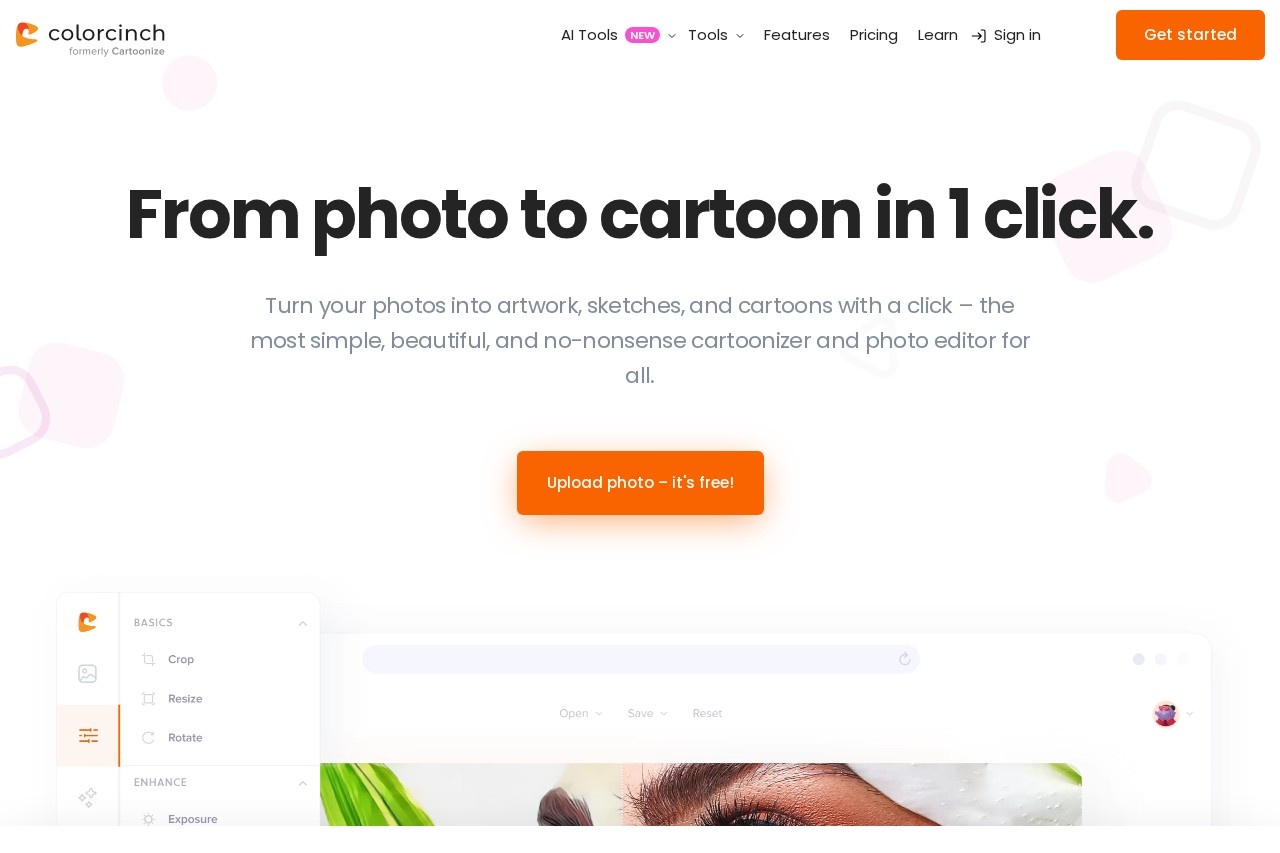
Honestly, I was scrolling late-night and thought "eh, another cartoon filter site?" But Cartoonize.net (aka Colorcinch) hooked me instantly—no sign-up wall, just drag your pic and boom, cartoon version. In 2026 it's still going strong with AI smarts making effects look way less cheesy than old-school ones.
I threw in selfies, pet pics, landscapes—even a food shot—and played for hours. Tested free vs Pro, mobile app too. This is my honest "I wasted time so you don't have to" review.
Social Media Avatars
Turn profile pics into fun cartoons or anime versions.
Pet & Family Fun
Cartoon your dog or add snow overlays for holiday posts.
Creative Edits
Ghibli style, sketch art, or collage madness.
Quick Gifts
Personalized cartoon portraits in seconds.
The Stuff That Made Me Go "Whoa"
Highlights I Kept Using
- One-Click Cartoon Magic: Upload → pick effect → done. Cartoon, sketch, painting styles galore.
- Ghibli & Anime Filters: That magical Studio Ghibli vibe? Yes, and it slaps on portraits/pets/landscapes.
- Bonus Editor Tools: Remove BG, add rain/snow/flares, masks, drawing, layers—feels like mini Photoshop.
- Mobile Apps: iOS/Android version for on-the-go cartooning with HD export.
- Free Start: No login for basic cartoonize—huge win.
- Overlays & Effects Library: Millions of icons/graphics to play with.
Real Talk on Results & Speed
Free tier gives surprisingly decent quality—cartoons look clean, not blurry mess. AI makes edges smooth, colors pop. Pro bumps to full HD/unlimited, no waiting. Speed? Seconds online, mobile's snappy too. Downside: free has daily limits on fancy AI stuff, and some effects feel "generic" if overused.
What Pops
Ghibli Vibes
No Sign-Up Fun
Mobile Ready
Creative Overlays
Free vs Pro (No Surprises)
Basic / Free
$0
Forever Play
- Unlimited basic cartoonize
- Daily limits on AI effects
- Standard quality
- No sign-up needed
Pro
$6.99–$14.99/mo
(Annual discount)
- Unlimited AI features
- HD exports & full res
- All filters/overlays unlocked
- Priority processing
As of Feb 2026: Free is truly usable daily; Pro annual ~$84 saves big. Cancel anytime. Mobile free too—check site for latest.
Pros & Cons (Straight Up)
Loves
- Zero hassle start—no account nonsense
- Ghibli/anime effects are fire
- Full editor hidden gem (overlays, layers!)
- Mobile app actually good
- Free tier more than teaser
- Fast & fun for quick laughs
Meh Bits
- Daily caps on premium AI in free
- Some effects feel same-y after a while
- Pro needed for unlimited heavy play
- No super-custom prompts (one-click focus)
My Fun Rating: 8.6/10
Cartoonize.net nails the "easy & joyful" vibe in 2026—no overthinking, just upload and cartoon away. Free gets you far; Pro makes it addictive for creators. If you want quick avatar laughs or artistic twists without hassle, this one's a hidden gem.
Fun: 9.1/10
Quality: 8.4/10
Value: 8.5/10
Wanna Cartoon Yourself Right Now?
It's literally free to try—upload a pic and see the magic. Spoiler: you'll probably spend the next hour trying every filter.
Free upload & effects as of February 2026.