

Last Updated: January 21, 2026 | Review Stance: Independent testing, includes affiliate links
Jump to Section
Quick Take - Riverside Transcript Generator 2026
Paste any YouTube link and get a super accurate transcript in seconds—99% spot-on, 100+ languages, timestamps if you want subtitles. Bonus: auto summaries, titles, chapters. Totally free for basic use, no hassle. Great for turning videos into blogs, captions, or clips without wasting time.
What This Tool's All About (My Real Test)
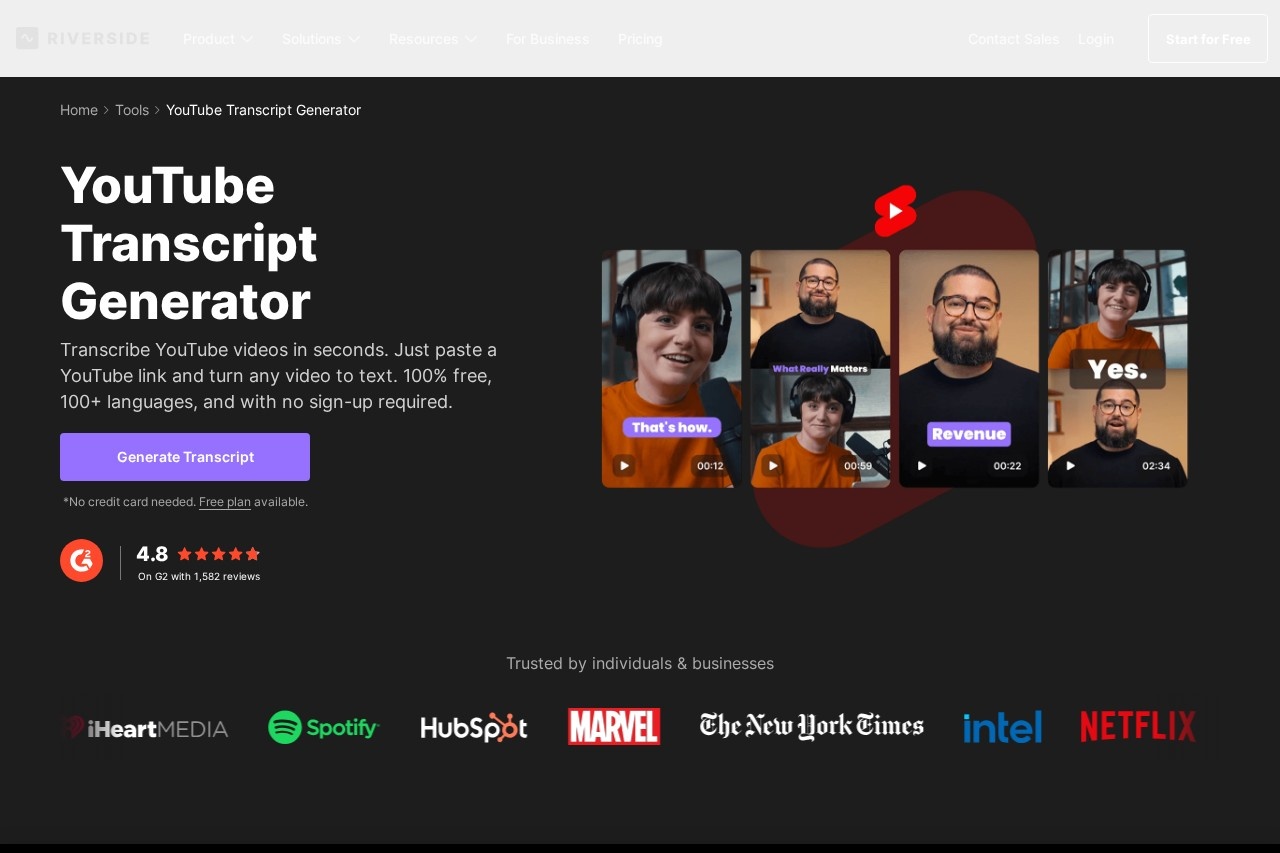
Riverside's YouTube Transcript Generator is a free online gem—just drop a YouTube URL, and AI spits out a clean transcript fast. No need to download videos or sign up for the basics. It's built to help creators repurpose content: grab text for blogs, make subtitles, or pull quotes for social.
I tested it on a bunch of videos—podcasts, tutorials, vlogs in English/Chinese/Spanish. Checked accuracy on accents/fast talk/crosstalk, plus the extra AI goodies like summaries and chapters. This review comes from hands-on use in 2026—it's part of Riverside's bigger creator toolkit, but the transcript tool stands alone nicely.
YouTubers & Podcasters
Add captions, SEO text, or blog from videos.
Content Repurposers
Turn long videos into shorts, threads, newsletters.
Multilingual Creators
Transcribe in 100+ languages for global reach.
SEO & Accessibility Folks
Boost search with accurate text & subs.
Cool Features I Actually Used
Standouts
- Just Paste Link: No upload—works on any public YouTube video.
- 99% Accuracy: Handles accents, fast speech, crosstalk pretty well.
- 100+ Languages: English, Chinese, Spanish, etc.—multilingual win.
- Output Options: Plain text, timestamped .srt subtitles.
- AI Extras: Auto summaries, titles, descriptions, chapters, takeaways.
- Free & Fast: Seconds for most videos, no sign-up hassle.
How It Performs Day-to-Day
In my 2026 tests, it nailed most transcripts—super close to 99% on clear audio, solid on tricky ones too. Faster than manual typing, and the AI summaries/chapters save tons of time for repurposing. Better than YouTube's auto-captions for accuracy and formatting.
What Shines
High Accuracy
Multilingual
Free Core Use
Repurpose Ready
Pricing (No BS)
Free Tool
$0
Basic Transcript
- Paste link → transcript
- Text & subtitles
- No sign-up needed
- Limited extras
Riverside Plans
From $19–$29/mo
Full Power
- Unlimited AI features
- Recording + auto-transcript
- Editing suite
- Pro for heavy creators
As of January 2026, the standalone transcript generator is free. Full Riverside platform (recording, unlimited AI transcripts) starts ~$19/mo (Standard) to $29/mo (Pro). Check site for latest—annual saves more.
Pros & Cons (Honest Breakdown)
What I Like
- Dead simple—just paste link
- Really accurate for most videos
- 100+ languages covered
- Free for core use
- Handy AI summaries/chapters
- Saves hours repurposing
What Could Be Better
- Heavy videos may take longer
- Full AI extras need Riverside plan
- Not perfect on super noisy audio
- Standalone vs full platform choice
My Verdict: 9.0/10
Riverside's Transcript Generator is a no-brainer free tool in 2026—fast, accurate, multilingual, and perfect for quick repurposing. The AI extras push it over the top for creators. If you're doing YouTube or podcasts regularly, pair it with Riverside plans for the full win.
Accuracy: 9.1/10
Value: 9.2/10
Features: 8.8/10
Need a Transcript Fast?
Paste your YouTube link and grab that 99% accurate text—free and easy. Level up your content game today.
Try Riverside Transcript Generator
Free online tool as of January 2026.













