

Last Updated: January 18, 2026 | Review Stance: Independent testing, includes affiliate links
Quick Navigation
TL;DR - Workmate 2026 Review
Workmate shines in 2026 as a hybrid AI-human scheduling assistant: proactive, reliable, eliminates email chains for meetings. Auto follow-ups, conflict fixes, 24/7 availability—free plan for basics, enterprise for teams. Great for executives & founders seeking productivity boost.
Workmate Review Overview and Methodology
Workmate is an AI-powered Executive Assistant that automates meeting scheduling by handling email coordination, availability checks, follow-ups, and rescheduling—combining AI intelligence with human oversight for trusted results. In 2026, it stands out for seamless integration into existing workflows without new tools.
This independent 2026 review evaluates real-world use: CC'ing Workmate in email threads, testing proactive features, conflict handling, integrations (Google/Microsoft/Slack/SMS), customization, and productivity gains for busy professionals.
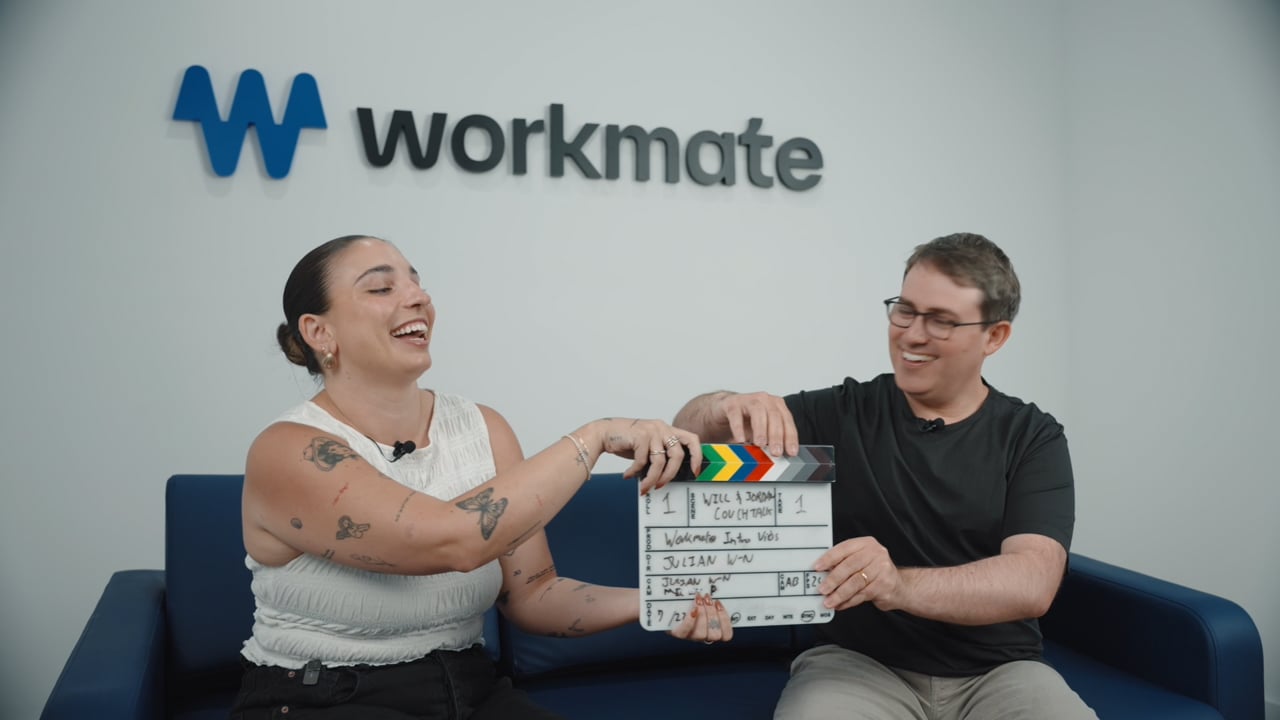
Workmate proactive scheduling in action (official video thumbnail)
Startup Founders & CEOs
Handle endless meetings without losing focus.
Heads of People & Ops
Coordinate teams & cross-timezone calls effortlessly.
Directors & Chiefs of Staff
Proactive conflict resolution & follow-ups.
Busy Professionals
Reclaim hours from email scheduling chains.
Core Features of Workmate
Key Tools & Capabilities
- Proactive AI Scheduling: CC Workmate → auto finds best times, sends invites, handles rescheduling.
- Auto Follow-ups & Reminders: Prevents no-replies with persistent but polite nudges.
- Conflict Detection & Resolution: Spots overlaps, messages for input via email/Slack/SMS 24/7.
- Human Verification: AI + real experts ensure accuracy in complex cases.
- Customizable Assistant: Use custom domain email, appear as human EA, free-text instructions.
- Integrations: Google/Microsoft calendars, Slack, SMS for seamless workflow.
Workmate Functionality & Performance
In 2026 testing, Workmate delivers reliable, fast scheduling with minimal user input—hybrid AI-human approach minimizes errors while maximizing speed. Users report significant time savings and peace of mind; proactive features excel in high-volume or complex scenarios.
Key Advantages in Performance
Proactive & Reliable
Hybrid AI-Human
24/7 Availability
Seamless Integrations
Workmate Pricing & Plans
Free
$0
Always Free
- 10 scheduling requests/month
- Core AI features + auto follow-ups
- Google/Microsoft/Slack/SMS integrations
- Proactive conflict flagging
Enterprise / Custom
Custom Pricing
For teams & advanced needs
- Unlimited requests
- Custom domain email for assistant
- SSO, security/legal reviews
- Dedicated support & multi-calendar
As of January 2026, free plan no credit card needed; 14-day full trial option. Enterprise: book demo for custom quotes & annual discounts. Check official for latest.
Pros & Cons: Balanced Assessment
Strengths
- Truly eliminates scheduling emails
- Proactive & intelligent features
- Hybrid AI-human reliability
- Free plan with solid basics
- Customizable & integrates seamlessly
- 24/7 responsive
Limitations
- Free tier limited to 10 requests/mo
- Enterprise pricing custom/not transparent
- Best for email-heavy workflows
- No full calendar management (focus on scheduling)
Final Verdict: 9.0/10
Workmate is a game-changer in 2026 for automated, reliable meeting scheduling—hybrid approach ensures trust & efficiency. Free start makes it accessible; enterprise suits teams. Excellent for reclaiming time.
Reliability: 9.2/10
Value for Money: 8.9/10
Feature Set: 8.8/10
Start Automating Your Scheduling Today
Let Workmate handle the back-and-forth—free plan available, no credit card needed.
Free plan & trial as of January 2026.








