

Last Updated: January 20, 2026 | Review Stance: Independent testing, includes affiliate links
Quick Navigation
Quick Take - Vidofy.ai 2026
Honestly, Vidofy.ai makes creating cool videos from just text ridiculously easy in 2026. You type a description, pick some options, and boom—cinematic clip with sound and smooth moves pops out in under 2 minutes. Free to start (watermark though), paid removes it and gives better quality. Perfect if you're cranking out social content or just experimenting.
What Vidofy.ai Is All About & How I Tested It
Vidofy.ai is this handy online tool where you just write what you want in text—like a scene description—and it spits out a full video with visuals, camera work, and even background sounds/dialogue. Everything runs in your browser, no downloads or fancy setup needed.
I spent time playing around in 2026: tried different prompts (realistic, anime, cyberpunk), checked how consistent characters look across shots, tested audio sync, generation speed, and how usable the output is for TikTok/YouTube/Instagram.
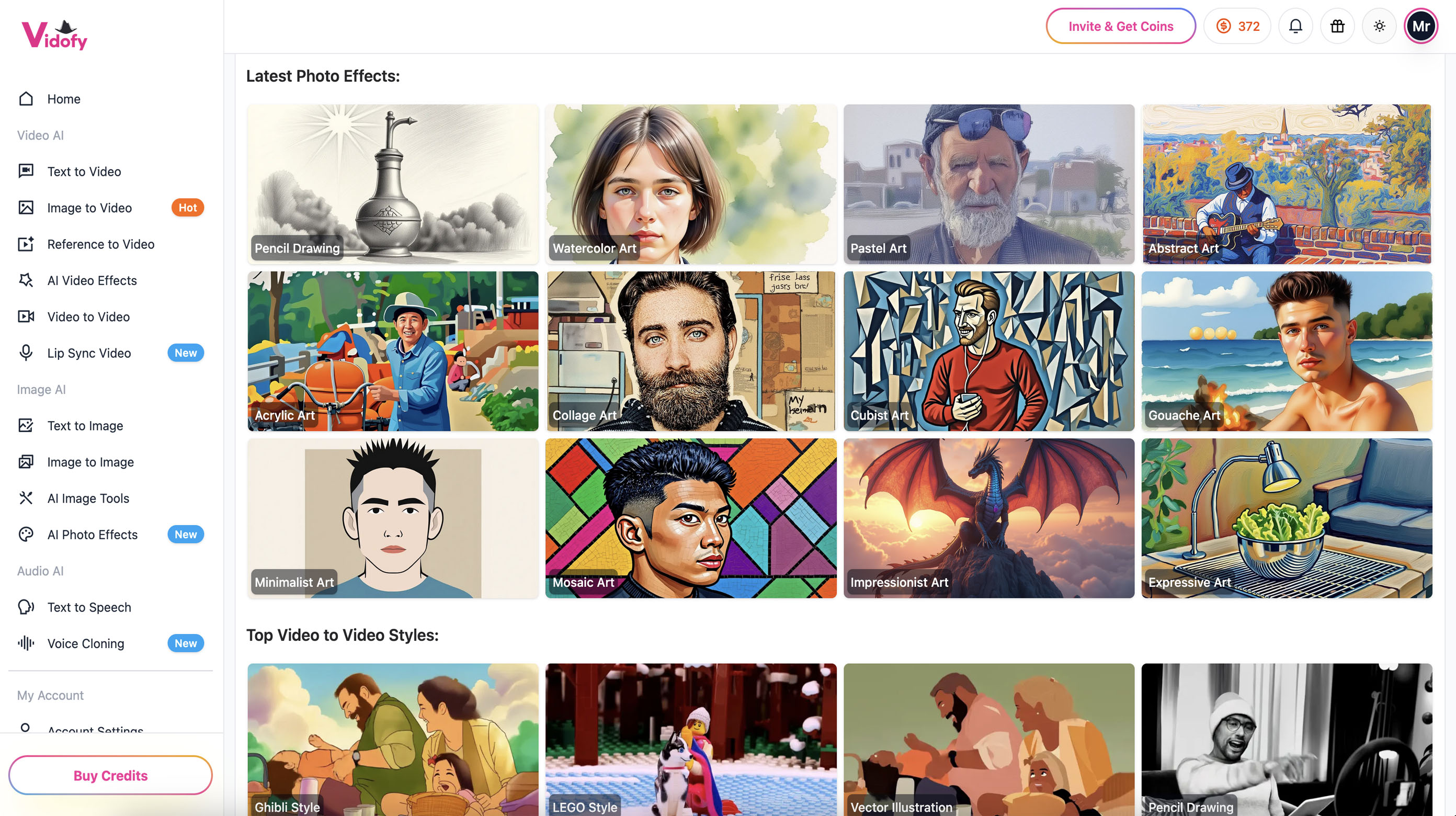
Example of the clean interface where you drop your prompt (official preview)
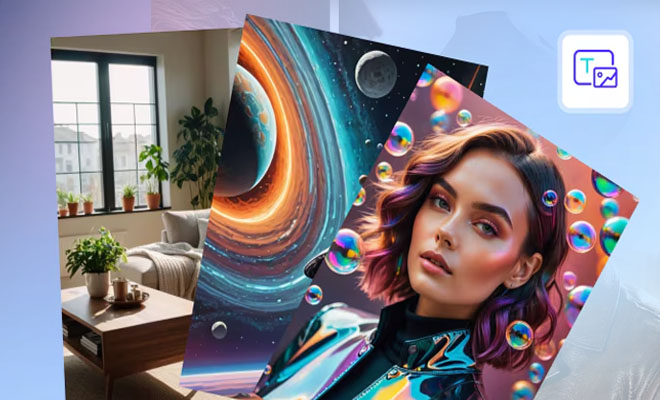
One of the outputs—looks pretty cinematic right? (official example)
Social Media Creators
Quick Reels, TikToks, Shorts from simple ideas.
Marketers & Ads
Product demos, promo clips without shooting.
Educators & Explainers
Animated lessons or concept videos fast.
Hobby & Concept Folks
Storyboarding ideas or fun animations.
What Makes Vidofy.ai Stand Out
Key Stuff It Does Well
- Text to Full Video: Just describe the scene—AI adds camera moves, lighting, motion.
- Styles Galore: Realistic, anime, cyberpunk, abstract—whatever vibe you want.
- Sound Sync: Auto adds effects, ambiance, even dialogue that fits.
- Character Consistency: Same person/look stays the same through the clip—no weird changes.
- Physics & Realism: Things move naturally, reflections, fabric flow—looks pro.
- Fast & Browser-Based: 30s–2min gen, no software install.
How Good Is the Output Really?
From what I saw in 2026 tests, the videos come out surprisingly polished—smooth motion, nice lighting, and audio that actually matches the scene. Short clips (5-8s standard) are quick and look broadcast-ready. Free version has watermark, paid unlocks cleaner exports and longer stuff. Not perfect on super complex prompts yet, but for most creative needs it's impressive and saves tons of time.
Standout Wins
Looks Pro
Easy to Use
Style Variety
No Gear Needed
Pricing – Worth It?
Free
$0
Get Started
- Basic generations
- Watermark on output
- Good for testing
- Limited length/res
Premium
From ~$10-30/mo
(varies by tier)
- No watermark
- Higher res & longer clips
- Faster priority gen
- More advanced options
As of January 2026, free tier rocks for trying it out. Paid plans remove limits and feel worth it once you're hooked. Head to official site for exact current pricing & any promos.
Pros & Cons – Keeping It Real
What I Like
- Crazy fast & simple—no learning curve
- Videos look way better than expected
- Tons of styles and creative freedom
- Free to play around
- Great for quick content bursts
What Could Be Better
- Free has watermark & short limits
- Complex prompts sometimes miss details
- Best results need good prompt writing
- No super-long videos on basic plans
My Verdict: 8.7/10
Vidofy.ai is honestly one of the easiest ways to get nice-looking videos from text right now in 2026. It's not replacing full production yet, but for fast social clips, concepts, or fun stuff—it's a game-changer. Start free, upgrade if you love it.
Output Quality: 8.5/10
Bang for Buck: 8.8/10
Features: 8.6/10
Ready to Turn Words into Videos?
Jump in—free tier lets you try right away. See how quick it is to make something awesome.
Free to start as of January 2026.








