Last Updated: January 20, 2026 | Review Stance: Independent testing, includes affiliate links
Jump to Section
Quick TL;DR
If you're tired of manually turning screen recordings into docs, Video2Docs does it in minutes—upload a video (even silent ones), get nice step-by-step guides with screenshots and text. Super useful for product folks, devs, or anyone writing tutorials. Free to start, scales up nicely for heavier use.
What Video2Docs Is All About & How I Tested It
Video2Docs is this neat little web tool that takes your app demo videos or screen recordings and magically turns them into clean, readable documentation—like how-to guides, quickstarts, or tutorials. The cool part? It works even if your video has zero voiceover; it just looks at what's happening on screen.
I threw a bunch of real videos at it: short feature walkthroughs, longer onboarding clips (up to several minutes), silent screen shares. Checked how accurate the steps were, how good the formatting looked, and if it saved me actual time compared to doing it by hand.
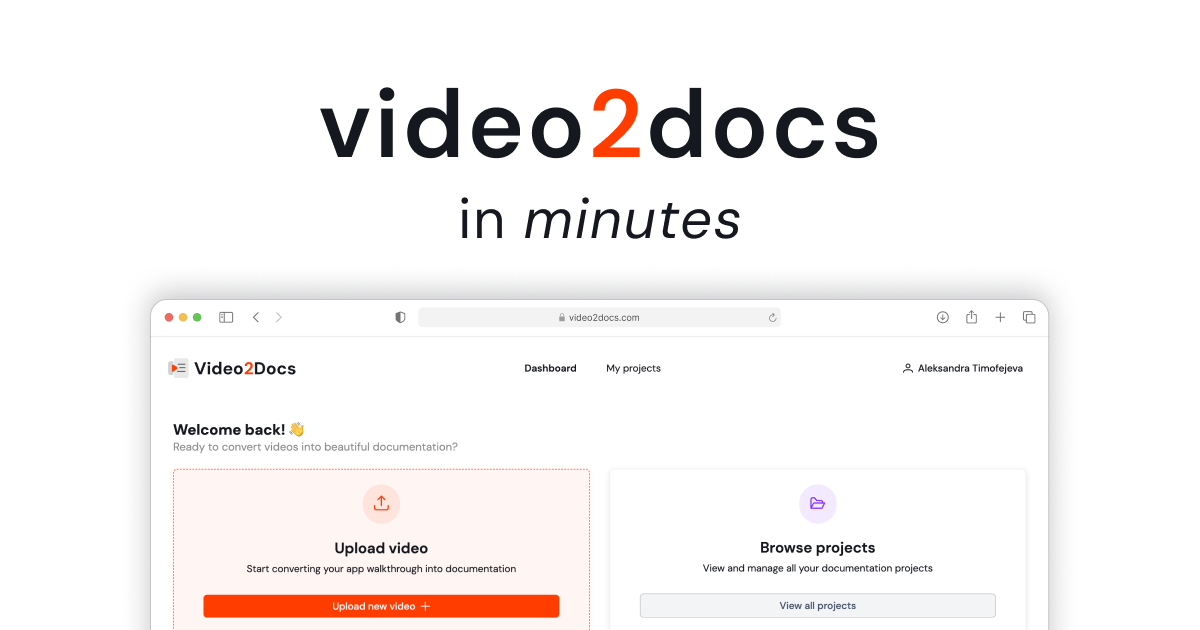
Simple upload screen – drag your video and let it work (official preview)
Product Teams
Turn feature demos into user guides fast.
Indie Devs & Creators
Make READMEs or blog tutorials from recordings.
Customer Support
Quick troubleshooting docs from walk-throughs.
Onboarding & Training
Employee or user training materials in minutes.
The Good Stuff: Main Features
What Makes It Stand Out
- Just Upload & Go: Drag your video—no setup, no browser extensions needed.
- Works Without Sound: Smart visual analysis for silent recordings.
- Auto Generates Steps: Pulls out key actions, adds screenshots, numbers steps nicely.
- Clean Formatting: Markdown-style output ready for docs, blogs, Notion, etc.
- Fast Turnaround: Minutes instead of hours of manual typing/formatting.
How It Actually Performs
Honestly, it nailed most of my tests. Short 2-5 min demos came out spot-on with clear steps and relevant screenshots. Longer ones were still solid, though sometimes needed minor tweaks. The no-audio magic is real—it figures out clicks and changes surprisingly well. Saved me a ton of time vs writing from scratch.
Standout Wins
No Audio Needed
Clean Output
Time Saver
Easy to Edit
Pricing – Worth It?
Free Tier
$0
Good for testing
- Limited videos/minutes
- Basic output
- Watermark or limits
- Try before buying
Paid Plans
From ~$5-10/mo
For regular use
- Unlimited / higher limits
- No watermarks
- Priority processing
- Longer videos supported
As of Jan 2026, starts free with paid upgrades (check site for exact current pricing—often monthly/annual options).
Pros & Cons – Real Talk
What I Like
- Saves a ridiculous amount of time
- Handles silent videos like a champ
- Output looks professional right away
- No software to install
- Great for quick docs
What Could Be Better
- Free tier probably limited on length/volume
- Complex videos might need manual fixes
- Accuracy depends on video clarity
- Still new-ish tool, features evolving
My Final Score: 8.7/10
Video2Docs is honestly a game-changer if you create a lot of video content and hate writing docs afterward. It nails the basics super well, especially for straightforward walkthroughs. Free to dip your toes in, and paid feels worth it for regular use.
Time Saved: 9.0/10
Output Quality: 8.5/10
Value: 8.8/10
Ready to Skip the Typing?
Upload a video and see the magic yourself—start free and turn recordings into docs in minutes.
Free to try as of January 2026.