Last Updated: January 17, 2026 | Review Stance: Independent testing, includes affiliate links
Quick Navigation
TL;DR - TranslateImage.ai 2026 Review
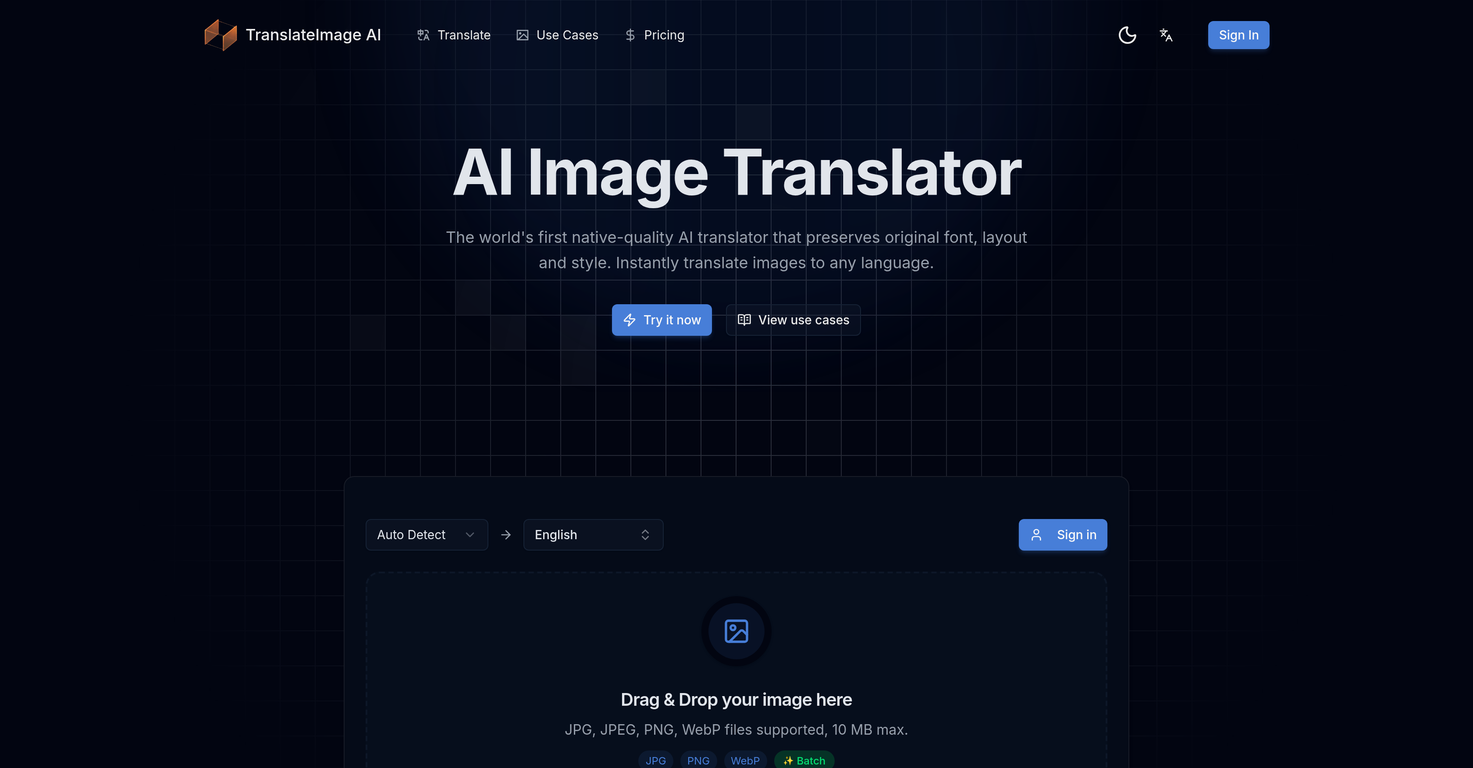
TranslateImage.ai shines in 2026 as the go-to AI for translating images without ruining design—preserves font/layout/style perfectly, supports 95+ languages, includes text removal & editor. Free trial (300 credits), premium removes watermarks & unlocks high volume—great for global content.
TranslateImage.ai Review Overview and Methodology
TranslateImage.ai is an innovative AI tool that translates text directly in images/photos while intelligently preserving the original font, layout, colors, spacing, and visual style for native-looking results. In 2026, it supports batch processing, 95+ languages, and extras like text removal.
This 2026 review is based on real testing: uploading various images (memes, posters, signs), translating to multiple languages, checking preservation quality, text removal accuracy, speed, and usability for marketing/social scenarios.
Before & After: Original vs Translated image with preserved style (source: public AI tool preview)
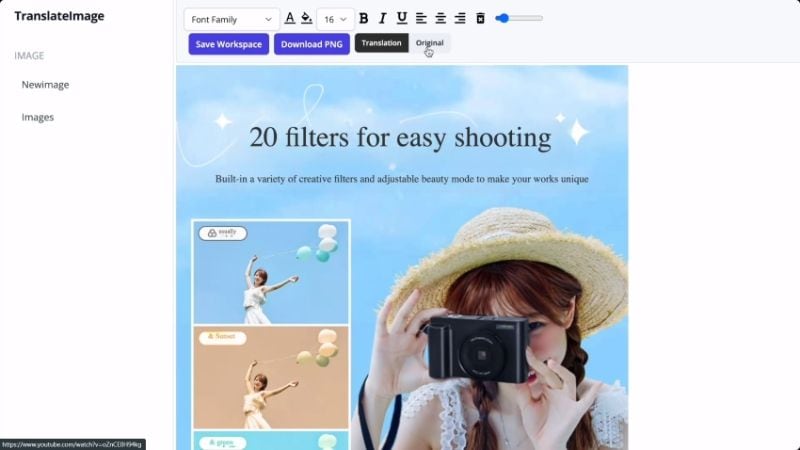
Example of layout-preserving translation (public demo)
Social Media & Memes
Translate viral images/memes for global audiences.
Marketing & Ads
Localized posters, banners, product images.
E-commerce & Signs
Multilingual product photos, street signs.
Content Creators
Remove/edit text in screenshots, infographics.
Core Features of TranslateImage.ai
Key Tools & Capabilities
- AI Image Translation: Translate text in images while preserving font, layout, style, colors.
- Native-Quality Results: Fluent, natural translations as if by native speaker.
- Batch Processing: Upload up to 10 images at once (JPG/PNG/WebP, max 10-50MB).
- Text Removal Tool: Cleanly remove text/watermarks, reconstruct background.
- Built-in Editor: Fine-tune results after translation/removal.
- 95+ Languages Support: To/from major & regional languages.
TranslateImage.ai Functionality & Performance
In 2026 tests, TranslateImage.ai delivers impressive preservation of design elements, high accuracy in complex layouts, and fast processing (seconds per image). Text removal is clean with natural inpainting; premium unlocks watermark-free, high-volume use.
Key Advantages in Performance
Fast & Accurate
Text Removal
Batch Support
95+ Languages
TranslateImage.ai Pricing & Plans
Free Trial
$0
Start Free
- 300 trial credits
- Up to 3 translations
- Watermarked output
- Commercial use
Premium
$10/mo (annual)
Best Value
- 2000 credits/month
- No watermark
- Priority processing
- Commercial use
My Credits
$30 one-time
Top-up
- 2000 credits (no expire)
- No watermark
- Priority processing
- Commercial use
As of January 2026, supports JPG/PNG/WebP; unlimited formats. Check official for latest credits & limits.
Pros & Cons: Balanced Assessment
Strengths
- Excellent design preservation
- Fast processing & batch support
- Text removal + editor included
- 95+ languages with native quality
- Affordable premium & one-time top-up
- Free trial to start
Limitations
- Free/trial has watermark & low credits
- File size limit (10-50MB)
- Batch max 10 images
- May vary on very complex/handwritten text
Final Verdict: 8.9/10
TranslateImage.ai is outstanding in 2026 for design-preserving image translation and text editing. Fast, accurate, and creator-friendly—free trial great for testing, premium offers excellent value for regular use.
Preservation Quality: 9.2/10
Value for Money: 8.7/10
Feature Set: 8.8/10
Translate Your Images Seamlessly Today
Start with 300 free trial credits—preserve design while going multilingual in seconds.
Visit TranslateImage.ai Official Site
Free trial with 300 credits as of January 2026.