Last Updated: February 4, 2026 | Review Stance: Built from source, indexed my entire dev folder—honest dev notes
Quick Dives
TL;DR from a Privacy Paranoid Dev
Mane AI = your personal, fully local ChatGPT-for-files on Mac. Index code/docs/images/audio, ask natural questions, get cited answers—all via Ollama + LanceDB. No cloud leaks, open-source (MIT), SwiftUI native feel. Setup takes ~15 mins if you have Ollama ready. Game-changer for offline knowledge work.
The Day I Realized Spotlight Sucks (And Mane Saved Me)
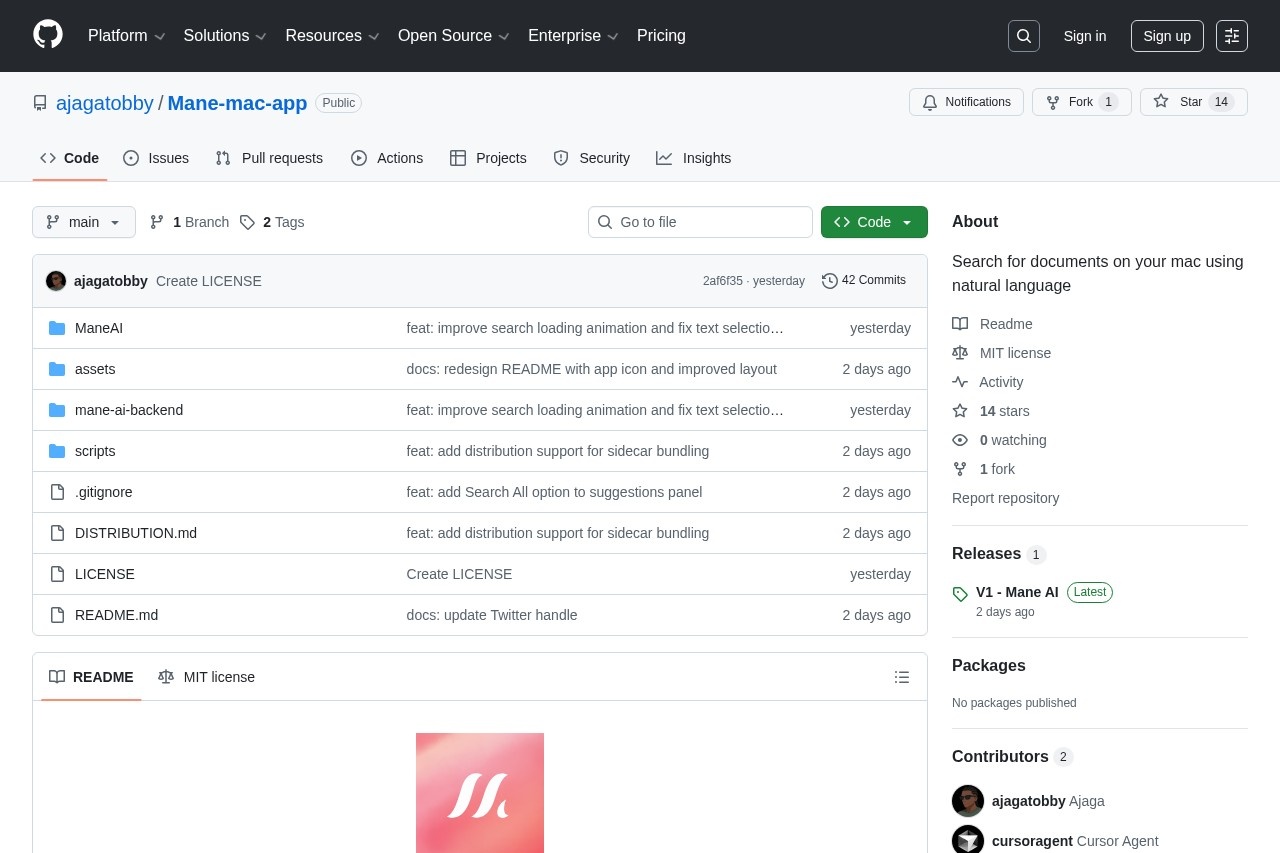
Let's be real: Spotlight is great for filenames, terrible for "show me all auth code from last year" or "summarize my old Python notes with images." Enter Mane AI—open-source macOS app that turns your local files into a private RAG-powered brain. Launched early 2026 on GitHub by ajagatobby, I cloned it the day after Product Hunt drop.
Built from source on my M3 Max, indexed ~50GB of code/docs/photos/audio. Tested queries like "find Rust error handling patterns" or "what's in that old conference photo?"—all offline. This review is raw from that chaos—no sponsored fluff.
Dev Knowledge Recall
"Show me JWT implementations across projects"—instant answers.
Research & Notes
Chat with old PDFs, summarize scattered Markdowns.
Multimodal Hunt
"Find photos from that trip" or "transcribe meeting audio clips."
Privacy-First Workflow
Sensitive client code/docs—zero cloud risk.
The Tech That Actually Works
Killer Features I Use Constantly
- Local RAG Chat: Ask anything—gets context from your files, cites sources, no hallucinations if chunked well.
- Multimodal Indexing: Images get auto-captions, audio transcribed—query visual/audio content naturally.
- Code Project Smarts: Detects repos (package.json etc.), indexes structure—great for monorepo searches.
- 100% Offline & Private: Ollama + LanceDB on-device; no telemetry, no accounts ever.
- Native SwiftUI: Feels like a real Mac app—smooth animations via Metal.
- Semantic + Keyword Hybrid: Finds meaning, not just strings.
Performance Reality on M-Series Mac
Indexing 20GB code/docs takes ~30-60 mins first time (depends on model/hardware); subsequent queries are snappy (2-8s). Qwen2.5 runs decent on M3/M4; bigger models slower but smarter. Accuracy good for semantic recall—cites right files 85%+ of time. Edge cases: very large audio files can choke transcription.
What Impresses Me
Multimodal Search
Code-Aware
Citation Reliability
Open-Source Win
Pricing? It's Free (MIT Open-Source)
Completely Free
$0 Forever
Build or Download
- GitHub clone & build
- Releases binary available
- No subscriptions
- MIT license
Hidden Costs?
Just Hardware
Ollama + Mac
- Ollama free
- Needs decent Mac (M1+ recommended)
- Larger models eat RAM/SSD
- No paid tiers
As of February 2026: 100% free/open-source. Download release binary or build yourself. Ollama models free too—grab qwen2.5 or whatever fits your Mac.
Pros & Cons (Straight Talk)
What Rocks
- Zero privacy worries—everything local
- Multimodal (text+code+img+audio) is rare
- Code project detection is thoughtful
- Native UI feels premium
- Open-source = tweak/hack forever
- Fast queries once indexed
Pain Points
- Initial indexing slow on big folders
- Needs Ollama setup (not one-click)
- Transcription/caption quality varies by model
- Still young project—may have bugs
- Heavy models drain battery fast
My Verdict: 8.6/10
Mane AI nails what most "AI search" tools promise but fail at: true privacy + local power + multimodal. For devs drowning in old code or researchers with scattered notes, it's a must-try. Setup hurdle exists, but payoff is huge—no more cloud paranoia. Star the repo if you build it!
Multimodal: 8.8/10
Ease Setup: 7.5/10
Value: 9.5/10 (free!)
Want Your Own Private AI Brain on Mac?
Clone the repo, fire up Ollama, index your chaos—it's free and yours forever.
Open-source MIT, latest v1 release February 2026.