Last Updated: January 20, 2026 | My honest take after heavy use, some affiliate links here
Jump Around
Quick Take – Omni1.ai in 2026
Honestly, if you're tired of juggling ChatGPT tabs, Claude windows, Midjourney logins and all that, Omni1.ai feels like a breath of fresh air. One chat window, 350+ models (including the newest GPT/Claude/Gemini plus killer video ones like Sora 2 & Veo 3), chain them together without losing your train of thought. For $20/month it's crazy value—I've been using it daily and it's saved me so much hassle.
What Omni1.ai Is Really About (My Hands-On View)
Omni1.ai – or Omni One as some call it – is basically the "all-you-can-eat" buffet for AI models. Instead of paying separate subs or switching apps every five minutes, you get one slick chat where you can pull from over 350 models across text, images, video, audio, coding... you name it.
I've been testing it hard these past weeks: throwing complex prompts, chaining models (like generate text with Claude then turn it into video with Veo), comparing outputs side-by-side. It's built for people who actually use AI every day and hate the friction.
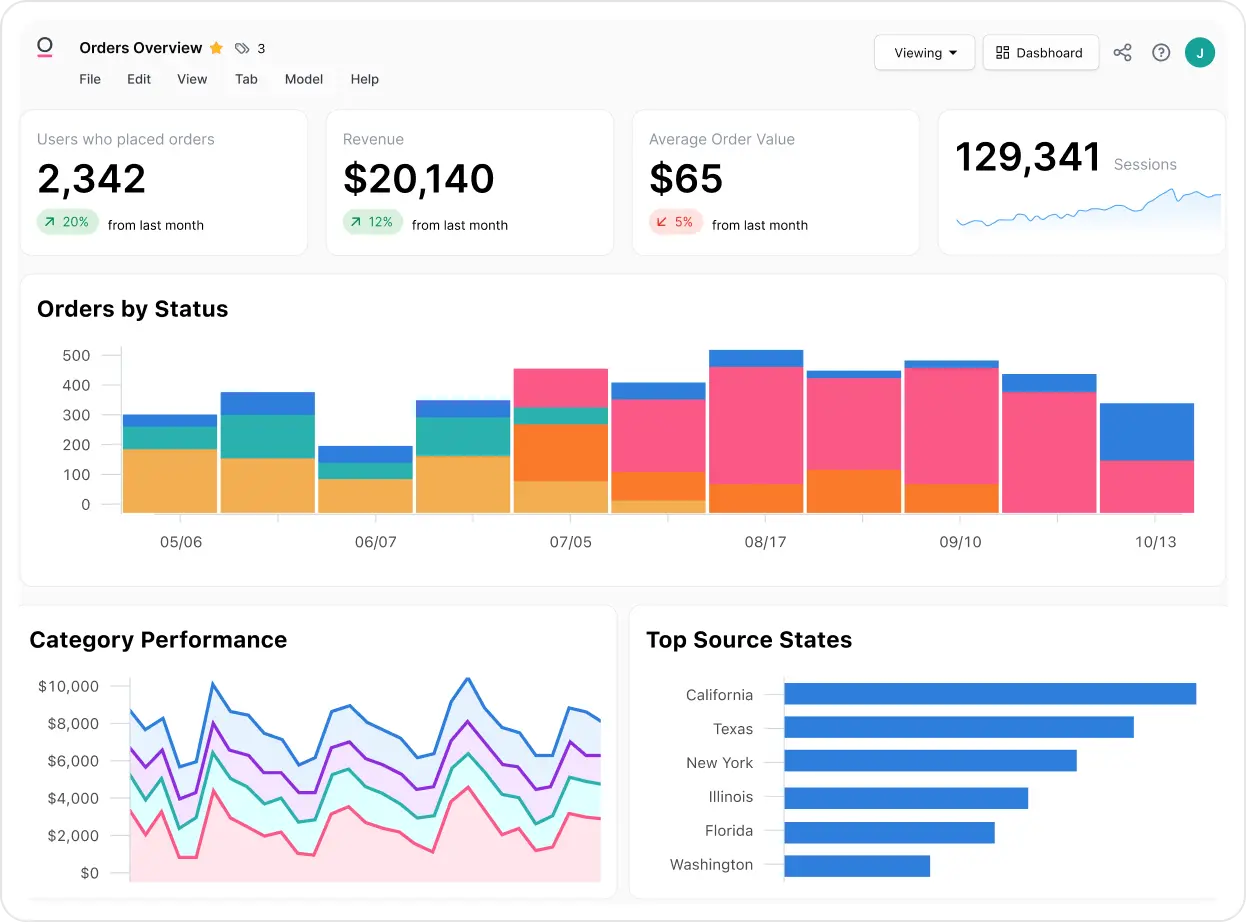
That smooth single-chat dashboard where you pick models on the fly (inspired by official previews)
Content Creators
Text + images + video in one flow, no more copy-paste nightmares.
Developers & Coders
Switch between code-strong models like Grok or DeepSeek mid-convo.
Heavy AI Users
One sub replaces 5–10 others, huge savings and less chaos.
Teams & Collaborators
Shared workspaces on higher plans for group brainstorming.
Stuff I Actually Use Every Day
Standout Features
- One Chat to Rule Them All: 350+ models ready—text, pic, vid, sound—pick or auto-select on the fly.
- Chain Like Magic: Start with Claude for writing, feed to Sora for video, edit with another—no context loss.
- Latest & Greatest: GPT-5.2, Claude 4.5, Gemini 3, Grok, plus fresh video models like Veo 3 & Sora 2.
- Projects & Memory: Save chats with custom instructions, files, history—feels like your personal AI workspace.
- Privacy & Tracking: Encrypted, no training on your data; dashboard shows exactly what credits/models you're burning.
How It Holds Up in Real Life
Speed is solid—most responses come quick, even with heavy models. Chaining works smoothly 90% of the time; occasional hiccups if a model is overloaded, but rare. Quality? Top-tier since you're using the best versions. For me, the biggest win is time saved—no more logging in/out or copying prompts around.
What Really Shines
Huge Model Variety
Chaining Workflows
Crazy Good Value
Pricing – Straight Talk
Free Tier
$0
Good for dipping toes
- 200K credits to play
- Basic access
- Limited models/speed
Paid Plan
$20/mo
The sweet spot
- Full 350+ models
- Unlimited chaining
- Priority speed
- Projects & tracking
As of Jan 2026 – monthly billing, higher tiers for teams/unlimited. Check site for any flash deals or credit extras.
Pros & Cons – Keeping It Real
What I Love
- One place for everything – huge time saver
- Chaining is game-changing for creative workflows
- $20/mo beats paying 4–5 separate subs
- Always getting the latest models fast
- Clean UI, no bloat
What Could Be Better
- Free tier credits run out quick if you go hard
- Some niche models occasionally down/queued
- No offline mode (obviously, cloud-based)
- Team features locked behind higher plans
My Score: 9.2/10
If you're deep into AI and want less hassle/more power without breaking the bank, Omni1.ai is a no-brainer in 2026. The model variety + chaining makes it feel like future-proofing your workflow. Super solid pick.
Model Power: 9.5/10
Bang for Buck: 9.6/10
Versatility: 9.0/10
Ready to Ditch the Tab Chaos?
Jump into one platform with all the best AIs – start free or grab the $20 plan and thank me later.
Free credits to start + $20/mo plans as of Jan 2026.