
Last Updated: January 19, 2026 | Review Stance: Independent testing, includes affiliate links
Quick Navigation
TL;DR - Cursor 2026 Review
Cursor dominates 2026 as the ultimate AI code editor: agentic workflows, Composer for multi-file magic, Bugbot PR reviews, semantic understanding, and frontier models. Massive productivity boost—free Hobby tier, Pro from $20/mo for unlimited power, Teams/Enterprise for scale.
Cursor Review Overview and Methodology
Cursor is an AI-first code editor (VS Code fork) that turns developers into superhumans with agentic AI: autonomous coding, smart autocomplete, multi-file editing, bug detection, and deep codebase awareness. In 2026, it supports frontier models and integrates everywhere devs work (editor, CLI, GitHub, Slack).
This independent 2026 review tests real workflows: generating code, agent autonomy, Bugbot reviews, multi-file Composer edits, context recall, and performance across large codebases for solo devs, teams, and enterprises.
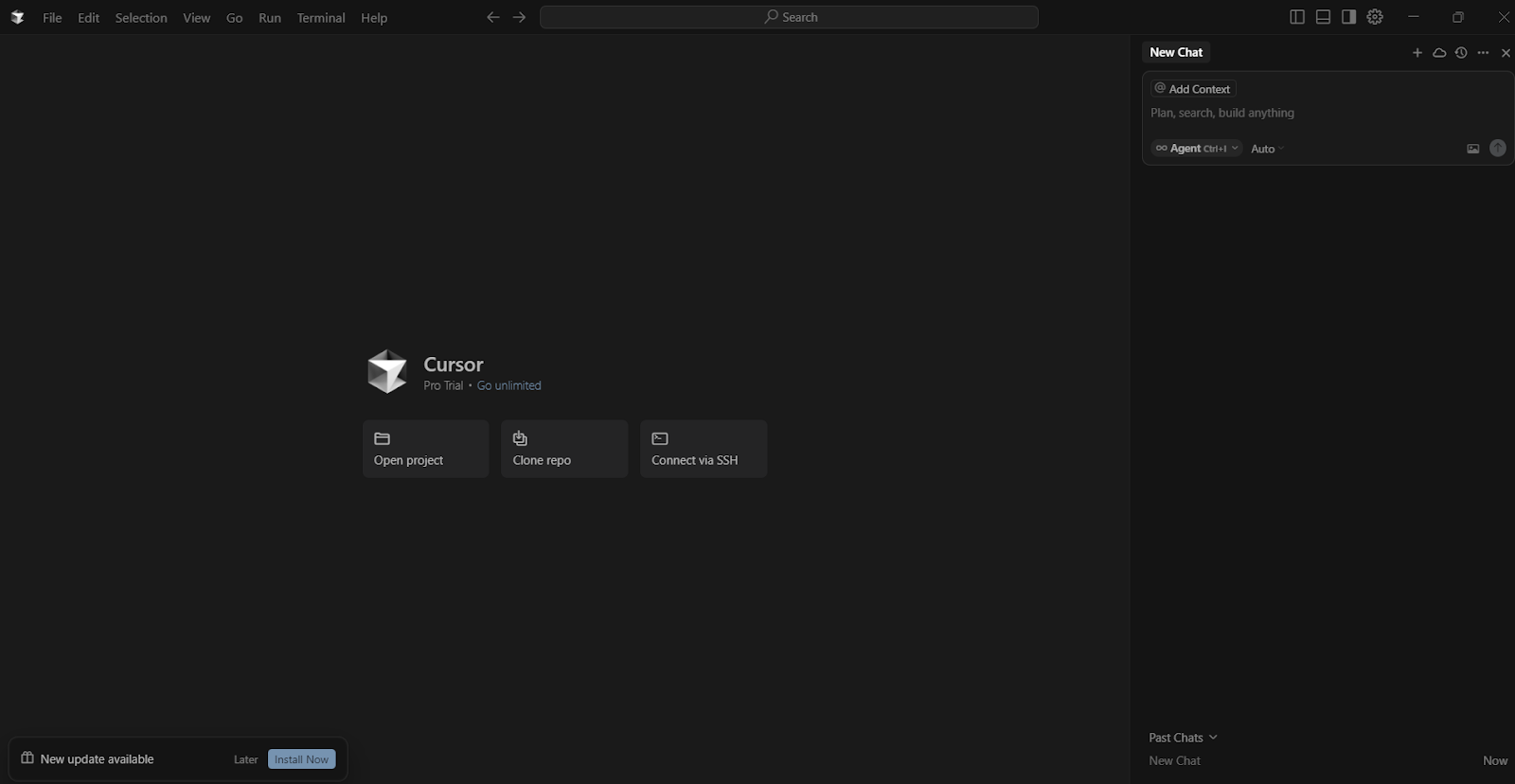
Cursor intuitive editor interface with Tab & agent panel (official demo style)

Composer feature for agentic multi-file coding (2026 update)
Individual Developers
Solo coding, rapid prototyping, bug fixing.
Engineering Teams
Shared rules, PR reviews, collaboration.
Enterprises
Scale, security, analytics, SSO.
AI/ML Researchers
Experiment frameworks, model training.
Core Features of Cursor
Key Tools & Capabilities
- Tab Autocomplete: Custom model for magically accurate, multi-line predictions.
- Composer & Agent Mode: Multi-file edits, autonomous agents with autonomy slider.
- Bugbot & Code Review: AI-powered PR reviews, bug detection, one-click fixes.
- Semantic Codebase Understanding: Deep recall, search across large repos.
- Frontier Models: GPT-5.2, Claude, Gemini, Grok + custom Cursor models.
- Integrations: VS Code extensions, GitHub, Slack, CLI, cloud handoff.
Cursor Functionality & Performance
In 2026 real-world use, Cursor delivers 10x+ productivity: agents handle complex tasks autonomously, Tab suggestions are highly accepted, Bugbot catches subtle bugs with low false positives. Fast, accurate, scalable—perfect for large codebases and teams.
Key Advantages in Performance
Deep Context
Fast Tab
Bug Detection
Enterprise Scale
Cursor Pricing & Plans
Hobby
$0
Free Forever
- Limited Agent & Tab
- Basic features
- No card required
Pro
$20/mo
Individual Power
- Unlimited Tab
- Extended Agent
- Max context windows
Pro+ / Ultra / Teams
$60 – $200+/mo
Power & Teams
- 3x–20x model usage
- Shared rules & analytics
- SSO, security controls
As of January 2026, annual billing available; Enterprise custom. Bugbot add-on from $0–$40/user/mo. Check official for latest.
Pros & Cons: Balanced Assessment
Strengths
- Agentic & autonomous coding
- Excellent Tab accuracy
- Deep codebase understanding
- Bugbot for reliable reviews
- VS Code compatible
- Enterprise security & scale
Limitations
- Hobby tier very limited
- Heavy usage needs Pro+/Ultra
- Learning curve for agents
- Relies on API/model costs
Final Verdict: 9.4/10
Cursor is the gold standard 2026 AI coding tool—agentic, intelligent, and integrated. It transforms workflows for devs at all scales. Free to start, paid for serious power.
Productivity Boost: 9.7/10
Value for Money: 9.2/10
Feature Set: 9.6/10
Level Up Your Coding with AI Agents
Start with free Hobby tier—experience Tab, Composer, and agents today.
Free Hobby tier & paid plans as of January 2026.